Lists of frequently asked questions
Demo version
How can I submit a trial request via the program?
For Windows
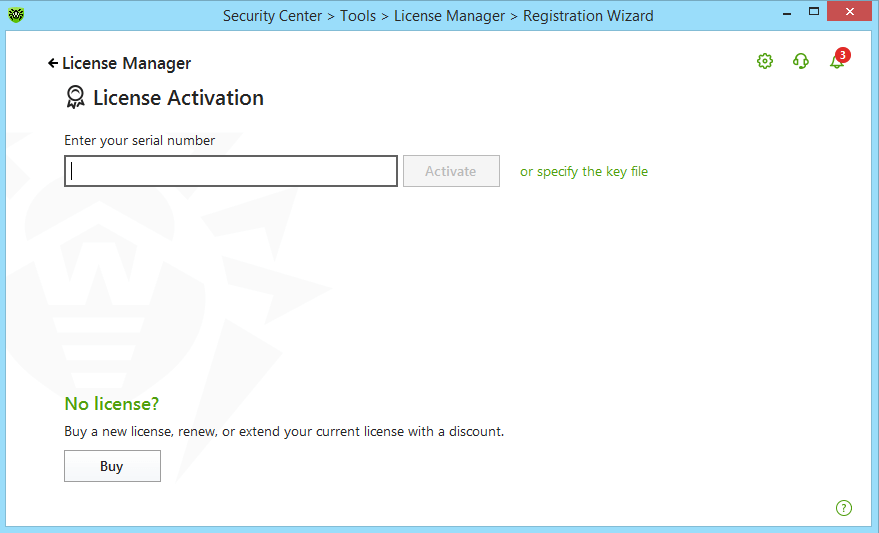
After installing the program, open the License Manager and follow the link you need (for 30 days or for 90 days) in the Get trial version section.
For Linux/Mac
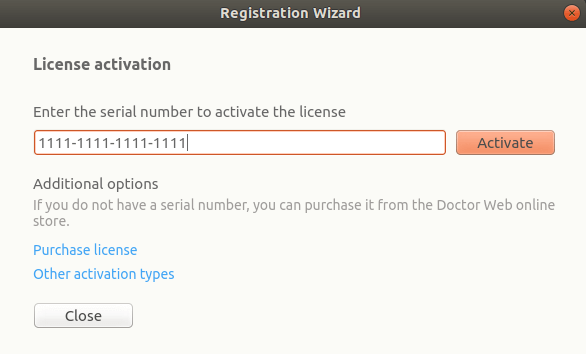
You can request a 30-day trial by clicking on the link Activate a 30-day trial period in the Registration Wizard.
I'm using a demo version. What can I do if I have any questions about the program?
All products developed by Doctor Web come with comprehensive user manuals. To download a manual for the anti-virus installed on your PC, look for the product’s description in the Download section of www.drweb.com. Open a corresponding page and download the manual from the Documentation section.
If you can't find an answer to your question in the documentation, please go to the Frequently asked questions section or contact the Technical Support service.
I'm using a demo Dr.Web anti-virus. Since yesterday an anti-virus usage period expiry message appears whenever I reboot the system. What's happened?
This message means that the thirty day trial period is over. You need to either remove the anti-virus, or purchase a licensed version of Dr.Web.
Do I need to remove the trial version from my computer before I install the licensed version?
Removing the program from your computer is not necessary. To turn a trial copy of Dr.Web into a licensed version, you need to purchase a license and register it. Right click on the Dr.Web icon in the system tray and select Register in the context menu. During registration you will need to choose the option Obtain a license key file with serial number. Once you have entered your serial number, a key file will be downloaded to your computer automatically. An Internet connection is required for registration.
I'm using a demo version of an anti-virus from another company. Can I change it for Dr.Web at a discount under the promotional offer "Switch to the green"?
No. In order to migrate to Dr.Web anti-virus at a discount provided under this programme, you need a commercial license for a different anti-virus. Find out more about the "Switch to the green!" programme here.
The program informs me that the demo expires, even though I bought a commercial license (license renewal) and registered it. What shall I do?
If you already have registered your serial number, do the following:
Right-click on the Dr.Web icon in the notification area. In the context menu, select Tools–> License Manager. In the License Manager you need to remove the demo license (key file drwdemo.key) and reboot the computer.
Terms
- Malware analysis — malware research by Doctor Web security researchers.
- Anti-virus laboratory — the Doctor Web division whose specialists (virus analysts) analyse malware and potentially dangerous software, decrypt files, analyse VCIs and other computer incidents, and release Dr.Web updates, hotfixes, workarounds and virus database updates.
- Beta version — a preliminary Dr.Web version that is offered to an indefinite range of stakeholders for testing purposes (to test its features or compatibility). It can contain errors and is not recommended to be used in a production environment. Technical support is not available to users of beta versions.
- A virus-related computer incident (VCI) — a computer incident that occurred as a result of a malicious program(s) or of using a malicious program(s). A VCI can, for example, result in theft, data leaks, information resource hacking, information system surveillance, information system disruptions or data modification using malicious software and potentially dangerous software.
- Malicious software — a malicious program(s), i.e., a program(s) or other computer information intentionally designed to carry out the unauthorised deletion, blocking, modification, and copying of computer data or the neutralisation of its means of protection.
- Ticket response time — the time between a request’s creation and the initial response from a technical support specialist in the corresponding ticket. A ticket’s response time depends on the support level to which a Dr.Web user is entitled.
- Request creation time — the time that a Dr.Web user submits a request.
- Trial license (trial) — a time-limited, free full version license/sublicense (from 14 days to 3 months) intended for customer use to test the Dr.Web software.
- Detect — a specific anti-virus software reaction indicating that signs of malware, potentially dangerous software or other software containing unsafe features may have been detected on a scanned object.
- Dr.Web software defect (bug) — a Dr.Web software error that has been recognised by the developer and considered to be corrected with the help of an update or a hotfix release.
- Request — a Dr.Web user request that has been submitted to the technical support service via the request interface at support.drweb.com (hereinafter–Request form) or via the user’s Dr.Web personal account area.
- Request initiator (Ticket initiator) — a Dr.Web user who submits request to the technical support service.
- Computer incident — the fact of a violation and (or) termination of the functioning of an object within the information infrastructure, the telecommunication network used for the interaction of such objects, and (or) the violation of the security of the information processed by such an object, including those that have occurred as the consequence of a computer attack.
- Conflict (incompatibility) — a violation or the absence of Dr.Web’s normal interaction with third-party software installed on a protected device, as well as the situation occurring when the simultaneous installation of Dr.Web and another software program can cause Dr.Web, the third-party software, or the protected device to operate incorrectly.
- False positive — failure in Detecting malware or Detecting software that is not malware, potentially dangerous software, or suspicious software.
- Dr.Web version numbering — a numerical designation of Dr.Web generations, consisting of 3 parts: major (current) version (before the first dot), minor version (before the second dot), and version update (after the second dot). For example: 11.0.2.
- Update (of versions, program modules, virus databases) — all changes made to the Dr.Web software and databases that are, for example, associated with adding new functionality. Version upgrading is accompanied by a change in version number.
- Workaround — a temporary solution to eliminate an identified problem or defect in the Dr.Web software, which implies that a full correction will be made in the future.
- Ticket operator — a technical support service employee who is responsible for processing requests in the tracker.
- Software — computer software.
- Dr.Web software — any software developed by Doctor Web — the owner of the exclusive rights to the Dr.Web family of anti-virus software.
- Potentially dangerous software — software that may be used for malicious purposes: for the unauthorised deletion, blocking, modification, and copying of computer data or the neutralisation of its protection.
- Decryption — the recovery of a user's decrypted files.
- AVS — Doctor Web Ltd.'s anti-virus solution.
- Incident severity — characteristics of a computer incident involving Dr.Web or VCIs in a system protected by Dr.Web. The technical support specialist and the Dr.Web user (the request initiator) may interpret the severity of an incident differly.
- Sales support service — several Doctor Web divisions tasked with providing consulting services to Dr.Web users regarding the purchase of non-exclusive licenses/sublicenses to use Dr.Web software.
- Technical support service — the Doctor Web division tasked with providing operational assistance to Dr.Web users on issues related to Dr.Web’s installation, configuration, operation and removal, and other assistance related to information security, including technical investigations of computer incidents and virus-related computer incidents that have occurred in Dr.Web users' systems, within the scope of their rights.
- Ticket lifecycle — the time from when a request is created to the moment the ticket is closed by its initiator or operator.
- Ticket status — the status that is assigned to a ticket depending on its lifecycle stage. All statuses.
- Ticket — a formalised record in the tracker containing the communications between its initiator (the Dr.Web user) and its operator (the technical support specialist) on the topic of the corresponding request.
- Tracker — the technical support service used to receive and process requests from Dr.Web users.
- Hotfix — the prompt correction of a detected critical defect (bug) in the Dr.Web software.
Decryption of data encoded by ransomware Trojans
My files have been encrypted by malware. If I buy a Dr.Web license, will I be able to have them decrypted free of charge?
Unfortunately, the probability of successfully decrypting your files is less than 1% (find out more). We will only be able to tell you for sure after you provide our technical support engineers with several samples of the encrypted files.
I do not use Dr.Web. Can you still decrypt files for me?
We will only be able to tell you for sure after you provide our technical support engineers with several samples of the encrypted files. Unfortunately, the probability of successfully decrypting your files is less than 1%. Find out more.
Where can I file a request to have my files, which have been compromised by encryption ransomware, decrypted?
Who can file a request for free decryption?
If, at the moment of infection, you had a valid commercial Dr.Web license and the current version of Dr.Web Enterprise Security Suite/Dr.Web Desktop Security Suite/Dr.Web Security Space was installed, you are entitled to free decryption if it is possible. You can check whether your version is current in the Download Wizard by entering your serial number: the first version in the newly appeared list is the current one.
You are welcome to submit a request via the form.
You can find the list of reasons why Doctor Web may decline requests for free data recovery here.
My customer's data has been corrupted by encryption ransomware. How can I submit a decryption request on their behalf?
If, at the moment of infection, you had a valid commercial Dr.Web license and the current version of Dr.Web Enterprise Security Suite/Dr.Web Desktop Security Suite/Dr.Web Security Space was installed, you are entitled to free decryption if it is possible. Submit a request for free decryption via the form. Attach to your request the power of attorney that entitles you to represent the interests of the customer, as well as documents confirming that your customer is the legal owner of this license (a photo or a scanned copy of the license certificate, the payment receipt, an email from the online store or other confirming documents).
You can find the list of reasons why Doctor Web may decline requests for free data recovery here.
Ticket statuses in Doctor Web's technical support tracker
- New — the ticket has been created by the user, but it has not yet been processed by Doctor Web’s support engineers.
- Acknowledged — the ticket is assigned to a Doctor Web support engineer for processing.
- User response needed — the Doctor Web support engineer has replied to the user's question and now waits for the user to react to this answer or close the ticket to indicate that their question has been resolved.
- Pending support response — the user has made an entry in the ticket and now awaits the support engineer's response.
- Closed — the ticket is closed by the customer, the support engineer, or automatically. This means that the work it complete. The user can still open the ticket and read its notes.
- Waiting for (development response / virus monitoring service response / partners department response) — the question cannot be resolved either partially or completely by the technical support engineers since it is not within their scope of competence. The question is forwarded to profile specialists, and the answer is awaited from them.
- Waiting for updated component release — the technical support engineers cannot solve the issue, and a product update is required. The ticket is put into release standby mode, and the date of release depends on Doctor Web development department procedures.
- Closed (decryption failed) — files corrupted by encryption ransomware cannot be recovered.
- Closed (decryption success) — files corrupted by encryption ransomware were recovered.
How to quickly access the support request form
Using the Contact us widget, access the support request form by clicking on the Query form button.

How to create a support request from your Doctor Web account
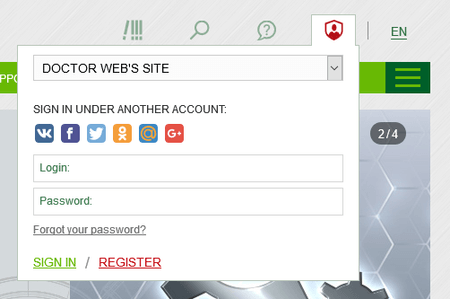
- Sign in to your Doctor Web account via the sign-in widget in the Profile tab.
-
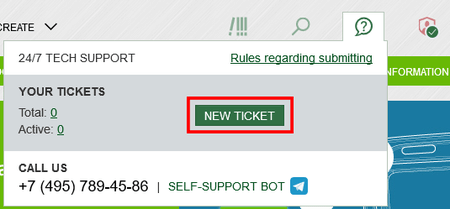
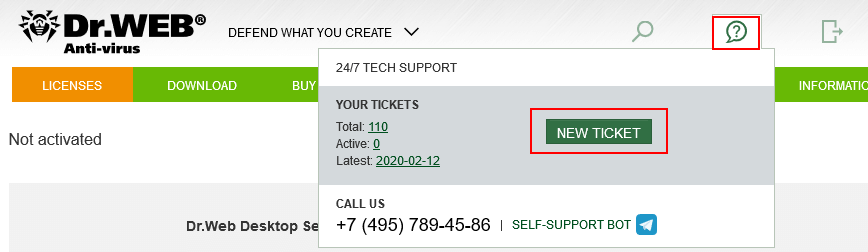
Using the Contact us widget, access the support request form by clicking on the New ticket button.


Why is it better to contact the support service via My Dr.Web Portal?
- No need to enter your license information
- Your entire support request history is here
Why is it better to write than call?
- We respond quickly
- We’ll need logs and others additional files for our investigation
- The correspondence history will be stored
How to create a support request in My Dr.Web Portal for business users
- Sign in to My Dr.Web Portal via the sign-in widget in the Profile tab.
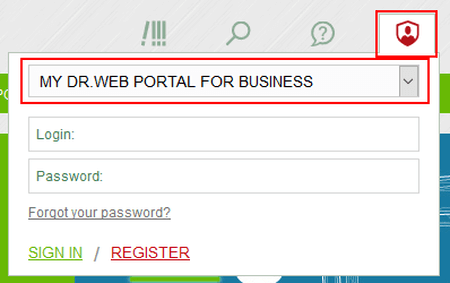
-
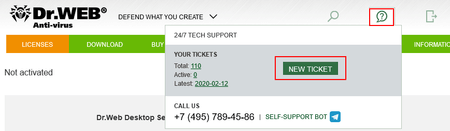
In My Dr.Web Portal, click on the Contact us widget and then on the New ticket button.
- Ask your question in the support request form.

Why is it better to contact the support service via My Dr.Web Portal?
- No need to enter your license information
- Your entire support request history for all your accounts is here
- Your employees’ work with Doctor Web's support service can be monitored
Why is it better to write than call?
- We respond quickly
- We’ll need logs and others additional files for our investigation
- The correspondence history will be stored
Recovering a blocked key file
How to restore a magazine license , demo or OEM license
These are non-commercial licenses (they are not for sale) and, therefore, cannot be restored.
To continue using Dr.Web, purchase a commercial license in the Dr.Web eStore or from an authorized Doctor Web partner
If you access the service to restore a blocked key file via My Dr.Web Portal
- Log into My Dr.Web Portal—select the appropriate option from the menu of your Dr.Web application.

- Go to the ‘Licenses’ section, and in the ‘Blocked’ tab, select ‘Replace serial number’.


What happens next
A new serial number will be sent to the email address you specified when you registered the serial number.
IMPORTANT! If you no longer use this email address, contact Doctor Web's Technical Support Service to replace your license.
If you've already used the one-time option to restore your license free of charge
If your license has been blocked because of piracy, it means that you violated the terms of the license that enabled you to use the Dr.Web key you received when you registred your serial number. You have violated terms in clauses 5.1. and/or 5.3 of the Doctor Web software usage agreement you accepted when registering your Dr.Web serial number.
clause 5.1… The software can only be used within a specified period of time, under a defined operating system and with the number of protected objects specified in the license key file, and in accordance with other parameters specified in the file.
«п. 5.3... You can store no more than two backup copies of a license key file. You may not give these copies to a third party or place them on tangible media that is accessible to a third party or make the files accessible to the public over the Internet or by any other means. If a valid key file is found to be in the public domain, the Rights Holder is entitled to render a software copy non-operational and disable its features.
If you have already used the one-time option to restore a Dr.Web key file and wish to continue using Dr.Web, you need to renew or expand (if necessary) your blocked license — via the Dr.Web eStore or an authorized partner of Doctor Web.
In either case, you will get a renewal discount — starting at 40% for a one-year license.
What’s in the report produced by the Dr.Web utility used to collect system information?
A report contains the following information:
Technical information about the operating system:
- general system information;
- launched processes;
- scheduled tasks;
- services, drivers;
- the default browser;
- installed applications;
- restriction policies;
- the HOSTS file;
- DNS servers;
- entries in the system event log;
- a list of system directories;
- registry branches;
- Winsock providers;
- network connections;
- Dr.Watson debugger reports;
- performance index;
- BIOS/UEFI firmware dump;
- Windows USN transaction log for all volumes in the system;
- information about all browsers in the system, not only the default information, and their extensions;
- information about Windows updates, installed and uninstalled patches, and service packs;
- system DNS cache;
- Amcache cache information;
- information about Windows Defender, settings, exceptions, detections;
- information about WMI.
Information about the installed Dr.Web software:
- type and version of the installed Dr.Web software;
- information about the set of installed components;
- information about the Dr.Web software modules (files);
- settings and configuration parameters of Dr.Web software;
- license information;
- Dr.Web software operation logs.
Download Wizard
How to sign in to the Download Wizard
Use the Download Wizard to download distributions for Dr.Web products and the documentation for them. Access to these files is provided in accordance with your Dr.Web product’s license; this helps avoid confusion — you will only be able to download those files that may be needed.
The Download Wizard is available at https://download.drweb.com/.
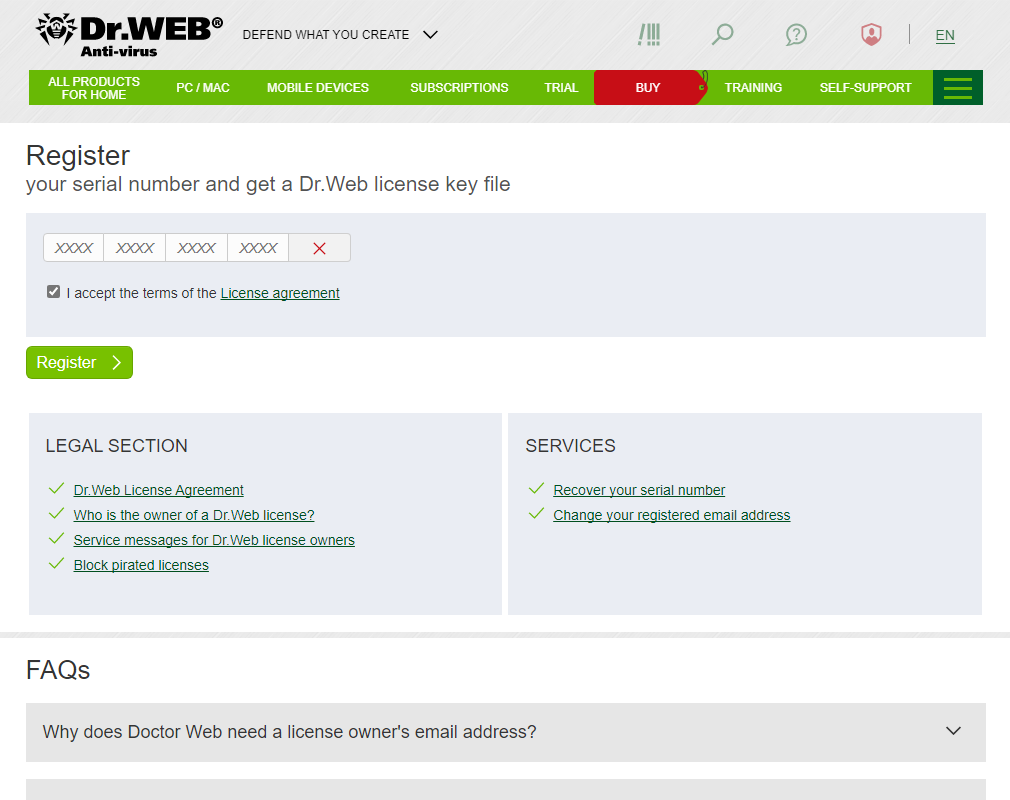
Enter your license’s serial number and the email address you used to register it. If your license hasn't yet been registered, register it using the service at: https://products.drweb.com/register.
The license covers one product — how to download
Let's assume that you have a Dr.Web Desktop Security Suite license.
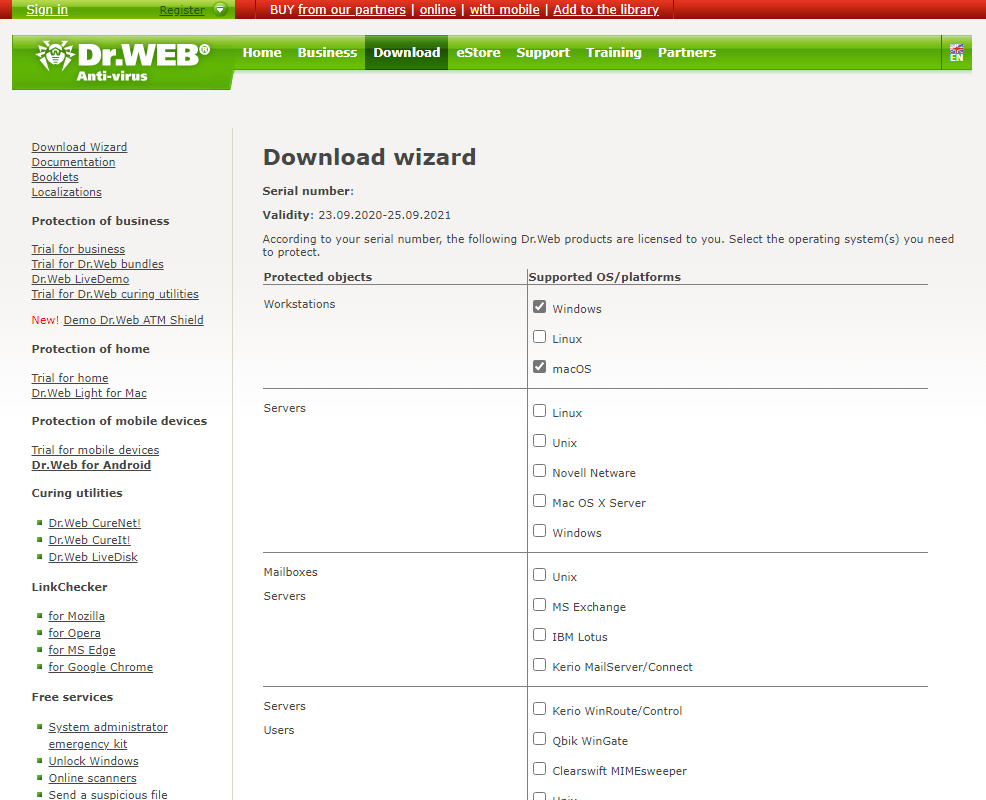
Once you sign in to the Download Wizard, you will be prompted to choose the OS that you want to protect. Let’s say that you have workstations running Windows and Mac. Select the corresponding checkboxes and click on the Send button.
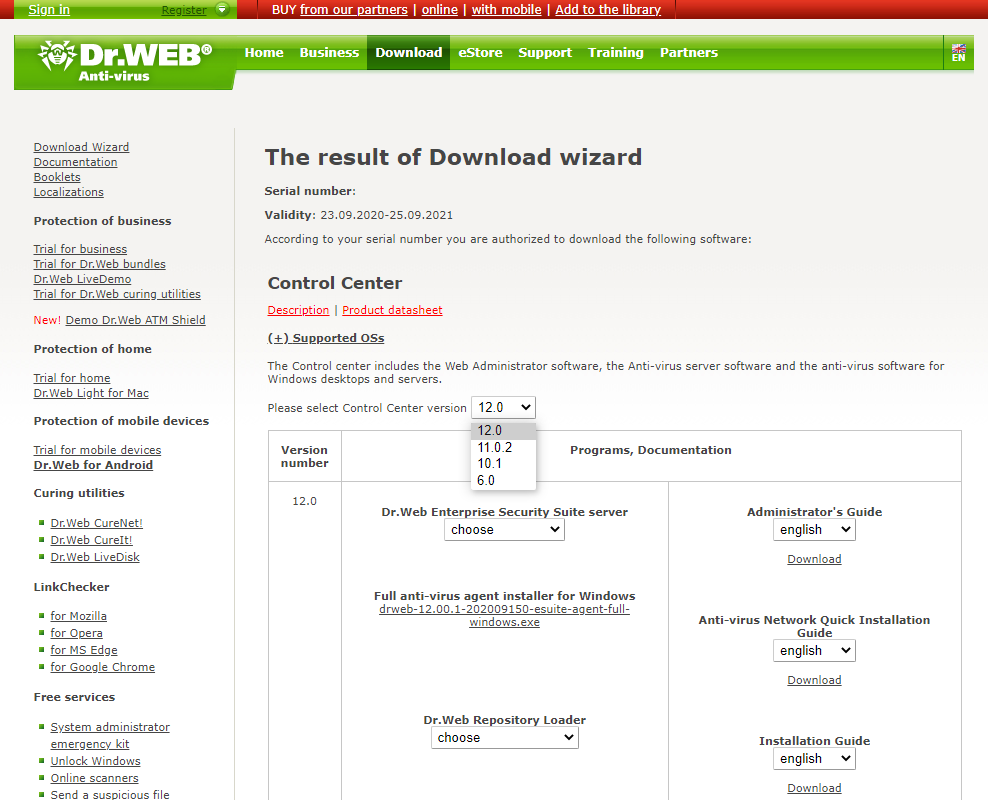
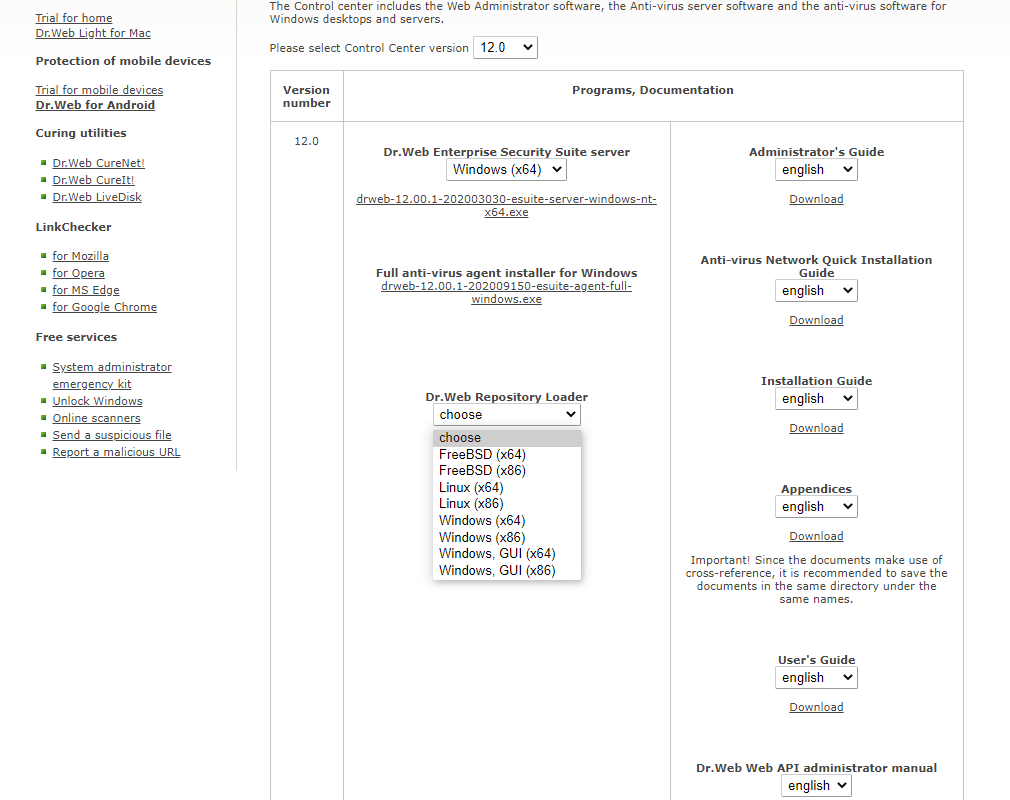
In the next step, select the Dr.Web Enterprise Suite version.
Always use the latest version of Dr.Web.
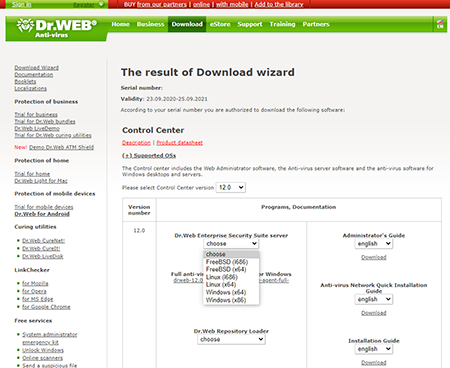
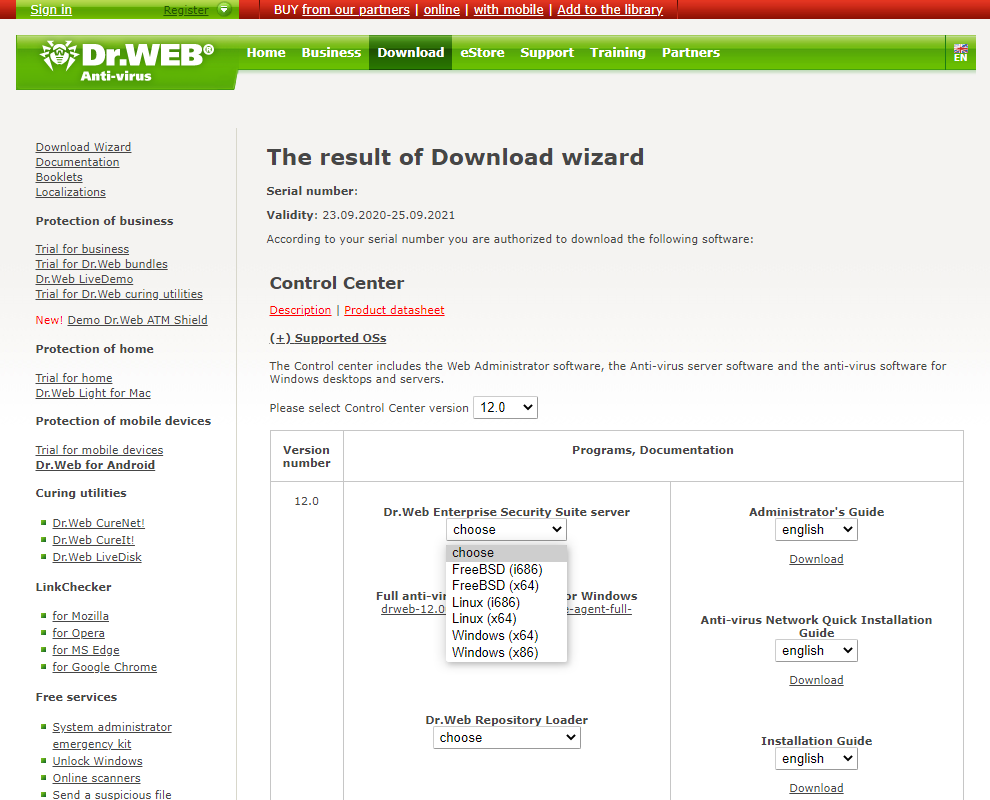
If you are going to use centralised anti-virus protection, select the appropriate edition of the Dr.Web server distribution. Each operating system has its own edition of Dr.Web server. For example, if the Dr.Web server will be installed on Windows, select Dr.Web server's Windows edition.
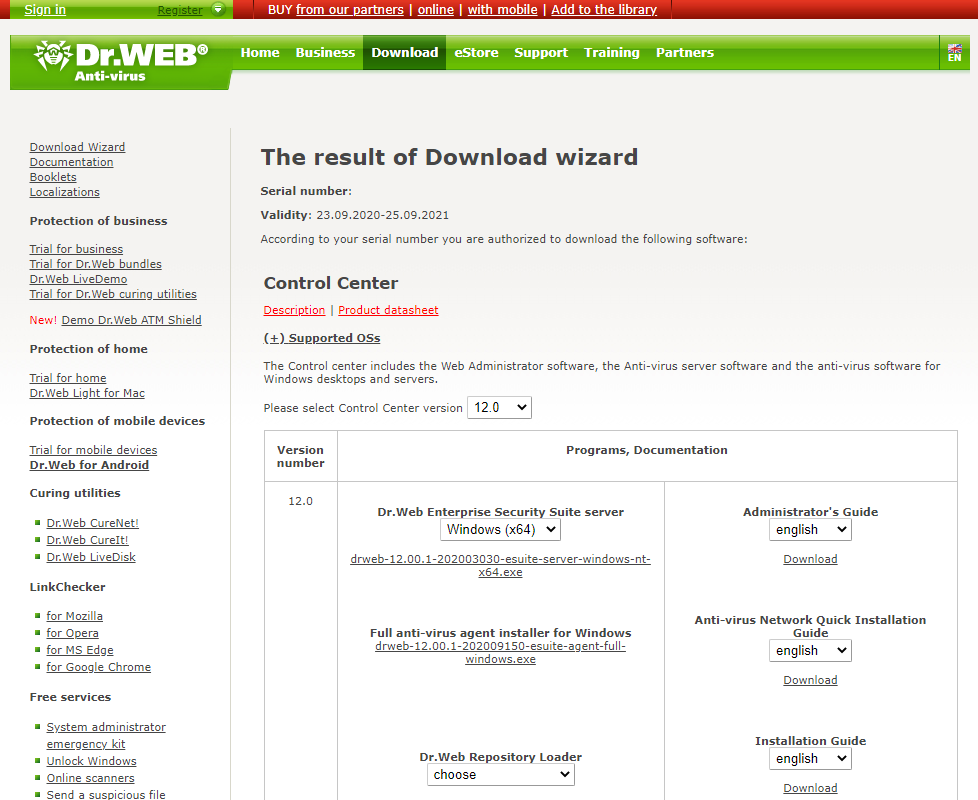
You will see a link to download the Dr.Web server distribution.
The distribution also contains installation files for workstations running Windows, Windows Server, Linux and Mac. That's why you usually do not need to download other distribution files.
Also download the documentation (the Administrator Manual, the Anti-virus network Installation Guide and the Installation Guide).
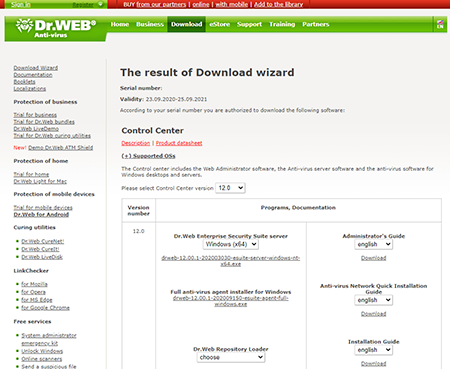
If the network connection between the Dr.Web server and the protected stations has significant speed restrictions, use the full version of the anti-virus agent to install the anti-virus on the stations.
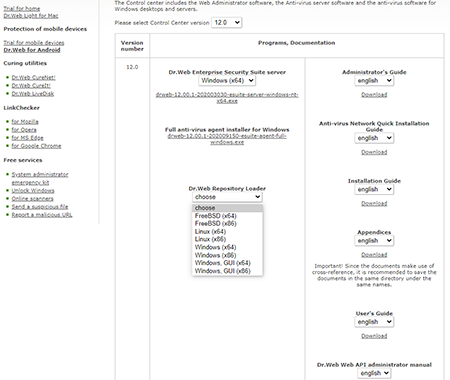
If you are going to install Dr.Web server on a computer that is not connected to the Internet, you can take advantage of the Dr.Web repository downloader. Use it to download updates to a local folder on any computer that is connected to the Internet; then use this folder to update the Dr.Web repository on the computer where Dr.Web server is installed.
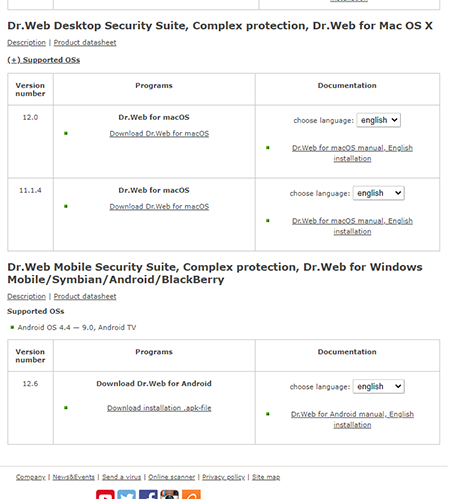
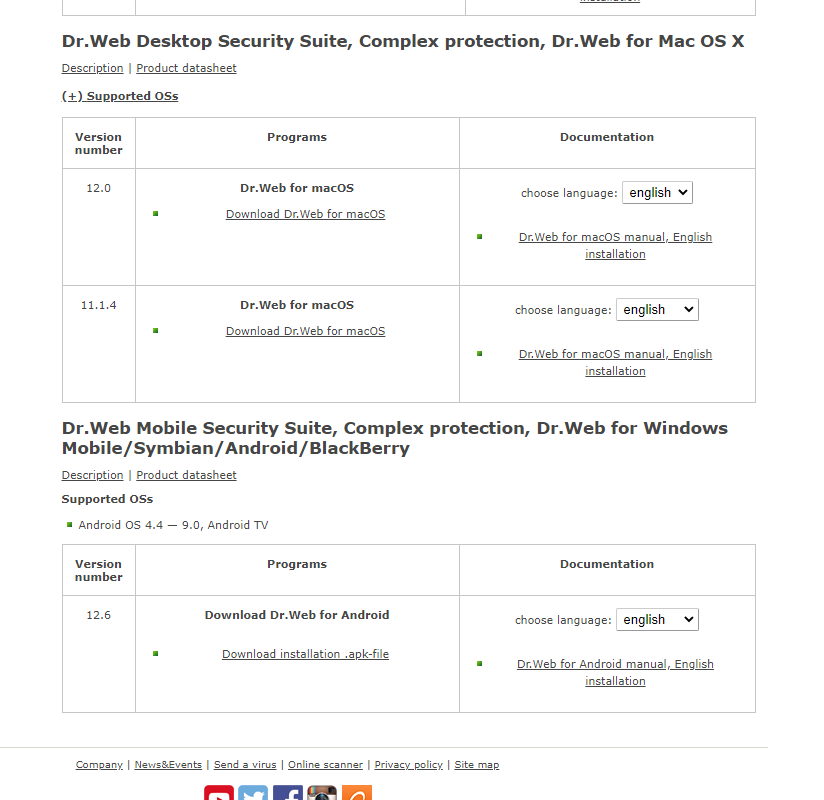
- If you do not intend to use centralised protection, download individual Dr.Web distributions for the workstations. Since you previously selected Windows and Mac stations, the Download Wizard will offer you links for downloading the distributions specifically for these operating systems.


The license covers two products — how to download
Once you enter your serial number, choose the OSs used by the protected objects — workstations and servers. In this example, this is Windows workstations and a couple of servers — one for Linux and one for Windows. Select the corresponding checkboxes. For the Linux server, select "Unix". Click on the Send button.
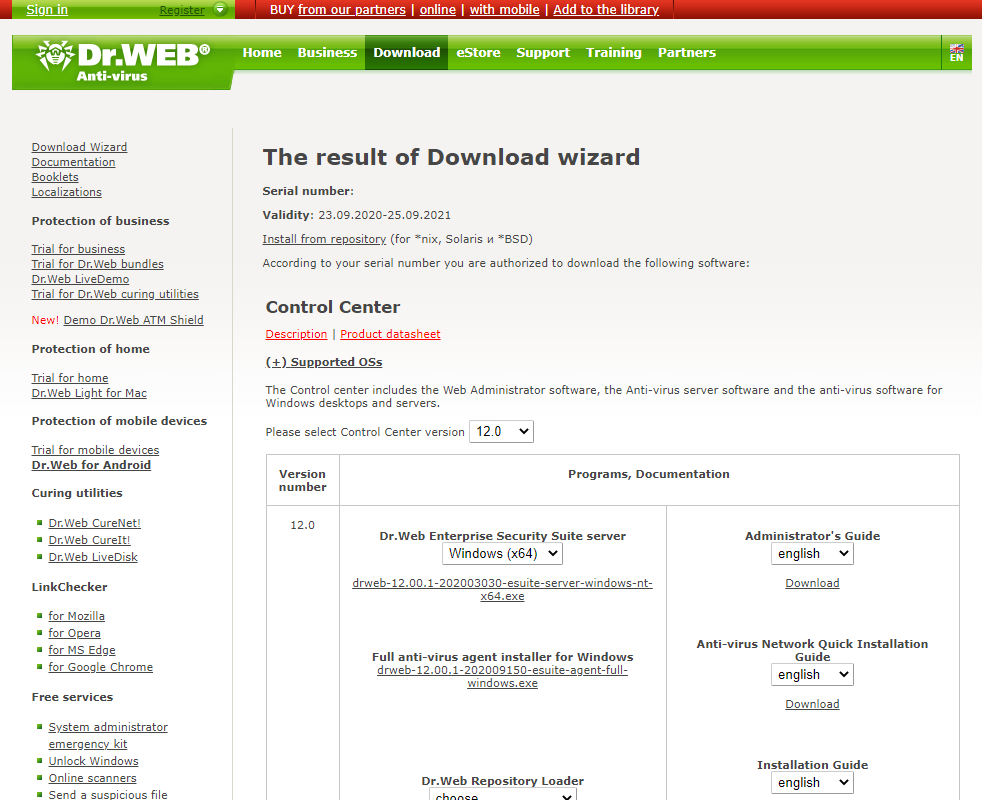
Also, download the documentation (the Administrator Manual, the Anti-virus network Installation Guide and the Installation Guide).
If you are going to use centralised anti-virus protection, just select the Dr.Web Enterprise Suite version and the edition of the Dr.Web server distribution for your OS.
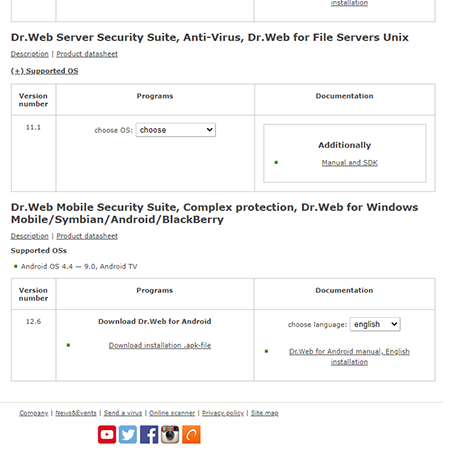
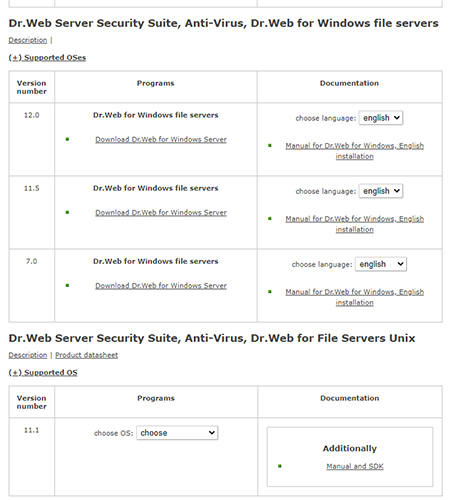
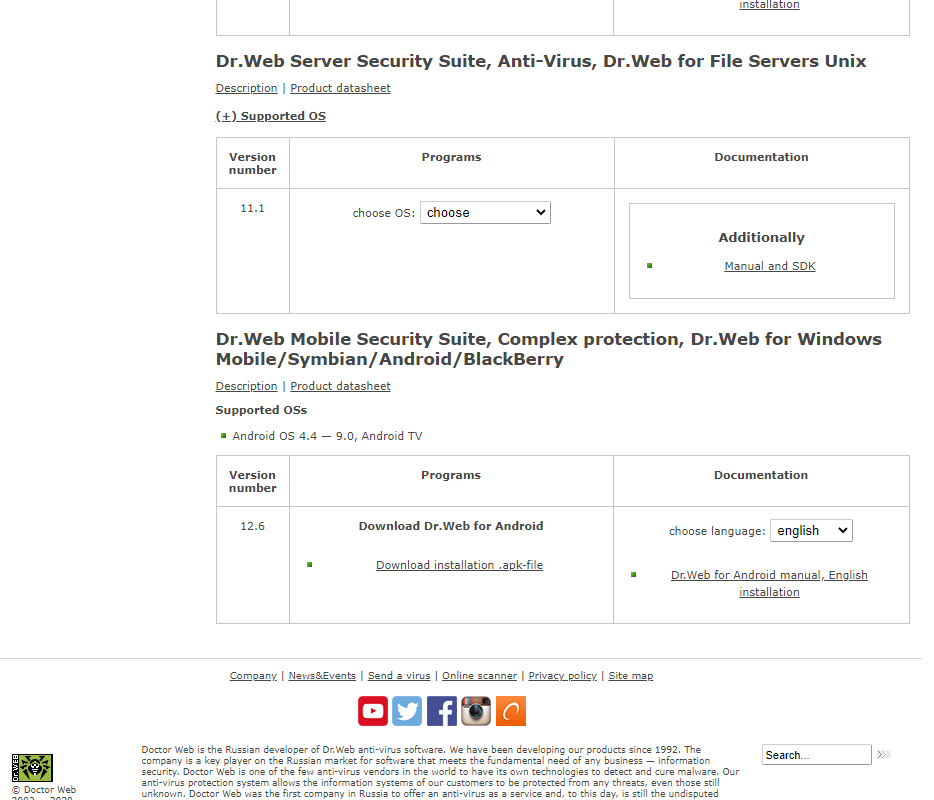
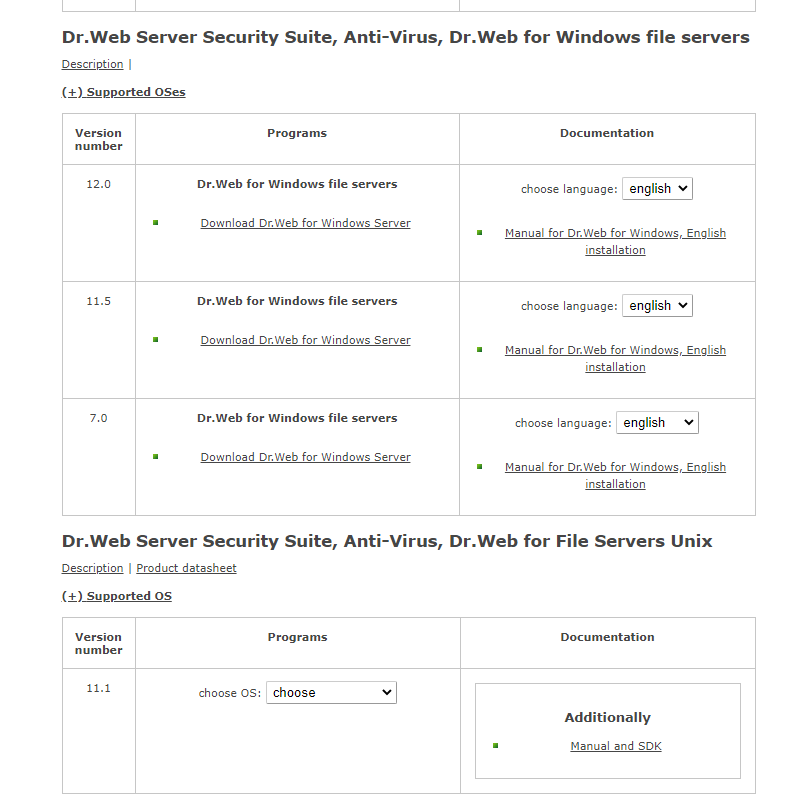
If you do not intend to use centralised protection, download individual Dr.Web distributions for workstations and servers.
Individual distributions are provided for different types of OSs.
How can I track the status of a ticket via the @DrWebSupportBot in Telegram?
To configure tracking, do the following:
- Find the DrWebSupportBot account in Telegram or follow the link https://telegram.me/DrWebSupportBot.
- In the bot's main menu, select "Connect to Dr.Web account". In this step, the bot will request an authorisation code that will link your Doctor Web account with your Telegram account.
- Go to the page https://www.drweb.com/user/profile/authenticator/?lng=en to get the authorisation code and copy it.
- Send the acquired code in a message to the bot.
Done—now you will receive notifications on all ticket status changes in the form of a bot notification.
This option is available only for those tickets that were created after the authorisation code was entered.
You can unlink your account from the bot on your own by clicking on the "Disconnect from Dr.Web account" button in the bot's menu.
Questions about serial numbers and the email address used for registration
Can I use a key file for 32-bit version of Dr.Web with a 64-bit version?
Yes, you can. The key doesn't depend on an OS version.
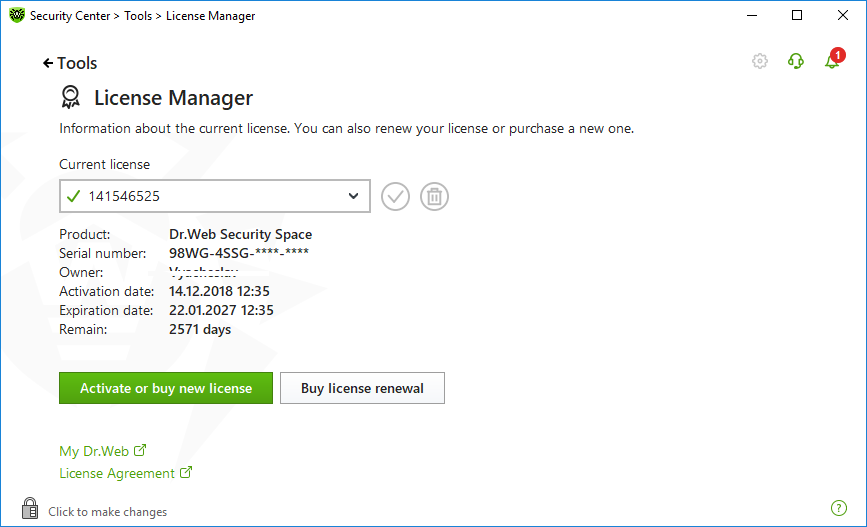
How can I learn the license validity period?
Right-click on the Dr.Web icon in the system tray and select Tools–> License Manager. In the subsequent window you will see all the information about the current license, including its expiration date.
How can I register a serial number if my computer is not connected to the Internet?
To register your serial number and obtain a license key file, you need to access the Internet. This can be done not only from the computer on which you installed Dr.Web, but also from any other PC connected to the Internet.
Go to the registration page Enter your serial number. If you are registering a license renewal, specify the serial number or the license key file of the previous license. Fill in the personal data fields. After registering on our website, you will be able to download the archive drweb32.zip which contains your license key file drweb32.key. Download this file and transfer it to your computer.
- If Dr.Web is already installed in the system, right-click on its icon in the system tray and select Tools → License Manager (if the License Manager item is not available, switch to administrative mode). In the License Manager window, click Get new license; select From file, and navigate to the folder into which you extracted your key file.
- If Dr.Web isn't installed on your computer yet, download the distribution from our website and run the installation file, specifying the path to the saved key file during installation.
How can I register a serial number if the Dr.Web anti-virus is not installed on my computer?
Download the distribution from our website and run the installation file. Specify your registration information during installation and you will receive a key file.
How do I register a license for two computers?
- If you have one license for multiple PCs, then use your serial number to get a key file on all computers.
- If you have 2 licenses, then use different serial numbers on different computers during the installation.
How do I register a purchased serial number if my demo key has not expired?
Click on the anti-virus icon in the system tray and select Register license. Then enter your serial number and the other information required for registration. The anti-virus will download the key file automatically.
How do I register a serial number if the Dr.Web anti-virus is already installed on my computer and the license key has expired?
Click on the anti-virus icon in the system tray and select Register license. Then enter your serial number and the other information required for registration. The anti-virus will download the key file automatically.
I am seeing this message: “The specified file is not a registry data file. You can import only binary registry data”.
The license key file drweb32.key really is not a registry file; therefore, there is no need to open it or add its contents to the registry. Right-click on the anti-virus icon (spider on green shield) in the system tray near the clock. Select Tools → License Manager. Press Get new license → From file…; browse to the key's location. Click Open.
After you import the key, restart your computer.
What do I do if by mistake I deleted a key file?
Get the key file the same way you did the first time. Right-click on the Dr.Web icon in the system tray and select Tools–> License Manager. In the subsequent window click Get a new license and select Via the Internet. In the resulting window, select Obtain a license key file, then enter your serial number and click Next. If the number you've entered is correct, the key file will be automatically installed on your computer.
What do I need to do first? Register a serial number and get a key file, or download and install the Dr.Web anti-virus?
It is recommended that you first download the Dr.Web anti-virus distribution and then, during installation, register the serial number.
Where can I find my Dr.Web serial number?
If your serial number is not registered
- You can find your serial number in the email you received from the online store after you purchased your license. If you purchased your license in the Dr.Web eStore via your Doctor Web account and registered your license in the loyalty programme, your serial number will be stored in the My purchases service for the lifetime of your account;
- If you purchased your license in a box, you can find your serial number printed on the License certificate;
- The license seller can restore your serial number (except for boxed products).
If your serial number is registered
- If Dr.Web is installed on your device — download this file and save it on the device. Double-click on the file. YourSerialNumber.txt will be created in the folder containing YSN.cmd. YourSerialNumber.txt will automatically open in the default text editor. All of your serial numbers will be recorded in this file, after “SN =”.
- If Dr.Web is not installed on your device — restore the number on our website.
- If you are using Dr.Web on a subscription basis — you do not need license key files or registration serial numbers. The required identifier (ID) is already imbedded in the code of the application installed on your workstation. You can find it in your Subscriber account area on your service supplier’s website. If you use Dr.Web via the SCC (you bought a subscription on Doctor Web's site), the subscription ID is located in the My subscriptions section.
If, after trying all relevant methods, you failed to restore your serial number, contact our technical support service. Attach to your request documents confirming that you are the rightful owner of the license as per these rules.
Why can't I see my full serial number (for example, in my My Dr.Web Portal)?
Doctor Web does this to protect the rights of legitimate license owners. Sometimes licenses get stolen — for example, when a computer is getting repaired at a service center. Some users publish their serial numbers on the Internet or give them to their friends, thus violating the terms of the license agreement and making it possible for anyone to apply for a renewal discount. To protect the rights of the rightful license owner, part of the serial number is hidden in Dr.Web services. The entire serial number is only visible to the license owner:
- in the email received from the Dr.Web eStore
- on the license certificate.
Never show these documents to anyone if you do not want to lose the privileges enjoyed by rightful license owners.
Where can I independently verify whether or not my Dr.Web serial number is active (registered)?
You can verify this in the License Manager (enter only the serial number, and do not fill in the email address field).
If the license is active, you can get full information about it in the License Manager (the list of software products and protection components for each product, the validity period, whether the license includes technical support services, and other useful information).
I entered the wrong email address when I registered my serial number. What should I?
- If you remember the wrong email address you used for registration, change the registration email on your own by using this service.
- If you do not remember this address:
- Contact our technical support and provide documents confirming that you are the legal owner of this license (a photo or a scanned copy of the license certificate, the payment receipt, an email from the online store, or other confirming documents).
- Change the registration email on your own by using this service.
I changed my email address. How can I register my license against my new email address?
I forgot the email address used to register the license. How can I recover it?
- Register your serial number again. An email containing the key file will be sent to your registered address. If you change this address, the email will be sent to your new address.
- Contact our technical support service. If you send a support request using an email address that differs from the one you used to register your license, our support expert will have to make sure that it is the license’s owner who has contacted the technical support service. They have the right to request a photo or scanned copy of the customer's license certificate, their license receipt, an email from the eStore containing the user’s name and email address, or other documents that may serve as confirmation. We hope you understand that if John Doe is the registered owner of a license, but John Smith asks us to restore the registered email address, we will reject such a request in accordance with current Russian legislation. For more about who the owner of a Dr.Web license is, read here.
I purchased Dr.Web in a retail store. The sales person installed and registered it there. Someone else's email address was used for registration. How do I know what email address my license was registered against?
IMPORTANT! Do not allow anyone to register your license using an email account that belongs to someone else and is inaccessible to you! If they do, you will not be able to use our services (for example, to make technical support requests as a Dr.Web commercial user) and get the benefits associated with license ownership, including the right to renew at a discount.
If that happened:
- contact the store where you registered your license, and try to find out what email address was used; or
- contact Doctor Web's technical support service. Our support expert will have to make sure that it is the license’s owner who has contacted the technical support service. Before contacting the support service, please prepare a photo or scanned copy of the license certificate, the license receipt, an email from the eStore, or other documents that may serve as confirmation. We hope you understand that if John Doe is the registered owner of a license, but John Smith asks us to restore the registered email address, we will reject such a request in accordance with current Russian legislation. For more about who the owner of a Dr.Web license is, read here.
IMPORTANT! After the technical support service provides you with the email address that was used to register your license, immediately use the service to change the registration email address, and register the license to your email address.
How can I find out how long my license is valid?
Click on the mini-agent icon (the spider) in the system tray, and select "License". In the newly appeared window, you will see the start and end dates of the license.
How do I register Dr.Web serial number if my computer has no connection with the Internet?
It is impossible to register Dr.Web serial number without access to the Internet, but you can do it from any computer, if your PC does not have a connection to the Internet.
Visit https://products.drweb.com/register/ . and register there your Dr.Web serial number. If you register a renewal number, you should also submit your current (or expired) key file. After the registration you will see a link from where you can download the archive called drweb32.zip with your license key file ( drweb32.key ). Download this archive, copy it on a diskette or burn on a CD and save it in your computer and extract the key file into Dr.Web installation directory.
-
If Dr.Web is already installed in your computer
Extract your license key file (called drweb32.key) from the archive (called drweb32.zip) into Dr.Web installation directory and reboot your PC. -
If Dr.Web is not installed in your computer
Extract your license key file (called drweb32.key) from the archive (called drweb32.zip) into some directory in your computer. Launch Dr.Web installation procedure from the distribution. At one stage of installation you will be asked to show location of your license key file. Browse for your license key file and continue installation of Dr.Web – your license key file will be installed automatically.
IMPORTANT!!! Do not forget – at least once a month – to download new distribution of Dr.Web, as its engine, components, help files are also get updated, not only its virus base.
How do I register if I have already Dr.Web Anti-virus installed on my PC, but the license key expired?
To register a Dr.Web serial number you can choose either option.
- Use the registration utility integrated into Dr.Web for Windows package To launch the utility manually, right-click the SpIDer Guard's icon in the system tray and choose the "Register" menu item. Follow the registration procedure and input the serial number into appropriate fields of the registration form. Your Dr.Web key file will be downloaded and installed automatically. You should not register again at this page.
- Use the registration web-form below Kindly fill out the registration web-form below. Immediately after the registration, a license key file will be sent to the e-mail address specified by you during the registration. Unzip the key file from the archive and place it to the Dr.Web installation directory (in MS Windows it is usually C:\Program Files\DrWeb). When installed, the key file will have a .KEY extension. It will also be available on the page which will be displayed after you submit the necessary registration data to our server. Please save the copy of the license key file in a safe place such as a floppy, or USB disk, or a memory card.
How do I register if I do not have Dr.Web Anti-virus installed on my PC?
You may choose either option. You may download the Dr.Web anti-virus from the Download section of Dr.Web www-site and then register the serial number and receive a key file. You may also first register the serial member and receive Dr.Web key file. In this case, you should unzip and save this key file into known to you location. Then you should download and install the Dr.Web anti-virus. During the installation you should omit the registration procedure. When the installation completed place the license key file to Dr.Web installation directory (in MS Windows it is usually C:\Program Files\DrWeb).
How do I register if I my Dr.Web demo-key file is still valid?
Kindly register your new serial number at www-server of Doctor Web, Ltd. Fill out attentively all the fields required. After the registration completed, immediately a license key file will be sent to your e-mail address. Unzip the key file from the archive and place it to the directory the Dr.Web anti-virus is already installed (in MS Windows it is usually C:\Program Files\DrWeb). A program will ask if demo key file should be replaced with the new Dr.Web license key file. Confirm the replacement. Dr.Web license key file will be placed to the Dr.Web installation directory (in MS Windows it is usually C:\Program Files\DrWeb).
Registration
What do I need to do first: register my serial number and get a key file, or download and install the Dr.Web anti-virus?
It is recommended that you first download the Dr.Web anti-virus distribution and then, during installation, register your serial number.
How can I register my serial number if the Dr.Web anti-virus is not installed on my computer?
Download the distribution from our website, and run the installation file; specify your registration information during installation and get a key file.
How can I register my serial number if my computer is not connected to the Internet?
To register your serial number and get a license key file, you need to access the Internet. This can be done not only from the computer on which you’ve installed Dr.Web, but also from any other PC connected to the Internet.
Go to the registration page at https://products.drweb.com/register/?lng=en. Enter your serial number. If you are registering a renewal license, specify the serial number of your previous license. Fill in the personal data fields. After registering on our website, you will be able to download the archive drweb32.zip, which contains the license key file drweb32.key. Download this archive, extract the drweb32.key file, and transfer it to your computer.
- If Dr.Web is already installed on your computer, click on the mini-agent icon (the spider) in the system tray, and select "License" ("Register license"). The License Manager window will open. Click on "Get new license"; then click on "Other activation types" and then the "Browse" button. In the newly appeared window, select your key file.
- If Dr.Web is not installed on your computer, download the program distribution from our website, place the drweb32.key file in the folder with the downloaded distribution, and launch the distribution file.
Activating a trial license when Dr.Web is already installed in your system
How do I register the serial number I purchased if my demo key has not yet expired?
Click on the anti-virus icon in the system tray, and select Register license. Then enter your serial number and the other information required for registration. The anti-virus will download a key file automatically.
License activation for customers of special version of Dr.Web for IRU, ASUS
-
Requesting a trial
Click the anti-virus icon (the spider) in the system tray. Select License. On the newly appeared page on Doctor Web's site, fill in the application. A message containing a link will be sent to the email address you specified in the application. Open this link to confirm your email address and complete the registration process. A Dr.Web serial number, as well as instructions on how to activate it in the program, will be sent to the same address.
-
Activating a license in the program
Click the anti-virus icon (the spider) in the system tray.
Select License.
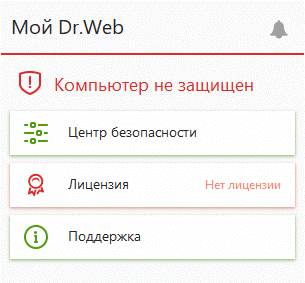
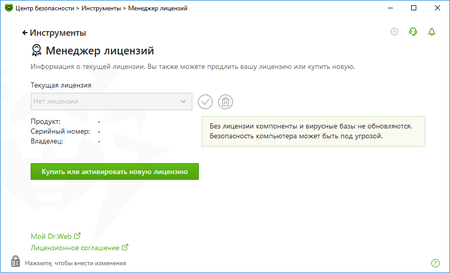
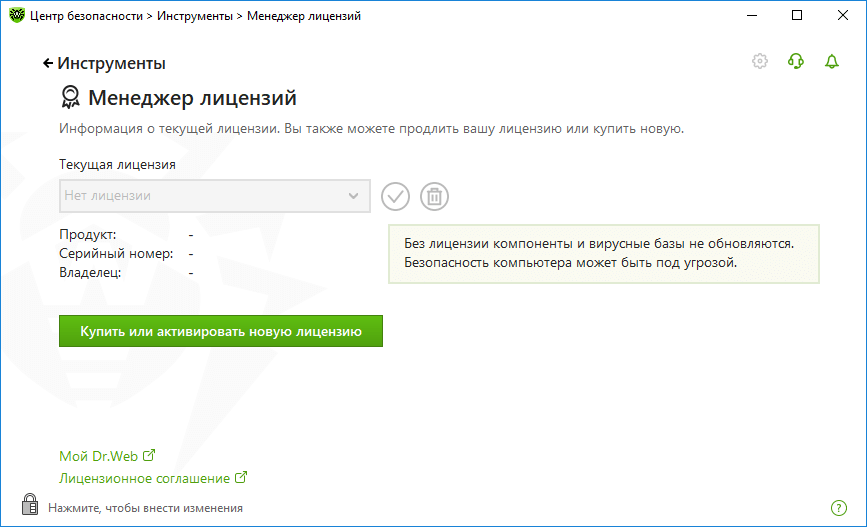
In the License Manager window, click on the Buy or activate new license button.
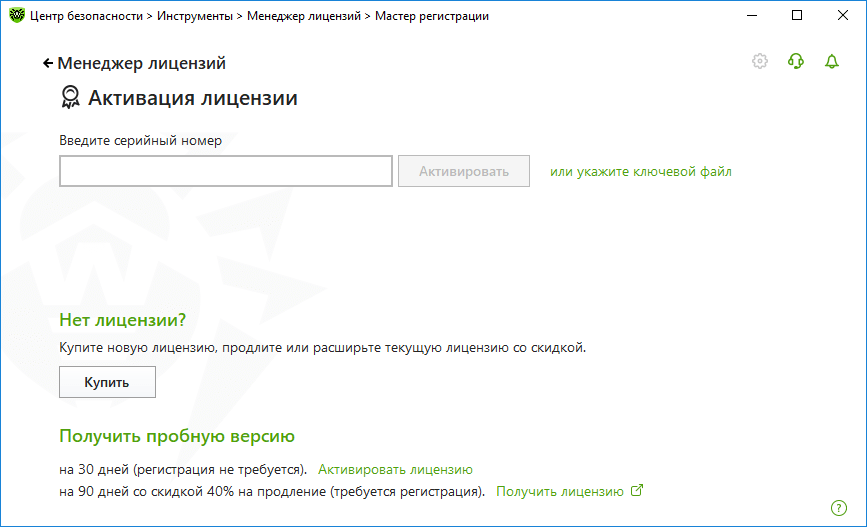
In the newly appeared window, specify your serial number.
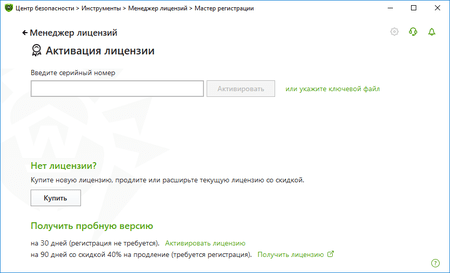
The key will be downloaded and installed automatically.
How do I register a serial number if the Dr.Web anti-virus is already installed on my computer and my license key has expired?
Click on the anti-virus icon in the system tray, and select Register license. Then enter your serial number and the other information required for registration. The anti-virus will download a key file automatically.
I received an email containing a Dr.Web key file. What should I do now?
Dr.Web for Windows
On your computer’s hard drive, save the archive containing the key file that was attached to the email.
- If Dr.Web is already installed on your computer, click on the anti-virus icon in the notification area, and select License; enable the Administrative mode by clicking on the padlock icon. In the newly opened window, click on the line or specify the key file drweb32.zip.
- If Dr.Web is not installed on your computer, download the program distribution, and run the installer. During installation, specify the path to the extracted Dr.Web key file.
Then, if you’ve purchased a new license to renew your previous one, delete the old license and replace it with the new one:
- Click on the anti-virus icon in the system tray, and then click on the padlock (Administrative mode)
- Select License
- Delete your previous license
Dr.Web KATANA key file
To use the attached key file, save the file on the hard disk of your computer.
- If Dr.Web KATANA is already installed in the system, right-click on its icon in the system tray, and select Tools → License Manager (if the License Manager item is not available, switch to Administrative mode). In the License Manager window, click on Get new license, select Other activation types and in the newly appeared window, select your key file.
- If Dr.Web is not installed on your computer, download the program distribution from our website, and run the installer. During installation specify the path to the extracted Dr.Web key file.
If you first installed Dr.Web KATANA and then used the program's registration utility to register your serial number, the key file is already downloaded into the proper directory on your computer.
Dr.Web for macOS
Extract the key file from the ZIP archive to any directory on your Mac.
- If Dr.Web is already installed: select Dr.Web for macOS → License Manager → Get new license → Other activation types;, drag the key file to the corresponding field in the pop-up window, or click on the field to select the file.
- If Dr.Web is not yet installed (you are installing it for the first time): start the installation; in the License Manager window, click on Other activation types; drag the key file to the corresponding field of the pop-up window, or click on the field to select the file.
Then, if you purchased a new license to renew your previous one, delete the old license and replace it with the new one:
- Connect your device to the Internet
- Click on the Dr.Web icon in the upper-right corner of the screen — the Dr.Web for OS X window will appear
- Select "Valid license not found" — "Get new license" — "Activate license"
- Enter your serial number, and click on "Next".
Dr.Web for Linux
Extract the key file from the ZIP archive to any directory on your computer.
- If Dr.Web is already installed on your computer, open the Dr.Web anti-virus control center → Tools → License Manager → Get / Renew license.
- If Dr.Web is not installed on your computer, specify the path to the extracted key file during installation.
Then, if you purchased a new license to renew your previous one, delete the old license and replace it with the new one:
Commonly used method
- Connect your PC to the Internet.
- Run as root:
- rm -rf /etc/opt/drweb.com/*.key && drweb-ctl reload && drweb-ctl license --GetRegistered XXXX-XXXX-XXXX-XXXX. Here XXXX-XXXX-XXXX-XXXX should be replaced by your serial number.
For GUI systems
- Connect your PC to the Internet
- Right-click on the Dr.Web icon, or find and launch the application "Dr.Web for Linux"
- Click on the “License” button
- Click on the red X to the right of the license number
- Click on the padlock icon to confirm the action, and enter the root login and password
- Click on "Yes" to confirm the action
- In the Registration Wizard window, enter your serial number, and click on "Activate.
Dr.Web Enterprise Security Suite
Extract the agent.key and enterprise.key files from the ZIP archives to any directory on your computer.
- If Dr.Web has already been deployed in your local network, replace the key files as described in the documentation.
- If Dr.Web is not yet deployed in your local network, specify the path to the extracted key files while installing the anti-virus server.
If the key files are installed properly, the anti-virus server will automatically distribute them between the agents in the anti-virus network.
Important! Starting with Dr.Web Enterprise Security 10.0, the key file enterprise.key is not required.
Dr.Web for Windows
If you are using Dr.Web for Windows without the Control Center:
- Save the archive agent.zip on the hard drive of your computer.
- Right-click on the saved file, and select “Extract All” to extract the key file.
- Specify the folder into which the file is to be placed (for example, to the desktop).
- If Dr.Web is already installed on your computer, click on the anti-virus icon in the notification area; enable the Administrative mode, and then click on License. Click on Buy or activate new license. In the newly opened window, click on the line or specify the key file.
- If Dr.Web is not installed on your computer, download the program distribution and run the installer. During installation, specify the path to the Dr.Web key file.
Dr.Web KATANA Business Edition key file
To use the attached key file, save the file on the hard disk of your computer.
- If Dr.Web KATANA Business Edition is already installed on your computer, open the Dr.Web KATANA Console select License, and click Replace license. In the newly appeared window, specify the path to the valid key file.
- If Dr.Web is not installed on your computer, download the program distribution from our website, and run the installer. During installation specify the path to the extracted Dr.Web key file.
- For instructions on how to install a key file for Unix- and Linux-based file servers, please refer to the documentation.
Dr.Web for macOS
If you are using a standalone version of Dr.Web for macOS that is not centrally administered, extract the key file from the archive agent.zip to any directory on your Mac.
- If Dr.Web is already installed: select Dr.Web for macOS → License Manager → Get new license → Other activation type; drag the key file to the corresponding field in the pop-up window, or click on the field to select the file.
- If Dr.Web is not yet installed (you are installing it for the first time): start the installation; in the License Manager window, click on Other activation types; drag the key file to the corresponding field of the pop-up window, or click on the field to select the file.
Dr.Web for Linux/h3>
If you are using a standalone version of Dr.Web for Linux that is not centrally administered, extract the key file from the archive agent.zip to any directory on your computer.
- If Dr.Web is already installed on your computer, open the Dr.Web anti-virus control center → Tools → License Manager → Get / Renew license.
- If Dr.Web is not installed on your computer, specify the path to the key file during installation.
Dr.Web KATANA Business Edition
Save the archive containing the key file to your computer’s hard drive.
- If Dr.Web KATANA Business Edition is already installed on your computer, open the Dr.Web KATANA Console select License and click on Replace license. In the newly appeared window, specify the path to the Valid key file.
- If Dr.Web is not installed on your computer, download the program distribution and run the installer. During installation, specify the path to the extracted Dr.Web key file.
- For instructions on how to install a key file for Unix- and Linux-based file servers, please refer to the documentation.
Key file for Dr.Web Mail Security Suite
Extract the key file from the archive agent.zip into any directory on your computer, and specify the file's location as described in the product's documentation.
Ключевой файл для Dr.Web Gateway Security Suite
Extract the key file from the archive agent.zip into any directory on your computer, and specify the file's location as described in the product's documentation.
Where can I independently verify whether or not my Dr.Web serial number is active (registered)?
You can verify this in the License Manager (enter only the serial number, and do not fill in the email address field).
If the license is active, you can get full information about it in the License Manager (the list of software products and protection components for each product, the validity period, whether the license includes technical support services, and other useful information).
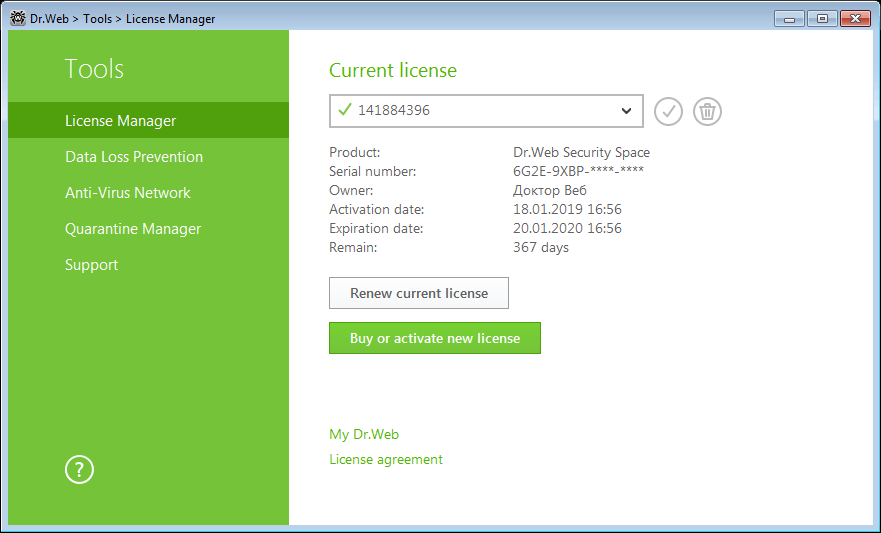
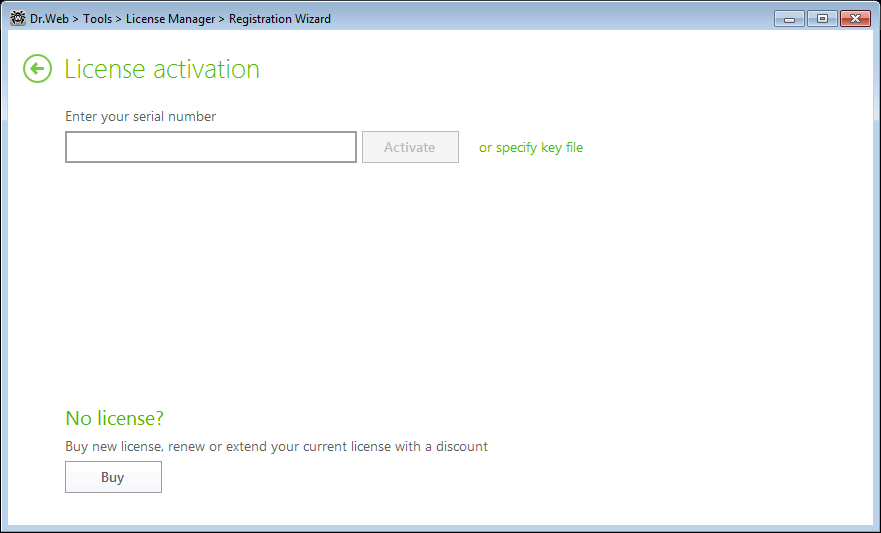
How can I replace an expired (expiring) Dr.Web version 11.5 serial number with a new serial number when I renew my license or expand its coverage?
-
Click the Dr.Web icon (
 ) in the system tray, enable the administrative mode (click on the padlock icon and confirm your choice), and select Licence.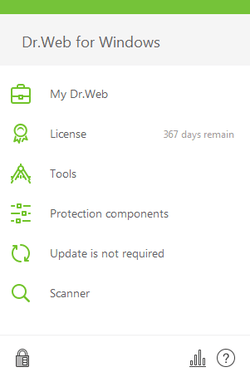
-
In the newly appeared window, remove the blocked license by selecting it in the list and clicking on the
 icon. Please note that if only one license is listed, its information cannot be deleted. In this case, click on the Buy or activate new license button.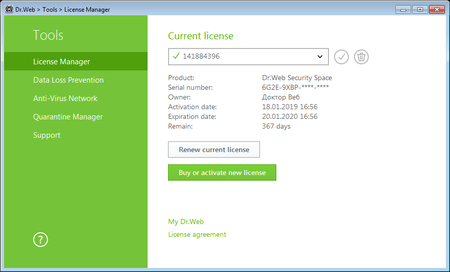
-
In the license activation window, enter the serial number of your new license, and click on Activate.
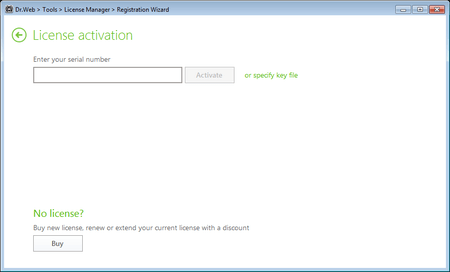
-
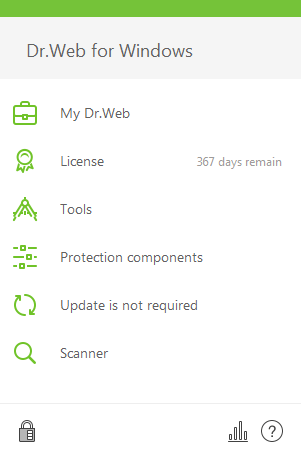
Then remove your previous license as described in step 2.


Registering error codes
Error 401
You are probably trying to renew a Dr.Web Security Space (Dr.Web Anti-virus) license, and purchased a Dr.Web box containing two serial numbers (or two licenses, each for one PC). When you were registering the first serial number from the box, you specified your old license’s serial number. As a result, you ended up with a new license whose term had 150 days added to it as a renewal bonus. Most likely, you tried to register the second serial number from the box and again specified the serial number from your old license. Since 150 days were already added to the term of your new license, Error 401 occurred when you tried to register the second serial number. Register the second serial number as a new license to which the renewal bonus does not apply.
Error 107
Under the usage terms for a trial, you can only get a trial once a year. This error occurs if a user attempts to get another trial before an entire year has passed since their previous trial license expired.
- If you previously requested a three-month trial, renew your trial license at a 40% discount and keep your system protected for another year. To do this, in the Renewal Wizard enter the serial number of your trial license.
- If you opted for a one-month trial, Doctor Web recommends that you purchase a new license..
Error 105
This error occurs if a trial key file is transferred from one computer to another. This violates the usage terms of the trial.
- If you need Dr.Web to protect a different computer, request a trial for that computer.
- If you have already used your right to one trial per year per computer, and you wish to keep your system protected, purchase a Dr.Web license.
An error occurred when I was registering via the program’s interface. What should I do?
Register the serial number via our website. To add a key file to the anti-virus, follow the instructions found in the registration email you received.
IMPORTANT! To register Dr.Web serial numbers, always use an email address whose mailbox is accessible only to you. Doctor Web will be sending a key file with instructions on how to use it, and service messages about the status of your licenses to this address. You will need to use this address in order to contact our technical support service, get a renewal discount, and use the many other services available on our website.
General questions
What are benefits of a licensed Dr.Web product?
Purchasing a licensed Dr.Web product has certain benefits:
- The manufacturer is responsible for the operation of the software.
- A company using legal software doesn’t violate any property or usage rights.
- Guaranteed free technical support via the web-form.
- Free updates of the Dr.Web virus database.
- Free updates of Dr.Web software modules.
- Free upgrade to a new version.
- A license can be renewed at a discount.
The Dr.Web anti-virus installed on my computer still has a valid license but I’ve got a new computer and want to use the same anti-virus. Can I install it on my new computer?
A DrWeb license for one PC entitles a user to install and run the program simultaneously only on one PC. The number of installations and reinstallations is not limited.
In order to use the license on the new computer do the following:
- copy the Dr.Web key file to a floppy disk or a flash drive;
- download the distribution of Dr.Web anti-virus and install it on your new computer;
- copy the Dr.Web key file from the floppy disk or a flash drive into the anti-virus installation directory;
- remove Dr.Web anti-virus from your old machine.
Two people use the same computer. How many licenses do I need to protect this PC?
You need one license. Dr.Web protect computers, not users. 1 license=1 PC
I have a computer and a laptop but I never use them simultaneously. How many Dr.Web licenses do I need?
You need two licenses because both devices need to be protected.
I have two Windows operating systems installed on my computer. How many licenses shall I buy?
Two licenses — one for each operating system (for each Dr.Web software product).
I use both Windows and Linux on my computer. How many Dr.Web licenses do I need to buy?
Two licenses — one for each operating system (for each Dr.Web software product)
A company has 10 computers used by 18 employees in shifts. How many licenses should the company purchase?
10 licenses. 1 license = 1 PC
License validity period
I bought a boxed version of Dr.Web 7.0 (5.0, 6.0). According to your website, the latest version is 8.0. How do I update my Dr.Web to version 8.0?
Regardless of which Dr.Web distribution was in the box you purchased, you can use the latest version of the anti-virus (as soon as you register your serial number on our website and receive a license key file). The latest distribution can be downloaded from our website: https://download.drweb.com.
If you haven't installed Dr.Web yet, just launch the downloaded file. During installation, enter your license’s serial number.
If the anti-virus is already installed, but you want to upgrade to the latest version, you should run the installer of the new version. When the installer detects an outdated version, it will remove it. After a system restart, the newly installed version of Dr.Web will start automatically.
After registering my copy of the Dr.Web anti-virus on your website, I received a key file. Where should I put it?
Put the downloaded zip file in any folder other than the one in which you installed Dr.Web. Then right-click on the anti-virus icon (spider on green shield) in the system tray near the clock. Select Tools → License Manager.
Press Get new license → From file…; browse to the key's location. Click Open.
After you import the key, restart your computer.
Renewal
I activated the renewal license, but its term wasn't added onto the term of the license I renewed. What should I do?
Click on the green spider icon in the right corner of the taskbar. In the newly appeared window, click on License. In the Current license area, enter the number of the new license.
How to renew a license for Dr.Web Mobile Security?
Renewal discounts are unavailable for this product. To renew this product license (without a renewal discount), purchase a new license.
Low-cost renewal terms
- Both valid and expired licenses can be renewed. There is no expiration date limitation for Dr.Web licenses subject to renewal.
- A renewal discount is provided only if the period of the previous license was/is at least six months in duration.
- A renewal discount is provided only if a license for a similar Dr.Web anti-virus for 1, 2, or 3 years is purchased.
- For Dr.Web Security Space and Dr.Web Anti-virus a renewal discount is provided for any number protected objects (from 1 to 5 inclusive).
- A renewal discount is provided for protected objects whose number is less than or equal to the number of protected objects covered by the previous license that is subject to renewal.
- To get a discount, a Dr.Web key file or a serial number must be provided (each such file or number can be submitted for renewal only once).
- To get a renewal discount, a customer must present a serial number or a key file (including OEM) to a salesperson.
Can I renew a beta version at a discount?
Renewal discounts are not available to users of beta versions but only to users of commercial Dr.Web licenses. Licenses for tested products are provided for free to the best beta testers.
Can I renew a license at a discount after it has expired?
There are no renewal restrictions as to how long ago your license has expired. You can renew it at a discount in several months or even years after its expiration.
Can I register my renewal license’s serial number before my current license expires? If so, won’t that shorten my current license period?
You can register a renewal license’s serial number at any time, even before your current license expires. During registration, the remaining period of the current license will be added to the renewal licence’s term automatically. All you need to do is specify your current serial number or the key file used with the Dr.Web anti-virus.
I need to provide a key file to renew my license. What is a key file and where can I find it?
A key file is a special file containing information about the Dr.Web components covered by your license and your license period. The file has the .key extension and is located in the Dr.Web anti-virus installation directory. In Windows, the default location is C:\Program Files\DrWeb\drweb32.key.
My Dr.Web license expired before I renewed it. When would the term of my renewed license start?
If you renew an expired license, the renewal period will start as soon as you register the serial number of the new license.
Can a company renew its license for the Dr.Web anti-virus via the eStore? If so, can a invoice be obtained for accounting purposes?
Legal persons purchasing Dr.Web from the eStore can get hard copies of invoices for their purchases.
I purchased a Dr.Web license at a special lower price. Can I still renew at a discount?
If your license is valid for at least six months, you, as well as any user of Dr.Web, can renew your license at a discount.
I purchased a Dr.Web license under the "Switch to Green" migration programme. Can I renew my license at a discount?
All registered Dr.Web users are entitled to a renewal discount. The discount amount depends on the period of your renewal license.
If I purchase two three-month licenses and register both serial numbers, would I qualify for a six-month license renewal?
It depends on the date of registration of your serial numbers. If you register both numbers on the same day, the license periods will start and expire in three months. If you register one serial number and register the second one three months later, you will be using licensed Dr.Web software for six months. But this may not be a good idea since you won't be able to get a renewal discount for two three-month key files, and two short-term licenses will cost you more than one six-month license.
How to transfer a Dr.Web licence from one device to another
General information
Terminating use of a license when switching PCs/Macs
Users of Dr.Web who have commercial or OEM licenses can transfer their license from one computer to another, provided that they stop using Dr.Web on the machine from which the license has been transferred, once the license to the other computer has been activated.
Free demo licenses are not transferable.
If you intend to install Dr.Web on another computer, it is recommended that you download the latest distribution version beforehand. To do so, use the option “Download full version”.
My license (serial number) is lost. How can I transfer my license?
If you don't have a license certificate, an e-mail from your retailer of the e-license or a license key file, you can contact Doctor Web support to retrieve your serial number’s license. To do this, on the support page select "I am a registered user of Dr.Web". Then click on the link "Key file or serial number is lost?". Follow the instructions.
Transferring a license after a computer has been repaired
It is recommended that you delete the license key file before handing over your computer for repair to make sure that your license does not end up in someone else's possession. To do this, right-click on the Dr.Web icon located in the system tray, and in the context menu, select Tools – License Manager. In the Manager window, you will see the name of the key file. Move the file from the local directory onto a removable drive, and then use the License Manager to remove the license. Once repairs are done, use the license manager of your installed Dr.Web anti-virus to add the key file.
I'm going to format my hard drive. How can I save my license?
Save the key file on a removable data storage device before you format the disk. To do this, right-click on the Dr.Web icon located in the system tray, and in the context menu, select Tools – License Manager. In the Manager window, you will see the name of the key file. Save it from the computer’s local directory to removable media. After formatting, download the latest version of the distribution. To do so, use the option “Download full version”.
Dr.Web Security Space and Dr.Web Anti-virus (boxed products or e-licenses)
Boxed products
To transfer a license from one computer to another, save the serial number or license key file onto removable media. To do this, right-click on the Dr.Web icon located in the system tray, and in the context menu, select Tools – License Manager. In the Manager window, you will see the name of the key file. Save it from the computer’s local directory to removable media.
If you purchased a Dr.Web product on tangible media in a box, you can find the serial number in the “Serial number” field of your license certificate. If the Dr.Web product has been removed from the computer, you can use the license key file to activate the license on another machine. The file's extension is .key. It is stored in the product's installation folder (Program Files\DRWEB). The folder is not deleted after the removal of a product. Use the License Manager of the Dr.Web product installed on another computer to add the key file or enter a serial number.
Electronic licenses (including OEM licensess)
To transfer a license from one computer to another, save the serial number or license key file onto removable media. To do this, right-click on the Dr.Web icon located in the system tray, and in the context menu, select Tools – License Manager. In the Manager window, you will see the name of the key file. Save it from the local directory computer to removable media.
If you have purchased the e-license in an online store, you can find the serial number in the e-mail you received from the store. If the Dr.Web product has been removed from the computer, you can use the license key file to activate the license on another machine. The file's extension is .key. It is stored in the product's installation folder (Program Files\DRWEB). The folder is not deleted after the removal of a product. Use the License Manager of the Dr.Web product installed on another computer to add the key file or enter a serial number.
Demo
Free demo licenses are not transferable.
Dr.Web Mobile Security
If you purchased Dr.Web for Android via Google Play
To transfer your license to another Android device, use the device to log in on Google Play under the account you used to purchase the license. Then select your Dr.Web product on Google Play and click "Install". The license will be recognized automatically.
Boxed products
Customers who purchase any boxed Dr.Web product are entitled to use Dr.Web Mobile Security free of charge. If you've lost your device or bought a new one, you can transfer your license to another device. Download and install the corresponding Dr.Web program on the device. Copy the key file obtained when registering your boxed Dr.Web anti-virus into the installation directory of your Dr.Web for a mobile device.
Single-user licenses and OEM
Buyers of Dr.Web Mobile Security may transfer the license to another mobile device in the event of loss/acquisition of a new device. Download and install the corresponding Dr.Web program on the device. If you have purchased an e-license in an online store, you can find the serial number in the e-mail you received from the store. Copy the key file obtained when registering your electronic license into the installation directory of your Dr.Web for a mobile device, or enter the serial number.
Demo
Free demo licenses are not transferable.
Dr.Web Enterprise Security Suite
To transfer a license from one computer to another, save the license key file onto removable media. More information about using key files for each product:
Dr.Web Desktop Security Suite
- For Windows: download.geo.drweb.com/pub/drweb/windows/8.0/doc/wks/en (the section Management and Configuration)
- For Mac OS X download.geo.drweb.com/pub/drweb/mac/doc/wks/en/ (Installation and Removal)
- For Linux: download.geo.drweb.com/pub/drweb/unix/doc/HTML/ControlCenter/en (Installation and Removal)
Dr.Web Server Security Suite
- For Windows: download.geo.drweb.com/pub/drweb/windows/server/8.0/doc/HTML/en (Management and Configuration)
- For Novell Netware: download.geo.drweb.com/pub/drweb/novell/doc/drweb-nw-501-en.pdf (Licensing)
- For Unix: download.geo.drweb.com/pub/drweb/unix/doc/HTML/Samba/en (Startup of Dr.Web for Unix file servers)
- For Novell Storage Services: download.geo.drweb.com/pub/drweb/unix/doc/HTML/NSS/en (Software Registration. License Key File)
- For Dr.Web for Mac OS X Server: download.geo.drweb.com/pub/drweb/mac/doc/server/en (Installation and Removal)
Dr.Web Mail Security Suite
- For Unix: download.geo.drweb.com/pub/drweb/unix/doc/HTML/MailD/en (Software Registration. License Key File)
- Dr.Web for MS Exchange download.geo.drweb.com/pub/drweb/exchange/HTML/en (Licensing)
- Dr.Web for IBM Lotus Domino (Windows) download.geo.drweb.com/pub/drweb/lotus/HTML/win/en (Installation and Removal)
- For IBM Lotus Domino (Linux): download.geo.drweb.com/pub/drweb/lotus/HTML/unix/en (Installation and Removal)
- For Kerio (Windows): download.geo.drweb.com/pub/drweb/kerioms/HTML/win/en (Licensing)
- For Kerio (Linux): download.geo.drweb.com/pub/drweb/kerioms/HTML/linux/en (Licensing)
- For Kerio (Mac OS X): download.geo.drweb.com/pub/drweb/kerioms/HTML/macos/en (Licensing)
Dr.Web Gateway Security Suite
- For Kerio: download.geo.drweb.com/pub/drweb/keriowr/HTML/en (Licensing)
- For Unix: download.geo.drweb.com/pub/drweb/unix/doc/HTML/ICAP/en (Software Registration. License Key File)
- For Qbik WinGate: download.geo.drweb.com/pub/drweb/wingate/HTML/en (Licensing)
- For MIMEsweeper: download.geo.drweb.com/pub/drweb/mimesweeper/HTML/en (Licensing)
- For Microsoft ISA Server and Forefront TMG (Anti-virus & Anti-spam): download.geo.drweb.com/pub/drweb/isa-tmg/6.0/docs/drweb-601-isa-20042006-tmg-2010-en.pdf (Licensing)
- For Microsoft ISA Server and Forefront TMG (Anti-virus): download.geo.drweb.com/pub/drweb/isa-tmg/6.0/docs/drweb-601-isa-20042006-tmg-2010-light-en.pdf (Licensing)
Dr.Web Mobile Security Suite
- For Windows Mobile: download.geo.drweb.com/pub/drweb/wince/HTML/en (Licensing)
- For Android: download.geo.drweb.com/pub/drweb/android/pro/HTML/en (Licensing)
- For Symbian OS: download.geo.drweb.com/pub/drweb/symbian/drweb-symbian-s60-en.pdf (Licensing)
Dr.Web Family Security
Accounts
Can I manage one family member account with two different family manager accounts?
Every family member account is bound to that family manager which created it.
However, you can use the same family manager account on several devices. Just install the app on all devices you want to and log in to the family manager account with email and password that you used when registering that account. If you forgot your password, tap Forgot Password? in the bottom of the screen (see What to do if I forgot my family manager account password?).
License is bound to the account, not the device, so you do not have to buy another one. License should activate automatically after you logged in, but if for some reason that did not happen, you can activate it manually (see How can I restore a license if I reinstall Dr.Web Family Security?).
If a family member sends a push notification to the manager, all devices with active internet connection will receive it.
Can I use family manager account on another device?
You can use family manager account on several devices at the same time or change your devices.
Install Dr.Web Family Security on your device and enter the email and password you used when registering. If you forgot your password, tap Forgot Password? in the bottom of the screen (see What to do if I forgot my family manager account password?). Your license is bound to your account, so it will activate automatically. If this did not happen, you can restore your license manually (see How to restore a license if I reinstall Dr.Web Family Security?).
If a family member sends a request via push notification to the manager, all devices with active internet connection will receive it.
Can I use my family member account on two devices at the same time?
No, you cannot log in to the same family member account on several devices at the same time.
If a family member wants to change their device, the family manager needs to delete the app from the old device or reset the PIN code for this family member account, then tell them their new PIN code.
If you deleted the app, the family member can use their old PIN code.
If the PIN code was reset, the family member has to enter their new PIN code.
To uninstall Dr.Web Family Security via the app itself
- In the Menu
 select About app.
 - On the About app screen, tap Menu and select Uninstall.
- Enter the family manager’s password.
-
Tap Uninstall.
Choose your role screen will open.
- System confirmation window opens. To confirm uninstalling, tap Uninstall. To cancel the uninstalling, tap Cancel.
To reset PIN code
- Log in to the family manager account.
- In the Menu choose My family option.
- Choose a family member from the list.
- On the screen with the family member’s detailed information, tap Reset PIN Code.
- Confirmation screen opens. To change the PIN code, tap Reset. To cancel the PIN code reset, tap Cancel.
After you confirm the reset, a new PIN code appears on your screen.
Can different family members log in to their accounts on the same device?
It is not possible to log in to different family member accounts on the same device simultaneously. However, you can log out of one account and log in to another. Family member cannot log out of their account by themselves. To help them, their family manager can reset the PIN code, activate app uninstallation on the family member’s device or delete the family member account.
To reset PIN code
- Log in to the family manager account.
- In the Menu choose My family option.
- Choose a family member from the list.
- On the screen with the family member’s detailed information, tap Reset PIN Code.
-
Confirmation screen opens. To change the PIN code, tap Reset. To cancel the PIN code reset, tap Cancel.
To activate uninstallation on a family member’s device
- In the Menu choose About app option.
- On the About app screen, tap Menu and select Uninstall.
- Enter the family manager’s password.
-
Tap Uninstall.
Choose your role screen will open.
-
System confirmation window opens. To cancel the uninstalling, tap Cancel.
After that, another family member can log in with their PIN code.
To delete family member account
- Log in to the family manager account.
- In the Menu choose My family option.
- Swipe the family member’s name to the left and tap the
 icon next to it.
 - Confirmation window opens. To delete the family member, tap Delete. To cancel the uninstalling, tap Cancel.
After that, another family member can log in to their account on this device. Remember, that the same PIN code cannot apply to different devices. If a family member changes their device, it is required to change their PIN code.
What to do if I forgot my family manager account password?
If you forget your Family Security account password, you can reset it. To do so:
- On the login screen, tap Forgot password? or, if you are already logged in, open Menu , choose Account > Change password and tap Forgot password?.
- Enter email address you used when creating the account and tap Continue. If you are already logged in, you don’t need to enter the email. If you’ve lost access to this email, tap Another option to use the recovery email address you added via account settings.
- To send the code to email you used when creating the account, tap Send. If you didn’t get the code, tap Resend. The first code becomes invalid as soon as you request another one.
-
You will receive an email with a confirmation code. Enter the code and tap Continue.
Attention! Code is valid for 1 hour. If you don’t enter it within this time, you will have to request it again.
- Enter a new password and tap Save.
If you couldn’t reset your password via email, you can send a written request to our technical support at https://support.drweb.com.
When sending your request, you will need to prove that you are the owner of the device.
To do so:
- Specify the device IMEI (the unique identifier for your device. Typically, this is 15-digit number written in decimal digits. To see it, type in the phone *#06#).
- Attach the following files to your request:
- the corresponding receipt and a photo of the filled out warranty certificate (if you have kept the box/packaging of your device and it features a readable IMEI, attach a photo of the box to your request);
- proof of purchase of your Dr.Web license (an email from the eStore, a scanned copy of the payment document, or other). If you use a demo license, skip this step.
What will happen with family member accounts, if family manager uninstalls Dr.Web Family Security from the device?
When a family manager uninstalls Dr.Web Family Security from their device, all restrictions they set on their family members’ devices remain active. No changes occur in family member accounts.
If a family manager does not uninstall the app, but deletes their account, all the family member accounts this family manager created are deleted as well. Family members automatically log out, and all restrictions on their devices are removed.
Why does Dr.Web Family Security have two roles?
Family manager manages restrictions for family members. Dr.Web Family Security allows you to limit the apps that family members use, the sites they visit and their incoming calls and SMS.
Family members follow the restrictions set by their family manager.
This role division prevents accidental or deliberate removal of the restrictions.
Application Control
Can different family members use the same schedule?
Schedules are set individually for each family member.
Can the same apps be added to different schedules?
Schedules of the same type (see What schedule types are there in Application control?) can contain the same apps. Schedules of different types also can contain the same apps, if their time frames don’t conflict. If the schedules of different types have conflicting time frames, after adding same apps to them, you will be prompted to choose which schedule should be enabled for these apps.
What if a family member delete an app and then reinstall it? Will its restrictions restore?
Application control doesn’t restore the restrictions for reinstalled apps.
Enable the Block new apps setting so that family members wouldn’t be able to bypass the restrictions by uninstalling and reinstalling apps. When this setting is enabled, Application control blocks access to new apps after they are installed.
What schedule types are there in Application control?
Dr.Web Family Security allows you to create schedules of three types: Allow, Block or Limit time.
The Allow type blocks an app or app group for the entire day except for a specified time period.
The Block type blocks an app or app group on a specified time.
The Limit time type limits the time family member can use an app or app group to several hours a day.
You can add the same app in different schedules. If you add an app to schedules of different types that have conflicting time frames, you will have to choose which schedule will remain enabled.
Why doesn’t app blocking work?
Check device settings. It is possible that one of the necessary permissions was reset or that the enabled optimization settings stopped Family Security operation.
To grant necessary permissions, in your device settings, select Permissions. Then select the permission you need. The settings might be protected with a block screen. In this case, enter the family manager account password to access them.
For its proper operation, Application control needs the following permissions:
- Access to photos, media, and files on your device.
- Drawing over other apps.
- Access to all files.
- Access to Android accessibility features.
To view all permissions granted to Dr.Web Family Security
- Open device settings.
- Tap Apps or Application manager.
- Find Dr.Web Family Security in the list of installed applications and tap it.
- On the App info screen, select Permissions.
- Tap the menu in the top-right corner and select All permissions.
Optimization settings types, names and location might vary depending on device and Android version. You can read how to disable the optimization settings on popular device models in the official Dr.Web Family Security user manual in the Optimization Settings section. You can view the manual at https://download.drweb.com/doc/. You can also clarify the proper procedure with the user manual for your device model. The settings might be protected with a block screen. In this case, enter the family manager’s account password to access them.
If this has not solve the problem, please contact our technical support service at https://support.drweb.com.
General questions
How to install Dr.Web Family Security?
Dr.Web Family Security is available on the official Dr.Web site: https://estore.drweb.com/family_security/.
Before installation, make sure that your device meets the system requirements (see Will I be able to use Dr.Web Family Security on my device?).
To install Dr.Web Family Security
First, you need to allow app installation from unknown sources. To do so:
- On devices with Android 7.1 or earlier:
- In your device settings, open the Security screen.
- Select the Unknown sources check box.
- On devices with Android 8.0 or later:
- In your device settings, open the Install unknown apps screen.
- Allow app installation from selected source.
Attention! This permission makes your device vulnerable. Do not forget to turn it off after you install Dr.Web Family Security.
Then download the Dr.Web Family Security installation file here: https://estore.drweb.com/family_security/. You can download it to any device. After the download, copy the file to the mobile devices on which you plan to use Dr.Web Family Security.
To run the installation file on the device
- Use a file manager to find and launch the installation file. Usually, files that you download from the internet are kept in the Download folder. You can search for the file with such queries as “drweb”, “family” or “security”.
- Tap Install.
- Tap Open to start using the app.
Tap Finish to close the installation window and return to the app later.
How to remove Dr.Web Family Security from device administrators?
If an application is a device administrator, it cannot be uninstalled. If you do not want to uninstall Dr.Web Family Security, do not remove it from device administrators. This will help to protect the app from accidental or purposeful deletion by cybercriminals.
To remove Dr.Web Family Security from device administrators
- Open device settings. The settings might be protected with a block screen. In this case, enter the family manager’s account password to access them.
- Select Security > Device admin apps or Device administrators.
- For Family Security toggle the switch to the “off” position or clear the checkbox.
Now you can uninstall Dr.Web Family Security (see How to uninstall Dr.Web Family Security from the device?).
How to uninstall Dr.Web Family Security from the device?
Dr.Web Family Security helps protect the vulnerable members of your family from dangers of the digital world including phishing sites and calls. If you have questions or trouble when using the app, you can see the FAQ section at https://support.drweb.com/show_faq/ review Dr.Web Family Security user’s manual at https://download.drweb.com/doc/, contact technical support at https://support.drweb.com or consult with other users at the official Doctor Web forum https://forum.drweb.com/index.php.
If you decide to stop using Dr.Web Family Security anyway, remove it from device administrators (see How to remove Dr.Web Family Security from device administrators?) before uninstalling.
You can uninstall Dr.Web Family Security via app itself or via device settings. The settings might be protected with a block screen. In this case, enter the family manager’s account password to access them.
To uninstall Dr.Web Family Security via the app itself
- On the app main screen, tap Menu and select About app.
- On the About app screen, tap Menu and select Uninstall.
- If you are logged in as a family manager, enter the password or use your fingerprint. If you are logged in as a family member, enter your family manager’s password.
- Tap Uninstall.
- System confirmation window opens. To confirm uninstalling, tap Uninstall. To cancel the uninstalling, tap Cancel.
To uninstall Dr.Web Family Security via the device settings
- In your device settings, select Apps or Application manager.
- Select Dr.Web Family Security in the list of installed apps and tap Uninstall.
What are the functions of Dr.Web Family Security?
Dr.Web Family Security helps protect the vulnerable members of your family in digital world.
Dr.Web Family Security performs the following functions:
- Monitors digital activity of the device in real time.
- Tracks device location.
- Filters incoming calls and SMS messages.
- Allows you to control access to specific applications.
- Allows you to control access to certain sites and site categories in the most popular browsers for Android OS (see What browsers does URL filter support?).
- Allows you to lock the device remotely.
- Allows you to play sound on the device remotely.
- Allows you to delete personal data on the device if it is lost or stolen.
Will I be able to use Dr.Web Family Security on my device?
Dr.Web Family Security is intended for mobile devices with Android 7.0 and later versions.
You can learn your Android version in your device settings in the “About Phone” or “About device” section (similar names are possible) under “Android Version”. If you do not see the “Android Version” point, try “Software Information” or a section with a similar title.
For better operation, it is recommended to install and set up the application on at least two devices. It is possible to install and use the application only on one device, but you will not be able to use some of the functions.
Dr.Web Family Security also requires internet connection for remote control and data transfer between devices.
Full system requirements are specified in the table below:
|
Operating system |
Android version 7.0–14.0 |
|---|---|
|
CPU |
x86/x86-64/ARMv7/ARMv8/ARMv9 |
|
Free RAM |
At least 1024 MB |
|
Free space on device |
At least 100 MB (for data storage) |
|
Screen resolution |
At least 800x480 |
|
Other |
Internet connection (for remote control and data transfer between devices) |
Main Screen
Can I choose which sound signal will play on family member’s device?
No, the device will always play the standard signal on full volume. It is not possible to lower or change it.
The sound signal turns off only when you press the Sound is playing panel on the app main screen. You can do it on the family manager’s as well as the family member’s device. If you have logged in as a family manager, you can turn off the sound on the family member’s device even if it’s locked. If you have logged in as a family member, you have to unlock the device to turn off the sound.
To send an unlock device request
- On the lock screen, tap Ask to unlock to send a request via push notification. Sending and receiving it requires internet connection.
- Enter your PIN code or use your fingerprint if you’ve enabled its use in the device settings.
-
Tap Send request.
After the request is sent, you will see a notification at the bottom of the screen.
How to request family member’s location?
To request the device location, you need to press the Device info panel on the app main screen for the family member you need. You can switch between your family members with tabs at the top of the screen.
To locate the family member’s device, it should have internet connection. Moreover, you should grant the corresponding permission on the device. Dr.Web Family Security requests to grant it on the first launch. If for some reason it wasn’t granted, you can grant it in the device settings.
To allow device location tracking
-
Open Device settings > Apps > Permissions > Location. Keep in mind that option names and location might vary depending on device.
The settings might be protected with a block screen. In this case, enter the family manager’s account password to access them.
- Select Family Security in the list of apps.
- Select the Allow option.
Is it necessary to have working internet connection on family member’s device to receive commands and send location?
Without internet connection, family member’s device cannot receive commands. Internet connection is necessary to transfer data between devices. System requirements for Dr.Web Family Security include working internet connection (see Will I be able to use Dr.Web Family Security on my device?).
If the device is not connected to the internet, all restrictions set earlier will continue to work, but any new restrictions will take effect only after the device will reconnect to the internet. Any commands sent before the device reconnected to the internet, will not be triggered after the reconnection. You will need to send them again.
What actions with family member’s device are available on the app main screen?
The family manager’s main screen contains panels for managing family member’s device. Each family member is managed individually. You can switch between your family members with tabs at the top of the screen.
Notifications panel allows you to send up to 100 symbols long notifications to family member’s device.
Erase panel allows you to delete personal data on family member’s device. Personal data include photos, videos, contacts и call log.
Attention! Erased data are impossible to restore.
Lock panel allows you to remotely block all functions of the family member’s device including calls and SMS messages. To unlock the device, family member should send a device unlock request to the family manager. If you suspect that the device has fallen to criminals’ hands, do not unlock it without confirming that the family member has it.
Sound panel allows you to remotely play sound on family member’s device. Sound plays on full volume even if the sound volume on the device is lowered or turned off.
What will happen if I enter incorrect PIN code for several times on the unlock request screen?
When family member sends an unlock request, the number of attempts to enter PIN code is unlimited. The Send request button will remain unavailable until they enter the correct code.
Before you unlock the device, make sure that it is not in the hands of cybercriminals. Contact your family member to make sure of it. Remember, the family member will not be able to answer a call or message sent to the locked device.
Will the commands work if I send them to a device that is turned off?
For the commands that you send by tapping panels on the main screen to work, family member’s device should be turned on and connected to the internet. If the device is turned off, you cannot send a command to it.
Questions about purchasing
How to restore a license if I reinstall Dr.Web Family Security?
License is bound to the account, not the device. After you reinstalled the application or changed devices, simply log in to your account. Your license will restore automatically.
If for some reason that does not happen and you are sure that your license has not expired, you can restore it manually.
You have two options to restore your license:
- Register a serial number.
- Use a key file. On devices with Android 11.0 or later, you will have to grant the Access to all files permission.
To register a serial number
- Open the application and log in to the family manager account.
- On the License screen select I already have a license.
- Select Enter serial number.
- Enter your purchased serial number and tap the Activate button.
Your license will be activated automatically.
To use a key file
- Copy the key file to your device to a folder in the internal memory. Either you can copy the entire ZIP archive, or you can unpack the archive and copy only the .key file to your device.
- Open the application and log in to the family manager account.
- On the License screen select I already have a license.
- Select Use key file.
- Open the folder where you have copied the key file or the entire ZIP archive to, and tap it. The key file will be installed and ready to use. You will be redirected to the Family Security main screen. At the bottom of the screen, you will see a notification about a successful license activation.
You can also restore a demo license.
To restore a demo license.
- Open the application and log in to the family manager account.
- On the License screen select the Demo period tile and tap Get.
- Enter the email address you have previously used to register your license and your personal information.
- Tap Activate.
What to do if I put a wrong email address when registering a serial number?
If you remember the wrong email address you used for registration, change the registration email on your own by using this service https://products.drweb.com/register/change_email/.
If you do not remember the wrong email:
- Contact technical support (https://support.drweb.com) and provide a proof confirming you are the legal owner of the license (a photo or a scanned copy of the license certificate, the payment receipt, an email from the online store, or other confirming documents).
- Change the registration email with this service https://products.drweb.com/register/change_email/.
Where do I find information on the license I purchased? How to learn the license validity period?
All information on your license, including its validity period, shows on the License screen. To open the License screen, tap Menu on the app main screen and select License.
Dr.Web Family Security functions only if you have an active license. If your license has expired, you cannot use the app, until you buy and activate a new license.
If you see that your license will expire soon, you can purchase a new one.
URL Filter
Can Filtration rules work together with Blocked and Allowed contact lists?
Filtration rules are intended for additional filtration of calls and SMS. They work together with Blocked and Allowed lists.
Contacts added to Allowed lists don’t follow Filtration rules. For example, if you added a three-digit number to an allowed list, it won’t be blocked even if you enable the Block short numbers rule.
The Allowed lists only rule disables all other rules and blocks all numbers except for those you added to the allowed lists.
To add contact to an allowed list
- Open Call and SMS Filter and select the Allowed lists panel.
- Open the list to which you want to add contact or create a new one.
- Tap the
 button in the bottom-right screen corner.
 -
Choose where from you want to load an existing contact or add a new one. To add a new contact, tap New contact.
If you add a new contact, enter its name and phone number and choose a mask. You can change the contact’s information and mask later by editing the contact.
When you add an existing contact, you cannot use masks or change the contact’s name and number.
If the contact has several numbers, you can choose which of them to add to the list.
- Tap Add.
Can I remove events from the call log?
You cannot remove certain events or clear the logs completely in any of the components. However, you can disable logging right after you enable the component. To do so, in the component settings disable the logging option. After that, the log notes that it is disabled, and the events logging stops. You can enable logging again at any time in the component settings.
Mind that you should enable and disabled the call log and SMS log separately.
For what period are the events in the call log kept?
Call log and SMS log keep all of the events from the moment you enable the log until you disable it.
The filter is enabled, why messages from the blocked numbers are still coming?
Make sure that you added all unwanted numbers to the blocked lists and enable SMS blocking for them. Check that the switches for the blocked lists are switched on.
Remember that SMS filter may not work correctly due to system restrictions of Android.
The Call and SMS filter also might not work correctly on devices with two SIM cards.
What browsers does URL filter support?
You cannot add the same site to a schedule and a list at the same time. If you try to do so, you will be prompted to move the site from the list to the schedule and vice versa.
However, you can add a site to several schedules if these schedules are either of the same type or of different types but don’t have conflicting time frames. If these schedules are of different types and their time frames conflict, after adding sites to a conflicting schedule, you will be prompted to choose which schedule should be enabled for those sites.
To add a site to a schedule
- Open URL filter and select the Schedules panel.
- Create a new schedule or choose an existing one.
- Tap the button in the bottom-right screen corner.
- Choose how to add a site to the schedule. You can enter the site address manually or upload it from .csv file. Uploading from file allows adding several sites at the same time. When entering the address manually, use one of the following formats:
- example.com
- http://example.com
- https://www.example.com
- www.example.com
- Tap the
 icon in the top-right screen corner to save the changes.
Call and SMS Filter
Why does Dr.Web Family Security need URL filter?
URL filter controls access to the sites. It allows choosing specific websites and blocking them completely or limiting access to them by creating a schedule. You can also block access to certain site categories. If you want to allow access to a certain site, which is included to one of the categories, add it to the allowed site list.
To add sites to a blocked or allowed site list
- Open URL filter.
- Choose the Site lists panel and select the tab with the list you need.
- Tap the button in the bottom-right screen corner.
- Choose how to add a site to the list. You can enter the site address manually or upload it from .csv file. Uploading from file alows to add several sites at the same time. When entering the address manually, use one of the following formats:
- example.com
- http://example.com
- https://www.example.com
- www.example.com
URL filter doesn’t support keywords and masks.
- Tap Add. If one or more of the sites you want to add is in another list, you will be prompted to move them to the current one.
Dr.Web for Windows
Anti-virus
Installation
How can I install anti-virus?
Prior to the installation, we strongly recommend doing the following:
- Install all the critical updates released by Microsoft for your operating system (updates can be downloaded from the Microsoft update site);
- Use system tools to check the file system and fix problems, if any;
- Close other running applications.
To run the installation in normal mode, use one of the following:
- If the installation kit is a single executable file, launch the file.
- If the installation kit is furnished on a branded disk, insert the disk into your optical drive. If autorun is enabled, the installation procedure will start automatically. If autorun is disabled, launch the autorun.exe file located on the disk. The autorun window will appear.
Then proceed with the following steps:
- Press Install.
Follow the installation wizard instructions. At any installation step before file copying process is started you can use the two buttons:
- Press Back to return to the previous step;
- Press Next to move to the next step;
- Press Cancel to cancel the installation.
How can I know the version of the anti-virus I have installed?
In order to check the version number, right-click on the Dr.Web icon in the notifications area and select About. In the next window, you will see the Dr.Web version number and all the modules versions as well.
How do I install the anti-virus?
Before you start installing Dr.Web Security Space, review the system requirements (see system requirements for version 12.0). In addition, we recommend that you:
- install all critical updates released by Microsoft for your operating system (read more about the Windows updating process);
- if the manufacturer has discontinued support for your operating system, it is recommended that you upgrade to the latest version of the operating system;
- use system tools to check the file system and fix discovered problems;
- remove any other anti-virus programs to prevent their components from possibly conflicting with Dr.Web’s components;
- if you are going to install Dr.Web Firewall, you need to remove other firewalls from your system;
- close all running applications.
Dr.Web’s installation must be performed by a user who has administrative privileges on the given computer.
Dr.Web is incompatible with proactive protection products from other manufacturers.
The installation instructions for standard mode (using both the installation file and the Dr.Web CD) can be found in the documentation here.
How to upgrade from Dr.Web Anti-virus to Dr.Web Security Space free of charge
Replace your license key for free to be able to use all the features of Dr.Web Security Space.
! A Dr.Web Anti-virus license key can also be used for Dr.Web Security Space, however the components included in Dr.Web Security Space but absent in Dr.Web Anti-virus will not work with the Dr.Web Anti-virus license key.
The list of these components:
- Spider Gate
- Device access rules
- Parental Control
- Data Loss Prevention
To replace your key, sign in to your My Dr.Web Portal for home (from the program or via the site), and in the active license's area of the License section—Active, click on Upgrade to Dr.Web Security Space free of charge.
An email containing your new serial number and key file will be sent to your address. Read it.
! Free key replacement is only possible for Dr.Web Anti-virus licenses or Dr.Web Anti-virus + cryptographer licenses that are active (valid) at the moment of replacement.
! If you have a license that has not yet been activated, just register it—you'll be given a Dr.Web Security Space license immediately and you won't need to replace it.
! Once your license is replaced, your old license will be blocked in 30 days.
Install Dr.Web Security Space. To do this:
Download the Dr.Web Security Space distribution file. To do this, in your license's area of My Dr.Web Portal, click on "Download".
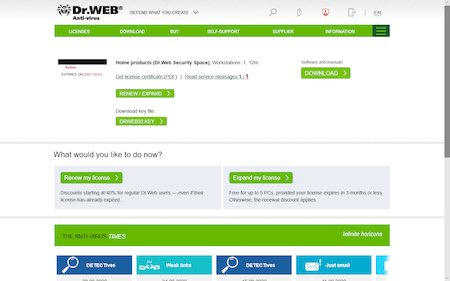
Place the license key file in the same folder with the Dr.Web Security Space distribution file.
Uninstall Dr.Web Anti-virus for Windows; to do this, open:
- Windows 10
Click on "Start" - "Parameters" - "Applications". - Windows 8 / 8.1
Press "Win" + "X". In the newly appeared list, select "Programs and components". - Windows Vista / Windows 7
Go to "Start" - "Control panel" - "Remove Programs". - Windows XP
Go to "Start" - "Control panel" - "Add and Remove Programs".
Find Dr.Web Anti-virus for Windows on the application list; select it, and click on "Uninstall".
To transfer custom Dr.Web component settings to Dr.Web Security Space, do not clear the box "Dr.Web Anti-virus for Windows settings" in the "Parameters to save" window.
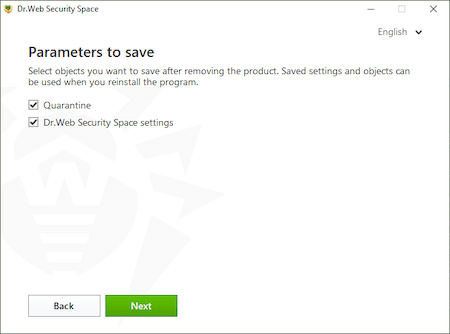
Click on "Next".
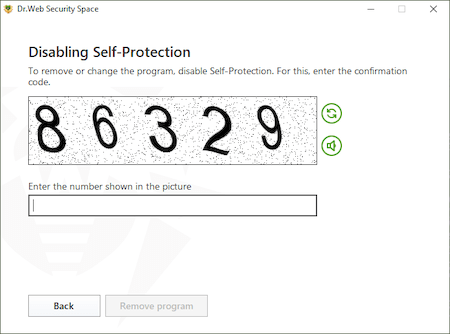
Enter the CAPTCHA code and choose to uninstall the application.
Wait for the Dr.Web Anti-virus uninstall process to complete and make sure that you restart the computer.
Install Dr.Web Security Space. To do this, open the distribution file.
Confirm the system prompt to elevate privileges to administrator ones.
If you want to change the list of components to be installed, for example, to add the Firewall, which is not installed by default, click on "Installation parameters".
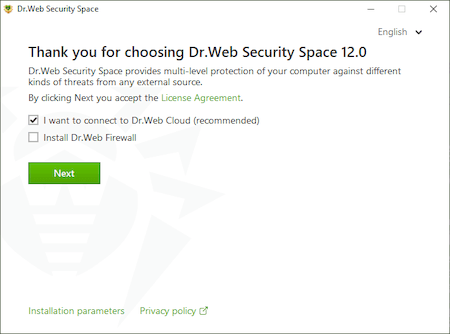
Click on "Next".
The license file will be found automatically if it is located in the same folder with the distribution file.
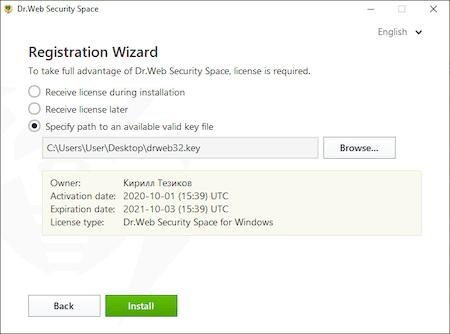
Otherwise, click on "Browse" and specify the file's location.
Click on "Install" and wait for Dr.Web to finish installing to Dr.Web Security Space.
Once installation is complete, restart the computer.
- Windows 10

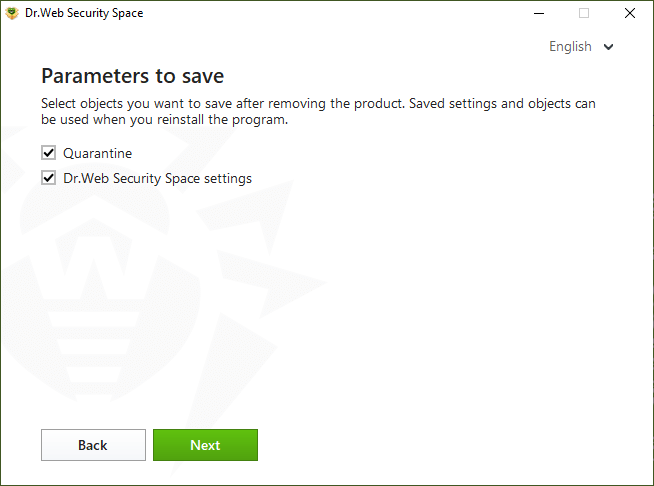
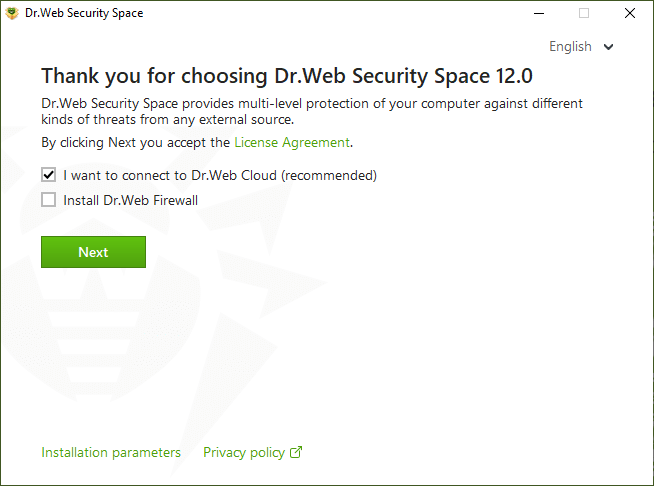
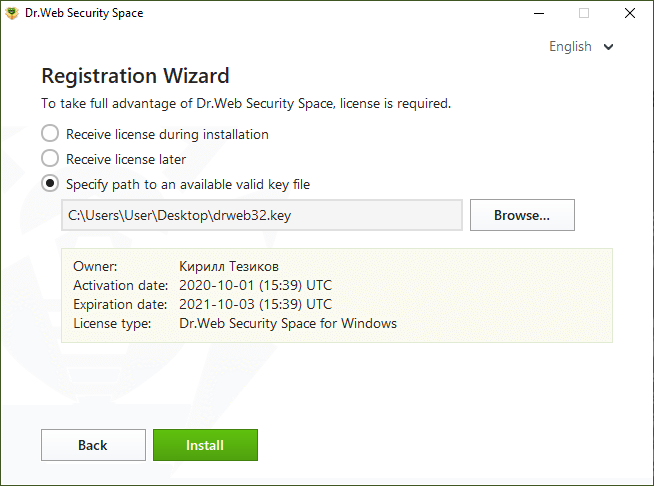
I have purchased Dr.Web Anti-virus license.Which of your products shall I install?
When purchasing our anti-virus, you obtain a certificate indicating which product the license you have bought is applied to. So, you need to install the product indicated.
I want to reinstall an operating system. My Dr.Web license has not expired yet. How can I recover my Dr.Web license on the new OS?
There are two ways to do it:
- Disable anti-virus self-protection (right-click on the Dr.Web icon in the notifications area, select Disable self-protection, enter digits from the CAPTCHA and press Disable self-protection), then copy the drweb32.key key file from C:\Program Files\DrWeb (or the anti-virus installation folder) to a removable media. After that, locate the drweb32.key file path during the anti-virus installation the new OS.
- Download the latest Dr.Web version from our website and launch the installation. During the installation, enter your serial number; the key will be downloaded and installed automatically.
My notebook CD-DVD drive is absent/broken. How can I install box version of anti-virus I have purchased?
In this case, you need to download the latest anti-virus distribution file from our website and install it.
What is the difference between default and custom installations?
In default installation, all the anti-virus package components are automatically installed into C:\Program Files\DrWeb\ folder.
In custom installation, you can specify the list of components to be installed (e.g. you may choose not to install a firewall if you don’t need it), select installation folder and configure update server.
When installing anti-virus, I see the following message: “Instmsi30.exe not found”. What am I to do?
To have this error fixed, you need to download and install an update for Windows, and then restart anti-virus installation.
Why can’t I keep another anti-virus on my PC while installing Dr.Web?
It is not allowed to install several anti-virus programs on one PC at a time — they will conflict with each other that may considerably slow down you PC or make it completely non-operational. If you have an anti-virus software already installed on your PC, but intend to install a new product from another vendor, then you need to remove the anti-virus program you have, prior to the installation.
If you wish to install another anti-virus program, you do it at your own risk, and become responsible for all the consequences because the consequences of such installation might be unpredictable including inability of your OS to boot as a result of two or more anti-viruses installed on your PC.
I installed the Dr.Web anti-virus. During the installation process, it was supposed to disable the built-in Windows Defender anti-virus. However, it remains active. Why?
After you install any vendor’s anti-virus, Windows Defender is not disabled; it switches to the passive mode. This option is regulated by Windows; no anti-virus installed in your system (including Dr.Web) can affect Windows Defender's operation. This is one of Microsoft's requirements.
Instructions on how to disable Windows Defender can be found here. If you face problems while disabling Windows Defender manually, please contact our technical support service.
Removal
I need to remove anti-virus. What shall I do?
Like any other program, Dr.Web Anti-virus can be removed with standard operating system tools:
- In Windows 2000/XP: From Menu–>Control Panel–>Add/Remove programs.
- In Windows Vista/7: From Menu–>Control Panel–>Programs and Features.
If you were unable to remove the anti-virus in such a way, please use a special Dr.Web Remover utility, which can be downloaded here.
I have problems when I try to uninstall the Dr.Web antivirus. What should I do?
Please submit a request to our technical support service. If possible, attach to your request a screenshot showing the problem and the DwSysInfo utility report.
To generate a report:
- Download and save the utility on your PC: https://download.geo.drweb.com/pub/drweb/tools/dwsysinfo.exe.
- Launch the saved DwSysInfo.exe file.
- Click on the “Generate report” button.
- Wait for the report-generation process to complete. A file with a .zip extension is generated.
- Attach it to your request.
Why does the Dr.Web anti-virus need to be restarted after some updates?
Doctor Web monitors new threats as they arise and promptly updates its products to ensure that they can protect against those threats. Many malicious programs try to hide deep in the bowels of the operating system at the driver level and launch while a system boots up in order to prevent security tools, including anti-viruses, from detecting them. To neutralise threats of this kind, Dr.Web’s drivers are installed on a layer below the system drivers and thus thwart all malware attempts to penetrate the system.
Windows is designed in such a way that a system restart is required to update a driver.
For detection routines to be updated or urgent updates that provide protection from brand new threats to be applied, a system must be restarted because new Dr.Web interception drivers can only be installed after the reboot.
The WannaCry outbreak is a good example of how a threat can be neutralised while it is being downloaded even on Windows PCs whose security loopholes are unpatched. The trojan wasn't able to exploit vulnerabilities because the anti-virus intercepted the malicious code on Dr.Web-protected machines.
IMPORTANT! Starting with Windows 8.0, turning off a PC and turning it back on is no longer enough—it is imperative that a system be restarted! This is critical because often after installing updates, users merely power off their computers for the night and power them on again in the morning. The update prompt pops up again, and users regard it as an error. In reality, Windows 8.0 and later versions behave differently—when Windows starts, it creates a system image and later on restores itself from the image whenever the computer is turned on. This significantly reduces a PC’s start-up time because the drivers (including those of the anti-virus) don't need to be loaded all over again.
How to upgrade Dr.Web
|
If you have Windows XP We recommend that you update your anti-virus to version 11.5. |
If you have a different OS, We recommend that you update the anti-virus to the latest version (you can check what the latest available version is in the Download Wizard). |
|
1. Download the latest Dr.Web version.
In the browser address bar, type www.drweb.com. The Download Wizard will appear. Enter your serial number and registered email address, and click on the Download button. In the newly appeared window, the download option for Windows and Android is already selected, so you can just click on the Send button. |
|
|
2. In the next step, select version 11.5 and download it. |
2. In the next step, select the latest version and download it. |
|
3. Remove your outdated version of Dr.Web. Sequentially, select Start → Search. In the newly appeared window, enter Control Panel. Next, depending on the Control Panel view and your Windows version, select Remove Programs, Add and Remove Programs, or Programs and Features. After making a list of installed software, select the anti-virus and click on Remove. Follow the instructions of the Removal Wizard. During the removal process, you will be prompted to save the settings you made earlier. We recommend that you save them. |
|
|
4. Install the previously downloaded Dr.Web distribution package. During installation, specify your license. The key is downloaded and installed into the program automatically. |
|
How to check whether the virus databases are up to date.
Click on the anti-virus icon in the system tray: select the second menu item from the bottom — Update. The standard status is "Update is not required". There is also a button for a manual update (Update).
Exclusions
What can I configure in the Exclusions section of Dr.Web’s settings?
The Exclusions section lets you launch legitimate applications whose ability to work could be hindered by the anti-virus as well as open websites that interest you but may be on the list of non-recommended sites.
You should not add Windows system directories, temp folders, torrent-tracker sites, file catalogues, or sites hosting illegal software and video content.
You should not add Windows system directories, temp folders, torrent-tracker sites, file catalogues, or sites hosting illegal software and video content.
Which Dr.Web scanning options and restrictions can't be changed or removed?
Any option can be changed, and any restriction can be removed.
Important! The more exceptions you add in the anti-virus settings and the fewer restrictions you set for applications and websites, the lower the system security will be.
What should I do if the anti-virus displays a threat warning whenever I try to open a link or start an application even though I'm certain that it’s from a trusted source and is 100% infection-free?
You should be very attentive to the danger notifications displayed by the anti-virus since any initially reliable sources can be compromised (hacked, forged, etc.).
If you would like to report a false positive, please use the form at this link.
When should I disable an anti-virus component (e.g., SpIDer Gate) rather than keep adding items to the Exclusions?
Under normal circumstances, you should never do that. Disabling Dr.Web components can be very dangerous: while SpIDer Gate is disabled, the anti-virus isn't scanning traffic.
How can I visit a site that Dr.Web says I shouldn’t access?
Go to Security Center → Exclusions → Website, and add the URL to the list.
When can I use file and directory patterns to specify exceptions (e.g., C:\folder\*)?
The main scenarios for using masks when configuring exclusions are:
- Adding to the exclusion list sites that fall under a specified general condition (in this case, the matching part of the domain name). For more information, refer to the current documentation (examples of using masks are available in the section "To add domain names to the list" when you click on the "Details" link).
- Adding files and folders of a specific kind to the exclusion list. For more information, refer to the current documentation (examples of using masks are available in the section "To add files and folders to the exclusion list" when you click on the link "More about masks").
- Adding applications of a specific kind to the exclusion list. For more information refer to the current documentation (examples of using masks are available in the section "To add applications to the list" when you click on the link "More about masks").
What should I do if the anti-virus keeps checking a legitimate program that is working normally. This is impacting system performance.
- Make sure that you are using the latest version of your anti-virus (How do I check the version? ).
- Make sure that the requirements for the system on which the anti-virus is installed are being met.
- Contact our technical support. Attach to the request a report from the system in which the anti-virus is installed. To do this, right-click on the Dr.Web icon in the system tray, open Security Center -> Support
 , click on "Go to Report Wizard", and then click on "Create report". Wait for the report-generation process to complete. A file with a .zip extension is generated—attach it to your request.
The Dr.Web Report Wizard (the dwsysinfo application) is a special Dr.Web utility for collecting system information. The utility generates a zip archive containing event logs, XML documents, the HOSTS file, and other information. The full list of data available in the report can be found here.
What can I do if the anti-virus conflicts with an application or prevents it from being started?
There are non-malicious programs that, due to their specifics, require additional configuration to operate in a system that has a running anti-virus (a well-known example is Steam). Check the documentation to see whether such limitations exist for the program with which the problem has occurred.
If necessary, you can add the program to the exclusion list.
Please note that the decision to add any program to the exclusions is at your own risk.
Right-click on the Dr.Web icon in the system tray, and select Security Center. Go to the Statistics tab, and select Detailed Report. In the newly opened window, click on the event you are interested in. Look through the list to find information about the site or program being blocked. Add the URL or file/application to the exception list being used by the component that has been blocking it.
- If the problem persists, please contact our technical support service. Attach to the request a report from the system in which the anti-virus is installed. To do this, right-click on the Dr.Web icon in the system tray, open Security Center -> Support , click on "Go to Report Wizard", and then click on "Create report". Wait for the report-generation process to complete. A file with a .zip extension is generated—attach it to your request. Specify the approximate time the blocked program was launched.
The Dr.Web Report Wizard (the dwsysinfo application) is a special Dr.Web utility for collecting system information. The utility generates a zip archive containing event logs, XML documents, the HOSTS file, and other information. The full list of data available in the report can be found here.
When I try to open a "clean" file, the anti-virus notifies me about malware. What can I do?
Go on Doctor Web’s site to find out more about the threat that’s been detected, and check whether the troubleshooting section in the application's documentation contains any mention of possible issues related to the anti-virus software. Then allow the application to be launched or block its launch. If you can't decide what to do, you should contact our support service.
If a certain website is on both the Parental Control's blacklist and the exceptions list, will I be able to access it?
Access to the site will be denied, and the block page will be displayed.
If a threat was detected and I already closed the notification window, how can I learn which component detected it?
In the system tray, click on the Dr.Web icon, and select Security Center. Go to the Statistics tab, and select Detailed report.
Where can I find the anti-virus settings so that I can exclude specific sites and folders from Dr.Web scans?
Exceptions are defined separately for each component. To access the settings, go to Security Center → Exclusions. Some options can be changed in the component settings (Devices and Personal Data, Parental Control, Preventive Protection).
How can I change an application's permissions in the system?
Go to Security Center → Exclusions; specify the application as an exception for all the components, or define the application's parameters in the Preventive Protection settings.
Updating the anti-virus and virus databases
What’s the difference between updating the anti-virus components and updating the virus databases?
Both are aimed at keeping the anti-virus current to protect a computer against any and all threats, including the latest ones. The difference is that when only the virus databases are updated, you don’t need to reboot the system, but when the anti-virus components are updated, rebooting may often be necessary. We strongly recommend that you act on Dr.Web reboot notifications related to component updates because out-of-sequence updating may lead to a weakening of protection.
Why does Dr.Web ask users to reboot when updating components?
Rebooting is needed so that the updated Dr.Web drivers work properly with the operating system. Our competitors’ anti-virus solutions are updated in the same manner.
How often do Dr.Web anti-virus programs require a reboot?
Doctor Web strives to release Dr.Web component updates, especially critical ones, as quickly as possible. After all, the reliability of the protection directly depends on the anti-virus’s ability to intercept and cure the latest threats and still operate error free. Experience shows that for each individual product, updates that require a reboot are being released no more than once or twice a month, the only exception to this being recently released program versions and those under active development.
What should I do if an anti-virus update requires a reboot but I can’t do it right now?
In the window that notifies users that a reboot is required, you can choose when you want the system rebooted. You can choose to do it now or postpone it until a time convenient for you.

Why are there fewer entries in the Dr.Web virus database than in the databases of some other anti-virus programs?
Just one Dr.Web database entry can lead to the detection of tens, or hundreds, or sometimes even thousands of similar viruses.
Moreover, the presence of Origins Tracing™ and structural entropy analysis in the Dr.Web anti-virus makes it possible to detect malicious programs that are so new they have yet to undergo analysis in the Doctor Web anti-virus laboratory.
The smaller number of virus entries (compared to some other anti-virus programs) even makes it possible to detect unknown viruses (i.e., those not in the virus database) with a high degree of certainty. These are viruses that will be created on the basis of existing viruses.
How do users benefit from the small size of the virus database and the fewer number of entries in it?
- Hard drive space is conserved
- RAM is conserved
- Less Internet traffic is used when updates are downloaded
- The virus database can be downloaded at high speed, and it can operate quickly when analysing viruses
- Future viruses, those that will be created in the future by modifying existing viruses, can be detected
Thus, the fundamental difference between the Dr.Web virus databases and the virus databases of other anti-virus programs is that with its fewer number of database entries, the Dr.Web database allows as many (or even more) viruses and malicious programs to be detected.
How much does an expanding virus database impede the anti-virus’s search for malicious objects?
Virus databases do indeed get larger with each update. But Dr.Web solutions use the most cutting-edge anti-virus database format so that as the virus databases get bigger, scan speed is not reduced.
Moreover, because the latest technologies are applied to Dr.Web solutions, the size of the virus databases can be reduced. This is because they exclude entries containing information about malicious programs that are automatically detected with the help of the newest technologies.
Is there some utility that can update the anti-virus automatically, and how can I set this up?
When an Internet connection is present, the anti-virus updates every 30 minutes by default (this is the most optimal setting).
When required, you can change this setting by doing the following: right-click on the Dr.Web icon located in the bottom-right corner of the system tray. Then, in the context menu, select Tools → Settings and go to the Updating tab.
Alternatively, you can update the anti-virus manually by right-clicking on the Dr.Web icon in the bottom-right corner of the system tray, and then selecting Updating in the context menu.
I’ve heard that when I buy the Dr.Web anti-virus, I’m only paying for a copy of the software program, and that I will have to pay over and over again for anti-virus database and module updates. Is that true?
No, that’s not true. When you buy the anti-virus, you are paying not only for the program itself, but also for the right to get anti-virus database and module updates as well as the opportunity to contact the technical support service while your license is valid. Nobody will ever come after you for additional money! Proof of this can be found in the Dr.Web license agreement which you are invited to read before you install the anti-virus. Doctor Web assumes a number of obligations and guarantees the following:
‘Throughout the entire software usage period, the User is granted the right to receive through the Internet virus database updates as well as upgrades of the software modules as they are made available by the Rights Holder’.
The Dr.Web license agreement is a legal document that guarantees your rights as a consumer.
Why do you recommend updating the anti-virus EVERY TIME the computer is connected to the Internet?
Hundreds of thousands of new viruses appear DAILY — and correspondingly, tens of thousands appear every hour. The overwhelming majority of them are modifications—brothers and sisters of existing viruses. Yes, the Dr.Web heuristic analyser and the Dr.Web behavioural analyser really do make it possible to detect with a high degree of probability that a file has been infected or is a Trojan itself. But “probably infected” does not mean “infected for sure”! This file will be declared a virus only after its virus signature has been added to the Dr.Web virus database.
But no anti-virus software vendor will ever guarantee you that today won’t be the day that somebody writes a brand new virus that can’t be detected by even the most perfect heuristic analyser.
As a rule, malicious programs reach their victims at the same time they reach the Doctor Web anti-virus laboratory for analysis, and in the case of the newest malicious programs (those not yet detected by any available mechanism), anti-virus analysts need time to develop and test a “cure”. Frequent updating makes it possible to minimise the time it takes for potential victims of criminal attacks to get hold of updates. Often ‘cures’ for malicious files are available, but have not yet been downloaded.
Unlike its competitors, Doctor Web’s principled position is to release updates as frequently as possible so as to minimise the time period during which new threats can pose a danger.
That is why the anti-virus databases need to be updated every time the computer is connected to the Internet or as frequently as possible if the connection is continuous.
I can’t update Dr.Web; I’m getting an update error message. What should I do?
First do the following:
- Make sure that your computer is connected to the Internet.
- If you are using a firewall, go into its settings and allow the drwupsrv.exe update module, located in the folder containing the installed Dr.Web software, to access the Internet.
- If you access the Internet through a proxy server that requires authentication with a username and password, go to the settings and specify the proxy server’s address and port, and the username and password for it. To do this, right-click on the Dr.Web icon in the notification area, and select Tools –> Settings. In the next window, go to the Proxy server tab and configure the proxy server settings.
If after trying the above, you are still experiencing difficulties, please contact the Doctor Web technical support service and describe in detail how your computer connects to the Internet (note: if a proxy server is involved, please specify whether authentication is required, and whether your browser or Dr.Web update module is configured to be used via the proxy server).
The update mirror and its configuration
The update mirror is the folder to which update files are copied. The update mirror can be used as the Dr.Web update source for other local network computers that are not connected to the Internet.
Click on the Dr.Web icon in the system tray, and in the Dr.Web menu, select Security Center;
- Click the padlock icon to allow the changes and click on the gear icon (Settings)
- Go to the Update tab and select Additional settings.
- Toggle the switch Update mirror to the On position. The mirror configuration window will open:
- Click on Browse and specify the folder to which updates are to be saved. It will be the update source for the other PCs in the local network.
- Address – is the address of the PC in the local network that will be used as the address for updating, via the anti-virus network, the other PCs in this network. Port is the port number that will be used to distribute updates.
- If your computer is connected to several subnets, you can specify an IP address that will only be accessible to one of the subnets. You can also specify the port on which the HTTP server will receive connection requests.
- In the Address field, specify the host name or IP address in IPv4 or IPv6 format.
- In the Port field, specify any free port.
First, on any computer with Internet access, copy the following 3 files—take them from a computer on which a standalone anti-virus requiring updating is installed:
- drwupsrv.exe (the update utility). In the 11th and 12th versions of Dr.Web, it is located in the directory: C:\Program Files\Common Files\Doctor Web\Updater. When copying it to a PC running a 32-bit OS, it is important that the file bit also be 32-bit. For a 64-bit system, bit agreement is not required.
- drwzones.xml (a file with update zones). In the 11-th and 12-th versions of Dr.Web, it is located in:
- for Windows XP — C:\Documents and Settings\All Users\Application Data\Doctor Web\Updater\etc
- for Windows Vista/7/8/8.1/10 — C:\ProgramData\Doctor Web\Updater\etc - The license key file.
- For users of commercial licenses for business products – agent.key.
- For users of home versions – drweb32.key.
- It can also have the format SL123456789.key and be placed in the anti-virus installation directory, which by default is C:\Program Files\DrWeb.
The key file can be downloaded from the email received after the initial serial number registration; in some cases — from the anti-virus installation directory C:\Program Files\DrWeb.
These files are necessary and sufficient to start creating an update mirror. In the example below, all of these files will be saved in the folder C:\mirror on a PC with Internet access.
The update utility has several operating modes and a myriad of parameters, which are described in the documentation. After placing all the above-mentioned files in the correct directory (in this case, C:\mirror), you must run the command prompt as administrator and set the following command in it:
C:\mirror\drwupsrv.exe -c download -s 90 --zones=C:\mirror\drwzones.xml -r C:\mirror\repo --key-dir=C:\mirror --data-dir=C:\mirror -l --log-dir=C:\mirror --verbosity debug
The parameters and their description
| -c [ --command ] arg (=update) |
The executable command: getversions — get versions, getcomponents — get components, update — update, uninstall — remove, exec — execute, keyupdate — update the key, download — download. In our case, the update mirror must first be downloaded. Accordingly, the download mode is used for downloading. |
| -d [ --data-dir ] | The path to the directory where the current product repository is located. In practice, indicating this parameter is very important if any version of the Dr.Web anti-virus is already installed on the PC where the mirror is being created. |
| --key-dir arg | The directory serving as the location of the current key, without which the download from the zone will be impossible. If the parameter is omitted, the key is taken from the directory in which the updater itself is located. |
| -l [ --progress-to-console ] | Display information in the console about the update utility’s operation. It can be convenient to track the updating process or the mirror’s creation in real time. |
| --log-dir arg | Sets the utility’s regular log location directory with the default name — dwupdater.log. If this parameter is not specified, the log will still be recorded, but in its regular directory C:\ProgramData\Doctor Web\Logs, which is not always convenient.
|
| -r [ --repo-dir ] arg | The repository folder in which the update mirror will be downloaded. By default <data_dir>/repo |
| -s [ --version ] arg | The name of the product list version. For all product versions, starting with 9.0, this parameter is 90. That means that this parameter will always be equal to 90 for 10.0, 11, 11.5, or 12.0. |
| -v [ --verbosity ] | Sets the update utility’s log verbosity. It can have the following values: error (standard), info (advanced), debug (debugging). |
| --zones arg | The path to the file containing a list of update areas (drwzones.xml). This tells the update utility where to download the mirror from. |
Connecting via a proxy server
Option -g [ --proxy ] lets you specify the address of a proxy server for updating in the format <address>: <port>. Example
-g 11.22.33.44:3128

--proxy=11.22.33.44:3128
If, on the PC where the mirror is being created, a proxy server is used when connecting to the Internet, when you start creating the mirror from the command line, you need to set additional parameters:
C:\mirror\drwupsrv.exe -c download -s 90 --zones=C:\mirror\drwzones.xml -r C:\mirror\repo --key-dir=C:\mirror --data-dir=C:\mirror -l --log-dir=C:\mirror --verbosity debug --proxy=11.22.33.44:3128 --user=qwerty --password=qwerty
The parameters -u [ --user ] и -k [ --password ] allow you to specify the proxy server login and password, if available. Example:
-u qwerty -k qwerty

--user=qwerty --password=qwerty
- Click on the Dr.Web icon in the system tray, and in the Dr.Web menu, select Security Center.
- Click the padlock icon, allow the changes, and click on the gear icon (Settings).
- Go to the Update tab (or General → Update for version 11), and in the Update source section, click on Change.
- Specify the option Local or network folder (it contains the files of the created update mirror). For network folder, you need to specify a user name (account login) and password, if one has been set.
Correct:
Test-PC\AdministratorWrong:
AdministratorYou can find out the name of the current computer in a variety of ways. The fastest one is the shortcut Win + Pause break. In the System Properties window – Computer name. You can also open the properties of any shortcut or file and go to the tab Details or Security. Another way to find out a local computer’s name is using the hostname command. You can find out the name of a remote computer by running ping with the parameter -a, for example: ping -a 11.22.33.44
In the Update source section, you can also select the option Anti-Virus Network. In the opened line, select the local address of the computer on which the Dr.Web product is installed and the update mirror is configured.
Similar to the download mode (download) the utility also has the update mode (update) and a corresponding set of parameters, some of which are unique for this mode.
To run the utility in the update mode, the parameter -c [ --command ] with the update value is used.
To initiate updating from the mirror that is, in this example, located in the folder C:\mirror\repo:
C:\mirror\drwupsrv.exe -c update -r C:\mirror\repo -l --log-dir=C:\mirror --verbosity debugImportant! Updating the anti-virus from the mirror using the update utility in command line mode has its own characteristics. The anti-virus installed on the computer will not record such a launch of the update utility. The databases and components will be updated, but the main control anti-virus service "will not find out" about it. Similarly, only using the update utility log can you find out whether the updating process occurred correctly. It follows from this that when using a similar way to update the product, you may receive the error "The virus databases are outdated", when in fact they will be updated. This feature is related to the anti-virus architecture. Launching the update utility separately from the control services is a process that is required only for service purposes.
Usually, it is recommended that you use the standard way to update via the interface.
Certified versions can be updated using one of two methods:
- Via the mirror created by a certified version of the product.
- Using the drwzones.xml file that leads to certified zones.
Versioning and the originality of files is very important if a certified product is installed on an isolated computer. Updating a certified version via the mirror that was created by the actual (release) version of the anti-virus will change the checksums of the executable files and lead to the loss of Information Security System certification status. The drwzones.xml file, taken from the anti-virus that was installed from a certified distribution, will contain its own update zone. During the mirror creation process, it will be used to load database and component updates. Using a release drwzones.xml will lead to the loss of the certified status.
To minimise the risks of damaging files when transferring them manually to the directory from which updates will be downloaded, we recommend using a file manager with a binary data transfer mode when transferring a folder. An alternative solution is to transmit files in an archive.
Install the non-centrally managed version of Dr.Web by using the User Manual (the installation instructions for versions below 12.0 can be found here).
- How is the update source configured on a target PC via the anti-virus interface?
- How is the update mirror configured manually?
Update the anti-virus on computers, using the obtained repository.
Restarting your system properly after an anti-virus update
Anti-virus update downloads can include updated anti-virus databases as well as application files. In the latter case, a system restart may be required to apply the update. And in this case, the corresponding notification will appear.
The user can restart the system immediately—by closing all the running applications and pressing the Restart now button. They can also make the anti-virus show the notification later or schedule a system restart. To use either of the two latter options, first select Remind me later.
You can set the reboot time to occur within the next 24 hours.
Users are also able to restart the system on their own whenever they want. For example, go to Start → Shut down or sign out→ Restart/Shut down.
Important! Selecting the option to enter sleep mode or switching user accounts won't restart the system so that the pending updates are applied.
Important! Pressing the power button on a tablet or laptop will make the device enter sleep mode. To apply updates, restart the system using any of the available methods (including the restart option in the anti-virus notification pop-up).
Protection components and how to configure them
Program components
Can I disable SpIDer Mail? After all, doesn’t the scanner also check email files?
Dr.Web Scanner can detect viruses in some mailboxes, but SpIDer Mail has a number of advantages:
- Not all popular mailbox formats are supported by Dr.Web Scanner, and if you use SpIDer Mail, infected emails do not even reach mailboxes;
- Dr.Web Scanner scans mailboxes, but only at the user's request or on a schedule, and not while a mail client is retrieving emails; and this action is very resource consuming and takes a considerable amount of time.
Thus, when all the Dr.Web components are configured with their default settings, SpIDer Mail is the first to detect viruses and prevent them and suspicious objects spread via email from reaching your computer. Its operation is highly advantageous in terms of computing resources; the remaining components don’t need to be used to scan email files.
I have a strong suspicion that a virus has gotten into my computer. How can I run the scanner?
There are several ways to start the scanner.
- On the desktop, find the icon with the spider on a green background — Dr.Web Scanner. Double-click the scanner to run it.
- Open the Dr.Web menu (right-click on the Dr.Web icon in the system tray) and select Security Center. Next, select Files and Network, and then Scanner. Select the desired scanning mode: express, full, or custom.
- To scan a specific object (file or folder), right-click on it. In the context menu, select Scan with Dr.Web (the icon with the black spider on a grey background). The Scanner will start immediately, and the file will be scanned.
I use a very rare email program. In this case, will one of the anti-virus components — SpIDerMail — protect my system?
SpIDer Mail will scan both incoming and outgoing mail on your computer, regardless of which mail client you use.
In the scanner settings, there is the option to process suspicious and incurable files — Move to quarantine. Are those files moved to some place on my computer? That is, does it remain infected with a virus?
The Move action for suspicious and incurable objects means the file is moved to a special quarantine folder. After having been moved, the file loses its extension. This means the virus has literally been disarmed and rendered non-operational and, therefore, harmless. Later, you can open the Quarantine Manager (Security Center → Tools → Quarantine Manager) and delete the files if you do not need them.
Dr.Web Security Space for Windows includes many components. Which of them actually protect my system against viruses, and which are only subsidiary?
The Dr.Web anti-virus is a set of programs (modules), each of which is responsible for protecting its own section of your computer. Removing (making unavailable) or disabling at least one component greatly reduces the overall reliability of the anti-virus protection, so we strongly advise you not to disable any of its modules unless absolutely necessary.
The Automatic Updating Utility and the Scheduler included in the comprehensive anti-virus are subsidiary programs.
Dr.Web simply deletes trojans but doesn't cure them?
To answer this question, you need to understand the difference between an object infected by viruses and malicious software.
Typically, a virus adds (appends its code) to an infected file so it incorporates its own code and the virus's code. Together, they represent a virus-infected file. Most of these files can be cured (and are cured) by Dr.Web anti-virus. Here we are speaking about curing files of viruses rather than curing viruses.
Malicious software in itself operates as a separate computer program, so it cannot be cured but only removed. In some cases, we can speak about curing a system (but not malicious software). This includes removing the detected threat and restoring the compromised objects.
Settings
How can I configure Dr.Web so that I can access the protected system remotely?
Dr.Web for Windows 11.5:
- Click on the Dr.Web icon in the notification area (in the lower-right corner of the screen).
- Click on the padlock icon (Administrative mode) to allow the application to launch.
- Click on the gear icon (Settings), and then click on General → Self-protection.
- Toggle off the Block user activity emulation option.

Dr.Web for Windows 12:
- Click on the Dr.Web icon in the notification area (in the lower-right corner of the screen).
- Select Security Center, and click on the padlock icon (Administrative mode) to allow the settings to be changed.
- Click on the gear icon (Settings) in the top-right corner of the installer window, and then click on Self-protection.
- Toggle off the Block user activity emulation option.

You can also toggle off this option during the anti-virus installation process in the Installation parameters section — in the Advanced options tab.

How can I boot in Windows safe mode?
To enter the safe mode when your PC is booting, press F8 at the moment the computer vendor picture disappears, before Windows logo is displayed. If you can see the Windows logo then you failed to press the button in time. In this case, you need to wait for the Windows system login window to appear, shut down and reboot your PC.
If you managed to press F8 key in time, you will see the Windows boot menu on the screen.
Use arrow keys to select a boot mode you need, and press Enter.
How can I check and change the system date?
To check the date, roll the mouse cursor over the clock icon in the notification area. The system date will be displayed in the pop-up hint. To change the date, do the following: right-click on the clock icon in the notifications area and select Date/time settings in the open menu. In the next window, set the current date and press Ok.
How can I create a Windows XP system registry archive copy?
Press Start–>All programs–>Standard–>Service–>Data archving. The archiving window appears. Press Next, check the Archive files and parameters in the next window and press Next. In the next window, select Allow choosing objects to be archived and press Next. Now, open My computer in the left-hand part of the window, check System State box and press Next. Specify archive file save path and name. Verify the data displayed and press Ready. When the operation is completed, you may close the archiver window.
How can I enable the Scheduler?
Locate the C:\WINDOWS\inf\mstask.inf file right-click it and select Install item. During installation, you might need an OS installation disk. Your PC may need to reboot.
How can I export a registry tree?
press Start–>Run and enter the the following command in the open line
reg export "tree" file namewhere the “tree” is the registry tree you need to export (tree should be embraced with quotes);
file name is the file where the result will be saved.
For example, you need to export the
HKEY_LOCAL_MACHINE\SYSTEM\CurrentControlSet\Control tree into the C:\result.reg fileThe command will be as follows
reg export "HKEY_LOCAL_MACHINE\SYSTEM\CurrentControlSet\Control" c:\result.reg
How can I know my Windows version?
Press Start–>Run and enter the winver command in the open line.
How can I reset Internet connection settings?
To reset Internet connection settings, press Start–>Run and enter the following command in the open line:
netsh winsock reset
And press Ok.
Note: to restore your previous settings, export the HKEY_LOCAL_MACHINE\SYSTEM\CurrentControlSet\Services\WinSock2 registry tree prior to reset.
I cannor launch an *.exe application. What am I to do?
If the system recovery is enabled on your PC then roll back the system to a checkpoint when this problem did not exist.
If this measure was useless or the system recovery is disabled then try to use a utility located at plstfix.exe.
The disk will not open after viruses have been cured. What am I to do?
Try to use a utility located at plstfix.exe
What is a ticket?
A ticket is a virtual document keeping technical support calls and dialogs between an engineer an user.
What is md5 and how can I get it?
It is a file checksum required to confirm data integrity and authenticity. To get the checksum, use the Hash program or visit forum.drweb.com/hash. When linking, select the file you need with the Browse button and press Compute. When the analysis is over, you will be provided with all the file information, including md5.
Why cannot I install two anti-viruses on one PC?
It is not allowed to install several anti-virus programs on one PC at a time — they will conflict with each other that may considerably slow down you PC or make it completely non-operational. If you have an anti-virus software already installed on your PC, but intend to install a new product from another vendor, then you need to remove the anti-virus program you have, prior to the installation.
If you wish to install another anti-virus program, you do it at your own risk, and become responsible for all the consequences because the consequences of such installation might be unpredictable including inability of your OS to boot as a result of two or more anti-viruses installed on your PC.
I forgot the password for my anti-virus—how can I recover it?
These instructions are intended for users of Dr.Web Security Suite and current versions of Dr.Web Anti-virus for Windows.
Dr.Web technologies are designed to prevent user data, including passwords, from being obtained by hackers. The password is not stored in plain text, so it cannot be recovered.
In addition, Doctor Web does not collect the personal data of Dr.Web users, and, therefore, passwords cannot be recovered by contacting our technical support service.
You have to reinstall the product you are using so that you can gain access to the anti-virus’s settings. Once you do this, all the settings you previously configured, including your password, will be lost.
- Save the Dr.Web key file (this file has the .key extension and contains information about your license). The file can be found in the directory C:\Program Files\DrWeb. For example, put it on your desktop.
- To reinstall Dr.Web, you will need its distribution. Download it in the Download Wizard. Enter your serial number or your key file—the file with the extension .key that contains information about your license (you can find it in the directory C:\Program Files\DrWeb)—and your registered email address, and then click on the Download button. In the newly appeared window, the download option for Windows and Android is already selected, so you can just click on the Send button. In the next dialogue box, select the download version:
- 11.5 if you are already using Windows XP;
- 12 if you are using Windows Vista and later versions.
Dr.Web does not support versions below Windows XP.
Download the Dr.Web distribution.
Remove the anti-virus.
Go to the Control Panel, and select Start → Search → Control Panel. After this, depending on the type of Control Panel you have — Programs and Features or Remove program.
In the list of programs, select Dr.Web Anti-virus or Dr.Web Security Space. Click on Remove, and follow the Removal Wizard's instructions.
In the Parameters to save window, clear the checkbox next to Settings.
After you remove the solution, restart the computer, and reinstall Dr.Web. Your key file will be downloaded automatically.
If the key file is not downloaded automatically during the installation, enter it manually. To do this, in the anti-virus's menu, select Licenses. In the License Manager window, click on the Buy or activate new license button. Then click on the text or specify the key file, and select the previously saved key file — the desktop file that begins with SL and has the .key extension.
If a proxy server is used to access the network—do I somehow need to configure the update procedure for Dr.Web Security Space?
Yes, you need to specify the proxy server you are using in the Dr.Web Security Space settings.
- Click on the Dr.Web icon
 in the notification area (in the lower-right corner of your screen).
 - Select "Dr.Web Security Center" and then the padlock icon
 (Administrative mode) in the lower-left corner of the window; to ensure the settings can be accessed, allow the launch of the application.
 - If you set a password to access the settings — enter it.
- The icon in the lower-left corner of the window will change to
 .
. - Click on the gear icon
 (Settings) in the top-right corner of the window, and click on Network.
 - After clicking, toggle the switch Use proxy server to the On position. If the proxy server settings were not previously set up, the Proxy server parameters 6. window will automatically open. Otherwise, click on Change.
- Specify the connection parameters
Can I change the Dr.Web Security Space settings (such as the proxy server parameters) without having administrator privileges?
No, for security reasons. If no restrictions are placed on accessing the settings, cybercriminals could change the anti-virus’s settings to block its operation.
How do I find the Security Center?
Click on the Dr.Web icon in the notification area (in the lower-right corner of your screen). If the icon is not displayed in the tray, click on the “up arrow” button

and in the newly opened panel, click on the Dr.Web icon .

! The appearance of the “up arrow” may vary depending on the OS version and its settings. For example, it may look like  or
or  .
.
Click on “Security Center”

If the button is not displayed (it can be hidden by your network administrator), contact your system administrator or use the “Start” button to launch the Security Center.
Click on the “Start” button (its appearance may vary depending on your OS version, but it is usually displayed in the lower-left corner of the screen)

Click on "Dr.Web", and in the newly appeared list, click on "Security Center"
The “Security Center” window will open. The list of contents may vary depending on your product version.

The list of available options may vary depending on your product version and the settings configured by your network administrator.
By default, the changing of settings is disabled. To change them, click on the padlock icon (Administrative mode) in the lower-left corner of the window. If you set a password to access the settings — enter it.
The icon in the lower-left corner of the window will change to .
Preventive Protection
What does this message mean: "Execution of unauthorized code is blocked"?
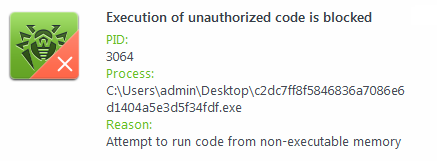
Dr.Web Anti-virus can not only detect known malicious programs but also block the actions of the latest tools used by hackers. Dr.Web Preventive Protection monitors the requests all running programs make of various system resources and, with the help of special rules, identifies actions that are atypical of legitimate programs. In this case, the message indicates that an attempt was made to inject some code into a running process — legitimate programs rarely act in such a way.
Thus, Dr.Web Anti-virus has blocked hackers from using the computer’s unclosed vulnerability.
To avoid such situations, you need to install all the security updates released by Microsoft to date in the system where the malicious action is being detected. After this, reboot your PC.
You must also ensure that the Dr.Web components are up to date and that the virus databases show today’s date.
To detect threats, in the Dr.Web Preventive Protection settings, select Ask as the action for the option Integrity of running applications, and also enable exploit protection interactive mode.
Contact our technical support. Attach to the request a report from the system in which the anti-virus is installed. To do this, right-click on the Dr.Web icon in the system tray, open Security Center -> Support , click on "Go to Report Wizard", and then click on "Create report". Wait for the report-generation process to complete. A file with a .zip extension is generated—attach it to your request.
The Dr.Web Report Wizard (the dwsysinfo application) is a special Dr.Web utility for collecting system information. The utility generates a zip archive containing event logs, XML documents, the HOSTS file, and other information. The full list of data available in the report can be found here.
HTTP monitor SpIDer Gate
A connection failure occurs when I try to download a program. If I turn off SpIDer Gate, downloading continues without interruptions. What shall I do?
Try running SpIDer Gate with the -dbg: 2 parameter. To do this, click Start-> Run, type in the string provided below:
"C:\Program Files\DrWeb\spidergate.exe" –dbg:2
Click Ok.
If the problem persists, please contact the technical support service.
Can the firewall do Spider Gate's work?
No, SpIDer Gate is an HTTP-monitor. It performs the following tasks:
- Scan incoming and outgoing HTTP-traffic
- Intercept all HTTP-connections
- Filter Data
- Block loading infected pages automatically in any browser
- Scan archived files
- Protect from phishing and other dangerous online resources.
At the same time the firewall protects your PC or network from unauthorized access.
Thus, SpIDer Gate and the firewall must operate simultaneously on your computer to protect your system against viruses and network attacks.
Does SpIDer Gate depend on my browser?
No. SpIDer Gate operates independently of the programs that use the Internet (including browsers).
Does operation of SpIDer Gate slow down web surfing?
Dr.Web anti-virus engine is so fast that SpIDer Gate won’t delay loading of web-pages or slow-down file transfers.
How can I configure SpIDer Gate's verbose log?
For version 5.0:
- Increase log file size up to 5 Megabytes. Right-click on the Dr.Web icon in the notifications area, select SpIDer Gate–>Settings, in the next window proceed to the Log tab and modify the File size limit field value.
- Right-click on the Dr.Web icon in the notifications area and select SpIDer Gate ->Disable.
- Press Start–>Run, copy one of the strings below to the Run field and launch SpIDer Gate:
- "C:\Program Files\DrWeb\spidergate.exe" -dbg — enable verbose logging,
- "C:\Program Files\DrWeb\spidergate.exe" -dbg -dbg — debug logging.
Version 6.0
Right-click on the Dr.Web icon in the notifications area and select SpIDer Gate–>Settings from the list (if this item is unavailable, you should first switch to the Administrator mode). In the next window, open the Log section and use the slider to set the Extended mode. Press Ok to confirm the changes made.

Further, if required, you can reproduce the problem that must be analysed using the extended report. Please keep in mind that the Debug log is not always required because redundant information might complicate troubleshooting.
How can I disable the SpIDer Gate HTTP monitor?
It is not recommended to disable the SpIDer Gate HTTP monitor because nowadays a lot of malware is distributed via infected websites. There are many script viruses and exploits that can cause harm to the system before they are saved to your hard drive and, consequently, detected by the SpIDer Guard® file monitor.
If disabling HTTP monitor is still necessary, right-click on the Dr.Web icon and in the next menu, select SpIDer Gate –> Disable. When anti-virus self-protection screen appears, type digits from the picture into the string and click Disable SpIDer Gate.
How do I disable the HTTP-monitor SpIDer Gate?
Right-click on the Dr.Web icon in the system tray and select SpIDer Gate-> Disable in the context menu.
Caution! It is not recommended to disable the HTTP-monitor SpIDer Gate because nowadays a lot of malware is distributed via infected web sites. There are many script viruses and exploits that can harm the system before they are saved to your hard drive and, consequently, detected by the file monitor SpIDer Guard.
How do I update the HTTP-monitor SpIDer Gate?
Since SpIDer Gate utilizes the Dr.Web engine and databases, it is updated automatically along with other anti-virus modules.
How is SpIDer Gate updated?
As other modules of the program Dr.Web, SpIDer Gate features the same anti-virus engine and uses the same virus databases and therefore is updated along with other modules.
The SpIDer Gate icon is red. What shall I do?
The red icon indicates that SpIDer Gate is disabled. To activate it, right click on the Dr.Web icon in the notification area. In the menu, hover over the SpIDer Gate item and in the drop-down list select Enable.
If the icon remains red, you have two options:
- Application error – in this case you need to contact the Technical support service.
- Your license does not cover SpIDer Gate. In this case, it is recommended to remove the component: Go to Start-> Settings-> Control Panel-> Add and Remove Programs, find the Dr.Web anti-virus on the list, click Modify and follow the wizard's instructions to disable this component.
What is the impact of SpIDer Gate on the web-surfing speed?
The unique Dr.Web anti-virus engine allows SpIDer Gate to scan traffic so quickly that you will never notice any delay when viewing web pages and downloading files from the Internet.
When I try to go to some sites, SpIDer Gate blocks them and displays the message "URL is known as a source of infection." How can I disable this feature?
If you believe that SpIDer Gate has mistakenly blocked a respected site, please let us know through the form on our website.
If you need to access a suspicious site, right click on the Dr.Web icon in the system tray and in the context menu select SpIDer Gate-> Settings. Clear the Block known source check box and press Ok.
Caution! Disabling this option is not recommended, because pages from all sites, including potentially dangerous ones will be loaded without a corresponding warning.
Where can I find SpIDer Gate's log?
SpIDer Gate's log file name is spidergate.log. The file is located in the C:\Documents and Settings\Your_user_name\DoctorWeb folder.
Which browsers support SpIDer Gate?
SpIDer Gate is compatible with all web-browsers.
Dr.Web anti-virus engine is so fast that SpIDer Gate won’t delay loading of web-pages or slow-down file transfers.
Why do I need the Speed balance option?
The Speed balance option allows you to adjust the amount of CPU time utilized to scan Internet traffic. The higher the scanning priority, the more CPU resources it will use, but it will help maintain high speed connectivity. Low priority results in low CPU load and slower network communication speed. Changing the default value usually is not required.
Why does Dr.Web Security Space literally devour traffic? The dwnetfilter anti-virus component’s traffic exceeds all the remaining Internet traffic.
In fact, the component does not consume traffic. The component checks it while passing it through itself. It processes as much traffic as is generated by the applications that have accessed the Internet and the data that has been received/sent over the network.
Technically, it looks like this:
To check traffic, the anti-virus installs its Internet traffic filters in the protected system and presents itself as a proxy. This filter must be the very first one so that malware cannot process the traffic before it does. For example, in order to conceal that it is transferring data. Third-party monitoring systems also install similar counting filters, but they process traffic after the anti-virus filter because such filters always work consistently. That's why the dwnetfilter process will always be seen as the main consumer of traffic.
On its own initiative, the dwnetfilter component does not connect to the Internet, it only intercepts connections from other applications.
To exclude the false effect that the dwnetfilter component is consuming traffic, you need to exclude it from your traffic control program, if this option is available. It makes no sense to track application traffic separately or their total traffic via the proxy (dwnetfilter).
This script should be used to answer users’ questions.
One of SpIDer Gate’s tasks is to inform users that visiting some websites is dangerous or undesirable, for reasons that include the presence of “pirated” content. Dr.Web informs users about such websites because they are accompanied by malicious programs. Websites are included in the so-called Dr.Web “anti-piracy” database only on the basis of allegations made by content copyright holders. Each allegation is verified by Doctor Web’s lawyers before the decision is made to include the corresponding URL in the database. When users receive SpIDer Gate notifications concerning the undesirability of visiting pirated websites, they are getting objective, legally considered information about intellectual property infringement. Thus, Doctor Web helps users of its products:
- avoid becoming the victims of criminals, who for their own selfish ends use others’ works and trademarks, and the fruits of others’ intellectual labours, for illegal purposes;
- avoid potential criminal indictment for downloading, using, and further distributing pirated content;
- protect PCs against infections occurring as a result of downloading unlicensed content that is accompanied by malicious programs.
Users make their own decisions as to whether it is worth visiting the websites they have been notified about. The SpIDer Gate component can be enabled or disabled at their discretion.
How to add a site to SpIDer Gate's exclusions list for Windows
Click on the Dr.Web icon in the system tray.
Open the Dr.Web Security Center.

Windows administrator permissions are required for changes to be made to Dr.Web’s settings. Click on the padlock icon to provide them.

Confirm the system prompt to elevate privileges to those of an administrator.
Click on "Exclusions".
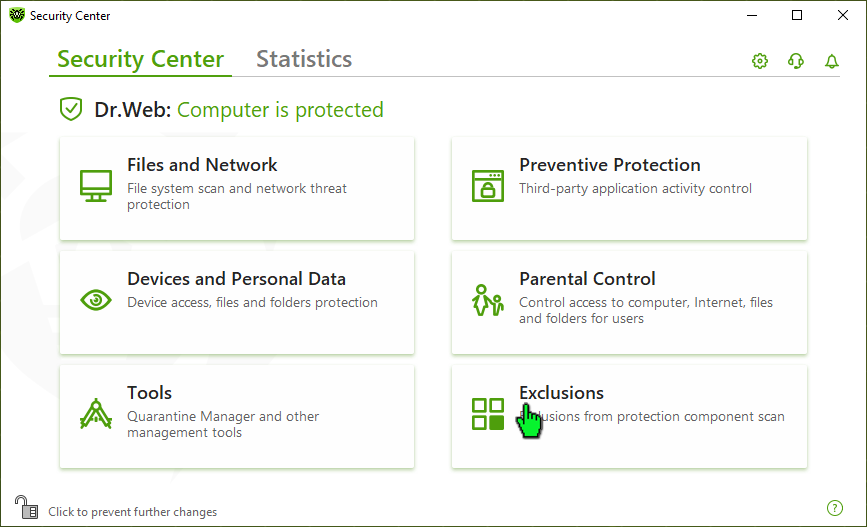
Click on "Websites".
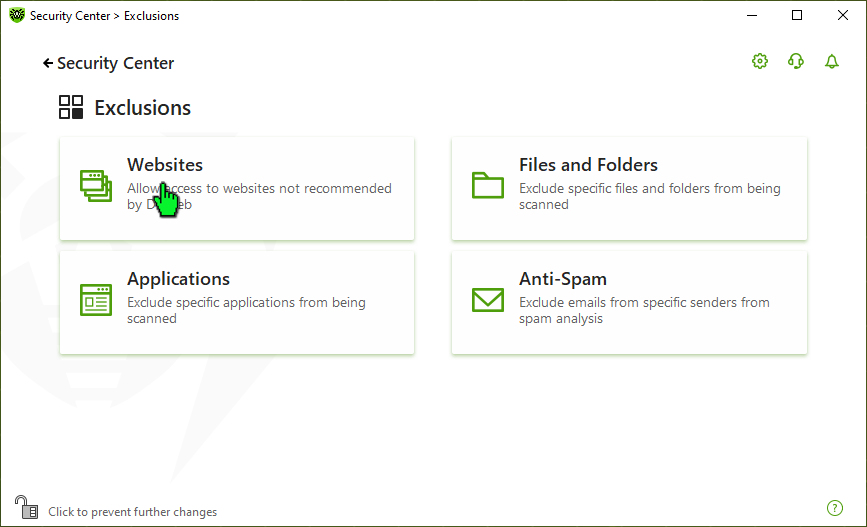
Add the URLs to which you want to allow access. After entering a site address, click on the "+" button.
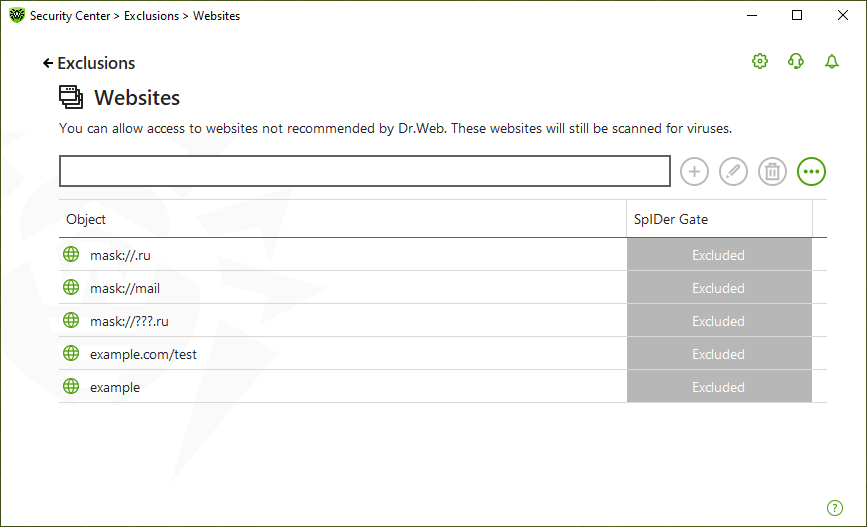
To add a specific site to the list, enter its address (for example, www.example.com). Access to all the resources located on this site, will be allowed.
To allow access to sites whose address contains a specific text, type the following text in the field. Example: if you enter the text "example", access to example.com, example.test.com, test.com/example, test.example222.ru, etc., will be allowed;
To allow access to a specific domain, specify the domain name with the symbol ".". In this case, access to all the resources on that domain will be allowed. If you use the symbol "/" when specifying a domain, the part of the substring to the left of the character "/" will be considered the domain name, and the part to the right of the symbol—the part of the allowed address on this domain. Example: if you enter the text example.com/test, the following addresses will be allowed: example.com/test11, template.example.com/test22, etc .;
To exclude certain sites from scanning, enter the corresponding mask. Masks are added in the format: mask://...
The mask specifies the name pattern:
- the symbol "*" replaces any, possibly empty, sequence of characters;
- the symbol "?" replaces any, including empty, but only one symbol.
Examples:
mask://*.ru/ — all sites in the .ru zone will open;
mask://mail — all sites containing the word "mail" will open;
mask://???.ru/ — all sites in the .ru zone whose names consist of 3 or more characters will open.
When added onto the list, an entered string can be converted to the universal form. For example, http://www.example.com will be converted to www.example.com.
Parental control
How can I use the Parental Control component in Dr.Web for Windows to restrict access to unwanted sites?
- Click on the spider image in the system tray.
- Click on the closed padlock icon—the system will request elevated privileges.
- Agree, and, if necessary, enter the administrator account password. The closed padlock is now open.
- Click on the gear icon.
- In the Dr.Web settings window, open the Parental Control tab.
- In the section on the right, select the user account for which you want to set restrictions.
- Click on Change in the Internet section.
- In the drop-down list, select Block by categories.
- Select the categories of the sites you want to block.
Doctor Web specialists are continuously adding sites to the list for each category.
Find out more
How can I grant my child access to specific sites belonging to one of the blocked categories or expand the list of blocked sites?
- Go to the Parental Control tab.
- In the section on the right, select the user account for which you want to set restrictions.
- Click on Change in the Internet section.
- Select Block by categories
- Click on the button Whitelists and blacklists.
- To make sure that access to a certain site is not blocked, add its address to the whitelist.
- To add a site to the list of unwanted sites, add its address to the blacklist.
- If you want the user to access only specific sites, add the site addresses to the whitelist and choose the option Block all except websites from the whitelist.
Popular search engines, such as Google and Yandex, offer a safe search option that enables links to sites containing dangerous or unwanted content to be excluded from search results. So that the browser toggles on the safe search option automatically, enable the corresponding Parental Control feature.
Find out more
How can I use the Parental Control component in Dr.Web for Windows to block access to selected files and folders?
- Open the Files and Folders tab, and click on the switch.
- Add the paths to the files and folders to the list, and select an access mode.
If you choose Read-only, your child will be able to view files and folder contents but won't be able to change or delete them.
The Blocked option will mean that the files and folders will be inaccessible.
How can I prevent third parties from making changes to the Parental Control settings in Dr.Web for Windows?
- Select Start → Settings.
- Go to the Accounts section.
- Click on Family and other users.
- Make sure the user accounts for which you have imposed the restrictions do not have administrator privileges.
- If necessary, change their account type from Administrator to Standard.
- Also make sure that a reliable password is specified for your Administrator account. If no password is specified, press Alt + Ctrl + Delete, and click Change password. Enter the new password in the New password and Confirm new password fields. Then press OK.
How can I use the Parental Control component in Dr.Web for Windows to limit the amount of time my child can access the Internet or the computer?
- Open the Time tab.
- Use the time grid to create an access schedule.
- Instead of using the calendar, you may choose the option Interval time limit.
A site I want to visit is blocked by the parental control module. How do I exclude this site from the blocking list?
Add the site's address onto the white list, or if you are sure that the site is blocked by mistake, report the false positive to Doctor Web.
At what address can I report false positives of the Dr.Web Parental control?
Send links to web-site mistakenly rated by the module as undesirable to Doctor Web's laboratory via the web-form on our website.
How can I disable the parental control module?
Right-click on the Dr.Web icon in the notification area and select Parental Control → Settings. Enter the password and select Allow access to all sites. In the Local Access tab, select Allow and Unlimited in the corresponding sections. Click Apply to save the changes.
Caution! Disabling Parental control will allow access to all resources on the Internet, LAN and the PC.
How can I recover a lost password to access the Parental control?
There is no way to recover a Parental control access password. The only solution is to import a new password into the registry from a special file.
- Use the download link to obtain the file
- Disable the anti-virus's self-protection
- Double-click on the downloaded file and agree to modify the registry
- Enable self-protection
- Now your password is "drweb" (without the quotes), do not forget to change it in the Parental control settings.
How do I disable access blocking?
Right-click on the Dr.Web icon in the notification area and select Parental Control → Settings. If this is the first launch of the Parental control module, you will need to set a password for it. Then in the subsequent window select what you want to block and then click Apply.
I am prompted to enter a password to access the parental control. What for?
If the password for parental control is not specified, each time you open parental control settings, you will be prompted to set a password. It is Recommended that you set a password right away to prevent unauthorized access to these settings. If no password is required, click Cancel.
I can not turn on the Parental control, it requires a key file. What do I do?
If upon activating the Parental control you receive the message "Unable to find a key file", it means that your license does not cover the Parental control. In this case, it is recommended to remove the component: Go to Start–> Settings–> Control Panel–> Add and Remove Programs, find the Dr.Web anti-virus on the list, click Modify and follow the wizard's instructions to disable this component.
What is the "Local access" option for?
Use the local access settings to restrict access to resources on your computer - files and folders. In addition, it is possible to prohibit the use of removable storage media and access to the LAN. By restricting access to such resources you can avoid damaging or removing sensitive data by a third party and prevent unauthorized access to confidential information.
What is the parental control for?
The Parental control module allows you to restrict users' access to certain sites on the Internet, local files and folders, local network resources. An administrator can manually configure a list of banned sites or take advantage of the constantly updated thematic lists provided by Doctor Web.
When I hover the cursor over the Dr.Web icon in the notification area, the tooltip says that local access protection and URL filtering are disabled. What does this mean and is it dangerous?
Local access protection and the URL filter are parental control features disabled by default. You need to activate them manually by setting the parental control operation mode and access password in its settings.
Which sites can be blocked with the Parental control module?
The Parental control module can restrict acces to any specific sites or web-pages, as well as to all known sites containing information on certain subjects (such as sites about drugs or weapons, sites of paid on-line games, etc.). A list of specific websites to be blocked is set up by the user; both individual addresses and keywords found in URLs can be specified in this block list. Blocking websites by subject is carried out automatically using the lists, updated regularly by Doctor Web.
Will my child be able to disable the Parental control module without my consent?
If you set a password for accessing the Parental Control, only the computer's administrator will be able to do so after entering the password. If no password is set, then any user with administrative privileges will be able to change the settings.
Scanner
What actions сan Dr.Web perform with malicious objects?
If Dr.Web has detected a malicious program, one of the following actions can be applied to it:
Cure — Dr.Web can try to restore the infected file to its original state.
In most cases, the "Cure" option will be unavailable. This action is only available for files infected with known, curable viruses. Trojans and compromised files found in other objects (archives, email files and file containers) cannot be cured.Remove — a malicious object (file, script, email attachment, etc.) is permanently deleted.
Move to quarantine — if for some reason you want to save a file (for example, to send it to Doctor Web’s virus laboratory), you can move it to the secure quarantine folder where it will not be able to harm your PC.
Ignore — no action is taken. Choose this option only if you are completely sure that the threat is in fact a false positive.
Threat-neutralisation options have their limits:
Suspicious objects (seemingly infected files and files that supposedly contain malicious code) cannot be cured.
Threats that are not actually files (e.g., boot sectors) cannot be moved or deleted.
No actions can be performed with individual files in archives, installers or emails—in such cases, an action is applied only to the entire object.
Why is it important to run system scans regularly?
New threats are emerging every day, and it is quite possible for a trojan to get into your system undetected since no corresponding definition yet exists in the virus database and the malware has not done anything suspicious to expose itself. As a result, the file monitor SpIDer Guard, which scans files, whenever they are being opened, launched, or modified, and watches over running processes, cannot detect it.
Dr.Web recommends
Schedule regular system scans to occur at least once a week. You can set up the scans to be run at the most convenient time for you—for example, when you are not using your PC.
What is the scanner designed for? Is SpIDer Guard anti-virus monitor, which always monitors all the calls to files, not enough?
Dr.Web scanner for Windows either scans files at the user’s command or on the schedule specified in the Scheduler. Not all the files are checked, but only those specified in the scanner settings instead. By default, files are checked by format — i.e., files in archives, packed and e-mail files, and RAM and all the autorun objects as well. You may choose to scan disks, folders, scan by file types, by preset mask, or scan all the files. To view current scanner settings, go to the program main window menu bar and select Settings–>Modify settings.
I have installed anti-virus on my PC and run the program. Though I did nothing about it, it started to perform itself — some numbers appeared and the progress bar began sliding to the right in the bottom part of the program window. What is it doing?
Quick scan of the critical system objects with the anti-virus scanner is launched automatically as the program starts. It is required to find out if any viruses exist in the system. After the scan is complete, two right windows indicate numbers. The left one shows the number of viruses found on your PC, while the right one — the number of RAM objects and files scanned with the anti-virus scanner.
How can I enable a scheduled scan?
In order to launch full scan, please use the Task scheduler.
Windows XP:Open the Windows task scheduler (Start->Control panel->Assigned tasks). Find the Dr.Web Daily Scan task pre-installed during installation and open it to edit. In the Task tab, check Enabled. In the Schedule tab, specify scan frequency and time you need. Press Ok to apply the settings. Enter user name and password upon the operating system request.
Windows Vista/7:In order to edit a task pre-installed during the anti-virus installation, right-click on the Dr.Web icon in the notifications area and select Tools->Scheduler. In the next window, select the Drweb Daily Scan task, which is disabled by default. You should enable it (by right-clicking the task and selecting Enable option). In the Triggers tab, edit launch time and frequency.
In the scanner settings, there is an action to process infected and incurable files — Move. Are such files moved to a location on my PC?
The Move action in respect to infected and incurable objects means the following: an object is moved to a special directory specified in the Move to field (by default, it is the infected.!!! subdirectory of the Dr.Web installation directory) and accessible even after the scan is over. Furthermore, after having been moved, the file loses its extension. Such actions mean that the virus is actually “disarmed”, rendered incapable and, therefore, absolutely safe.
Dr.Web anti-spam
How to configure spam filtering to a specific folder in my e-mail client?
To have all the messages marked with Dr.Web spam filter automatically moved to a specific folder — let's call it Spam, for example, — follow the below steps:
- Right-click on the Dr.Web icon in the notifications area and select SpIDer Mail–>Settings. Go to the Anti-spam tab, and check the box next to Add a prefix to the Subject field of e-mails containing spam. In the field below, enter any word or letter combination you like — that's what will be a prefix Dr.Web spam filter will add to the subjects of messages specified to be a spam.
- In your e-mail client, create a folder for spam filtering and configure rule for it so that messages having a prefix you have entered to the Add a prefix to the Subject field of e-mails containing spam be placed into it automatically.
Below are detailed steps on how to set up rules for various e-mail clients. It is assumed that the Anti-spam is configured to mark an incoming spam with the [SPAM] prefix. If you chose an alternative prefix, use it in accordance with this manual...
Microsoft Outlook Express 6
- Create a new folder into which spam will be moved:
- right-click on the account name, and in the context menu select "New Folder...";
- enter the Spam folder name, and click "OK".
- Set a filter rule for messages marked as spam:
- in the menu, select "Tools" - "Rules for messages" - "Mail ...";
- in the first list, check the "Search for messages containing specific words in the "Subject" field;
- in the second list, check the "Move to a specified folder";
- in the "Rule description", click on the "containing specific words";
- enter the [SPAM] key word, and press "Add", then "OK";
- in the "Rule description", click on the "specified";
- select the "Spam" folder created in step 1, and press "OK";
- in the "Rule name", type "Spam filtering", and press "OK" twice.
Microsoft Office Outlook 2003:
- Create a new folder into which spam will be moved:
- right-click on the account name, and in the context menu select "New Folder...";
- enter the Spam folder name, and click "OK".
- Set a filter rule for messages marked as spam:
- in the menu, select "Service" - "Rules and alerts...";
- Go to the "E-mail rules" tab;
- click on "New...";
- select "Create a new rule";
- in Step 1, select the "Check messages upon receipt", then click "Next";
- in Step 1, select "containing
in the "Subject" field; - in Step 2, click on "
"; - in the upper field, enter [SPAM], and press "Add", then "OK" and "Next";
- in Step 1, select "move them to the
folder"; - in Step 2, click on "
"; - select the "Spam" folder created in step 1, and press "OK", then "Next" twice;
- in Step 1, specify the "Spam Filtering" rule name, and click "Finish", then "OK".
Microsoft Office Outlook 2007:
- Create a new folder into which spam will be moved:
- right-click on the account name, and in the context menu select "New Folder...";
- enter the "Spam" folder name, then in the "Folder content" list, select "elements such as Mail"; in the "Place folder into..." tree, choose a location where the "Spam" folder will be stored.
- Set a filter rule for messages marked as spam:
- in the menu, select "Service" - "Rules and alerts...";
- Go to the "E-mail rules" tab;
- click on "New...";
- select "Move all messages containing specific words in the subject field to folder", and click "Next";
- in Step 1, select "containing
in the "Subject" field"; - in Step 2, click on "
"; - in the upper field, enter [SPAM], and press "Add", then "OK" and "Next";
- in Step 1, select "move them to the
folder"; - in Step 2, click on "
"; - select the "Spam" folder created in step 1, and press "OK", then "Next" twice;
- in Step 1, specify the "Spam Filtering" rule name, and click "Finish", then "OK".
Windows Mail 6 (Windows Vista):
- Create a new folder into which spam will be moved:
- right-click on the account name, and in the context menu select "New Folder...";
- enter the "Spam" folder name; in the "Select the folder in which a new folder will be created" tree, select a location where the "Spam" folder wil be stored.
- Set a filter rule for messages marked as spam:
- in the menu, select "Service" - "Message rules " - "Mail...";
- click on "New...";
- in the "1. Select conditions for this rule" list , flag the "Search for messages containing specific words in the "Subject" field";
- in the "2. Select actions for this rule" list, flag the "Move to the specified folder";
- in the "3. Rule Description" field, click on "containing specific words";
- in the "Enter the keywords" dialog box, type [SPAM] in the "Enter keywords or sentence and click" Add"" field, press "Add", then "OK";
- in the "3. Rule Description" field, click on "specified";
- in the next "Move" window, select the "Spam" folder created in step 1, and press "OK";
- in the "4. Rule name" field, type "Spam Filtering" and click "OK" twice.
Ritlabs The Bat! 4
- Create a new folder into which spam will be moved:
- right-click on the account name, and in the context menu select "New" - "New Folder...";
- enter the Spam folder name, and click "OK".
- Set a filter rule for messages marked by anti-spam as spam:
- right-click on the account name, and in the context menu select "Inbox Assistant settings...";
- right-click on the "Incoming mail", and in the context menu, select "New rule";
- in the "Name" field, enter "Spam filter";
- click on "Sender" and choose the "Subject" line from the drop-down list;
- enter [SPAM] into the field after the word "containing"
- under the "Actions" list, click "Add";
- in the drop-down list, select the "Move message to folder";
- in the folder tree, select the "Spam" folder created in step 1, and click "OK" twice.
Mozilla Thunderbird 2.0
- Create a new folder into which spam will be moved:
- right-click on the account name, and in the context menu select "New Folder...";
- enter the Spam folder name, and click "OK".
- Set a filter rule for messages marked by anti-spam as spam:
- select the account name in the tree of accounts and folders;
- in the menu, select "Tools" - "Message Filters...";
- press "Create...";
- in the "Filter name" field, enter "Spam filter";
- in the list below, sequentially select "Subject", then "contains" from the drop-down lists; in the right-hand field, enter [SPAM];
- from the drop-down lists in the list far below, sequentially select "Move message to...", and in the next box, select the "Spam" folder created in step 1, then press "OK";
- close the "Message filters" window.
Which messages are filtered by Dr.Web anti-spam as unwanted?
- To make it short, let’s apply “spam” name to all unsolicited e-mails. The bulk of it comprises advertisements offering different goods and services.
- The most dangerous among spam messages are phishing, pharming and scamming ones. Nigerian scams, lottery and casino scams, fraudulent messages from banks and credit organizations are characteristic of them.
- Next come black political and economic PR scams and the so-called “letters of happiness”.
- There is also a technical spam, or bounce messages, generated by mail servers in reply to undelivered message, whether you did send one or not. Such e-mails might emerge as a result of mail server poor work or virus activity, of some e-mail worm, for instance.
How to activate Dr.Web spam filter?
Incoming mail filtering is processed by SpIDer Mail, one of Dr.Web modules. The following steps describe how to activate the spam filter:
- In SpIDer Mail menu on the Windows Task Panel choose “Settings” – the SpIDer Mail “Settings” window will appear.
- In the “Scan” pane of the SpIDer Mail “Settings” window enable the “Check for the spam” checkbox and press OK to save the changes made; then close SpIDer Mail “Settings” window.
After you’ve activated your spam filter, SpIDer Mail with Vade Retro anti-spam engine integrated into it starts filtering all your incoming mail on POP3 and IMAP4 protocols.
How can spam be filtered into definite mail folder?
To move automatically all messages marked as spam by Dr.Web Anti-spam into definite mail folder in your mail client, do the following.
- In SpIDer Mail menu on the Windows Task Panel choose “Settings” – the SpIDer Mail “Settings” window will appear. Press the “Advanced…” button. The “SpIDer Mail® Spam Settings” window will open. Check the “Add prefix to the subjects of the spam messages” box. Input any word or combination of symbols in the field below it. This will be the prefix Dr.Web Anti-spam will add to subjects of messages marked as spam.
- In the mail client you use, make a new folder for spam. Make the rule for this folder so that all the spam messages with the prefix you specified in the “Add prefix to the subjects of the spam messages” filed are placed there automatically.
How to manage Whitelists\Blacklists?
Whitelists and Blacklists contain mail addresses you either trust or not.
- If the sender’s e-mail address is added to the Whitelist, these messages are not filtered. However, if the sender and the receiver share the same domain name e-mail addresses and this domain name is enlisted in the Whitelist with the “*” symbol, it is filtered for spam.
- All messages enlisted in Blacklist are marked as spam without additional analysis.
Both lists settings should be fill in one after another, parted by “;”. The “*” sign can be used as a part of e-mail address. For example, *@domain.org passes for all addresses with “domain.org” domain name.
Where to forward e-mails falsely marked as spam/non-spam?
In case some messages are falsely filtered, they should be forwarded as attachments to special addresses for analysis and correction of spam-filtering techniques.
- Messages, falsely marked as spam , should be forwarded as attachments to nonspam@drweb.com
- Messages, falsely marked as non-spam , should be forwarded as attachments to spam@drweb.com.
How to avoid filtering Cyrillic e-mails as spam?
At first all spam messages were of Latin origin and spam-filters’ developers, represented for the most part by Western companies, were aimed at filtering these ones only. Later on spammers switched into Cyrillic, too. But since the bulk of spam is still in Latin, there are some difficulties to filter Cyrillic spam.
To save your Cyrillic correspondence from being filtered as spam without a prior analysis, check the “Allow Cyrillic texts” box. Otherwise such e-mails are likely to be marked as spam. “Allow Chinese, Japanese, Korean text” option works the same way.
Dr.Web Firewall
How can I create an application (program) rule in Dr.Web version 8 and earlier?
Right-click on the Dr.Web icon in the notification area. In the menu, hover over the Firewall item and in the drop-down list, select Settings. Click the Application tab.
To create an application rule, click Create. In the opened window, specify the path to the executable file for the program for which you are creating the rule, and select
- the rule type for launching network applications:
- Allow — to allow the application to launch processes.
- Block — to block the application from launching processes.
- Not configured — to customize the selected firewall operating mode for this application.
- and the rule type for accessing network resources:
- Allow all — the application will be permitted to access the network.
- Block all — the application will be blocked from accessing the network.
- Custom — access will be determined by the parameters specified.
- Not configured — to customize the selected firewall operating mode for this application.
You do not need to configure rules manually if the firewall is operating in the training mode — it is easier to configure access for each application right from the firewall notification window when it attempts to connect to the network for the first time.
What firewall operational modes are available?
Dr.Web Firewall has four operating modes:
- Allow unknown connections — all unknown connections are allowed. Protection is not active.
- Training mode (create rules for known applications automatically) — learning mode. Rules for known applications are created automatically. The user will be prompted to choose what action to take with all unknown connections.
- Interactive mode — learning mode. When the operating system or an application attempts to connect to a network, the firewall will prompt the user to choose an action.
- Block unknown connections — all unknown connections will be blocked without prompting the user.
Do I need to disable Windows Firewall when installing Dr.Web Firewall?
If you install a Dr.Web package that includes the firewall, you will be prompted to deactivate the Windows firewall. The Windows firewall must be disabled, doing otherwise will result in numerous conflicts that can cause errors or an OS crash.
Neither it is recommended to enable the Windows firewall while the Dr.Web firewall is working.
How do I disable the automatic launch of the firewall at Windows startup?
You can't disable automatic startup for the firewall with standard tools available in the system.. However, you can disable temporarily various anti-virus modules including the firewall at any moment. Right click on the Dr.Web icon in the system tray and select Firewall-> Disable in the context menu.
Note: If the Disable item is not available in the menu, switch to the Administrative mode.
I'm getting messages about new network rules created again and again. How can I disable the notifications?
Dr.Web Firewall in the real time mode creates rules for applications running in the system but are not on its list. Therefore, you must create rules for such applications when they attempt to connect to the network for the first time. A connection request is issued for specific ports and protocols utilized by the application. You can allow all the requested connections, a connection only for a specific protocol and port, or block the connection. Once the rule is created, the firewall handles requests according to the rule and no longer gives out messages regarding application's network activity to the user.
The predefined database contains rules for the most popular programs, as well as all Windows system services and applications. The database is updated on a regular basis.
For more information see the video tutorial on configuring the Dr.Web firewall.
What’s the firewall?
The firewall is a program that controls the exchange of data between your PC and the rest of the network. The firewall's main job is to monitor application-generated network activity and prevent hackers or malicious programs from trying to send information from your PC to the network or, vice versa, to accept it from a remote source without authorisation.
What is the firewall’s interactive mode?
In this mode, the firewall can be trained to respond to attempts made by programs to access the Internet.
Upon detecting programs making attempts to access network resources, Dr.Web Firewall checks whether filtering rules have been set for those programs. If the rules haven’t been specified, the user is prompted to either choose a single action for the firewall or create a rule that will be used in the future to process such an application's network activity.
The firewall has blocked access to the Internet. What should I do?
If the firewall is blocking your ability to work with the network, you need to do the following:
-
To reset the settings, click on the Dr.Web icon in the system tray, and in the Dr.Web menu, select Security Center. Click on the
 icon in the lower-left corner of the window, and then on —
  in the upper-right corner. In the Manage settings section, select Change → Restore defaults, and click on OK.
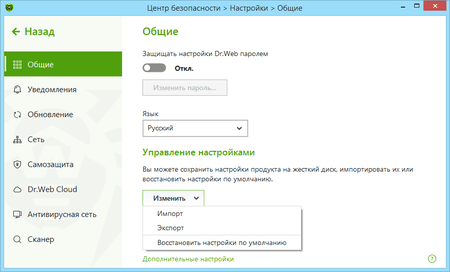
Important! This action will reset all of the user settings for all the Dr.Web components, and you will need to configure them again.
After that, when you try to access the Internet, you may see requests from the firewall (to create a rule, to block once, to allow once). Create allow rules for selected applications by clicking on the button Create rule → Allow → OK.
For more on how to train the firewall, refer to the documentation
-
Please contact our technical support service. Attach the report created by the DwSysInfo utility to your request.
To generate a report:
- Download and save the utility on your PC: https://download.geo.drweb.com/pub/drweb/tools/dwsysinfo.exe
- Launch the saved dwsysinfo.exe file.
- Click on the Generate report button.
- Wait for the report-generation process to complete.
How can I prevent a program from connecting to the Internet?
To prevent a specific program from connecting to the Internet, create a new rule. Click the Dr.Web icon on the taskbar, and select Security Center → Files and Network. Click on the icon.

In the UAC dialogue, click on Yes, and enter the administrator password, if necessary.
Select the Firewall section, and click on Change in the Application rules.
In the newly appeared window, click on the  icon to add a new rule.
In the next window, enter the path to the application's executable file, and in the drop-down list Launching network applications, select Block. Then select Block all on the Access to network resources list.
Click on OK to have your changes go into effect.
A firewall notification window has appeared. What should I do?
The notification window’s appearance indicates that a processing rule has not been set for the application to which the firewall has reacted. You can do one of the following:
- Allow once — the application’s network activity is allowed for the duration of the current session. After the PC is restarted or you want to use the program again, the firewall will prompt you to allow the Internet connection again.
- Block once — this blocks the program’s network activity. Only for the current session.
- Create rule — when you configure a rule for an application, the firewall will automatically follow this rule. By selecting this option, you will see a window that lets you choose a course of action:
- Allow network connections for the application on port *port number*
- Block network connections for the application on port *port number*
- Allow all network connections
- Block all network connections
- Create custom rule — you can create a new firewall rule for the current program.
Note. Always try to create rules to automate the firewall's operation.
How can I create a rule for an application (program)?
To prevent a specific program from connecting to the Internet, you have to create a new rule. Click on the Dr.Web icon on the taskbar, select Security Center → Files and Network and click on the .
In the UAC dialogue, click on Yes, and enter the administrator password, if necessary.
Select the Firewall section, and click on Change in the Application rules.
In the newly appeared window, click on the icon to add a new rule.
In the next window, enter the path to the application's executable file, and then in the drop-down list Launching network applications, select the action you need:
- Allow — when you try to run the network application, the firewall will allow this action.
- Block — when you try to run the network application, the firewall will block this action.
- Not specified — when you try to run the network application, the firewall will issue a request.
Then select the action you need from the Access to network resources list:
- Allow all — any network activity will be allowed for the program.
- Block all — any network activity will be blocked for the program.
- Custom — you can manually configure all the parameters for the program’s network activity.
- Not specified — every time the program tries to access the Internet, the firewall will issue a request before connecting.

Click OK to have your changes go into effect.
If the firewall is operating in interactive mode, there is no need to manually configure rules — it is easier to configure access for each application at the time of its initial network activity, directly from the firewall notification window.
How can I disable the firewall?
Click on the Dr.Web icon on the taskbar, select Security Center → Files and Network, and click on the icon. In the UAC dialogue, click on Yes, and enter the administrator password, if necessary.
Then, toggle on the switch to make the Firewall component active — its frame will turn red.

How can I reset the firewall settings?
To reset the settings, click on the Dr.Web icon in the system tray. In the Dr.Web menu, select Security Center. Click on the icon in the lower-left corner of the window, and then on — in the upper-right corner. In the Manage settings section, select Change → Restore defaults, and click on OK.
Important! This action will reset all the user settings for all the Dr.Web components, and you will need to configure them again.
What firewall operational modes are available?
Dr.Web Firewall has three operating modes:
- Allow unknown connections — all unknown connections are allowed. Protection is not active.
- Allow connections for trusted applications — rules for known applications (with a valid digital signature) are created automatically. The user will be prompted to choose what action to take with all unknown connections.
- Interactive mode — learning mode. When the operating system or an application attempts to connect to the network, the firewall will prompt the user to choose an action.
- Block unknown connections — all unknown connections will be blocked without prompting the user.
The user can configure the mode in the firewall's settings. If a rule has already been set for an application, the firewall will follow it.
What is a parent process?
A parent process is a process or an application that can run other applications. Users can configure rules for parent processes in the window used to create or edit rules for an application with the help of the drop-down list Launching network applications.
How can I configure rules for network connections?
Click on the Dr.Web icon on the taskbar, select Security Center → Files and Network, and click on the icon. In the UAC dialogue, click on Yes, and enter the administrator password, if necessary.
Select the Firewall section, and click on Show additional settings. In the Operation parameters for known networks section, click on Change. In the next window, the user can define a set of predefined rules for each network connection.
- Allow all — all packets are allowed.
- Block all — all packets are blocked.
- Default rule — rules that describe the most popular network configurations and common attacks (used for all interfaces by default).
Where can I find the firewall report?
Click on the Dr.Web icon on the taskbar and select Security Center → Statistics → Firewall.
What is a packet filter?
This firewall element manages the traffic flow via the selected protocols by allowing or blocking packets according to specified conditions. The packet filter is a basic means of ensuring your computer’s security; it operates independently of applications.
Can I install the firewall without installing the Dr.Web anti-virus?
Dr.Web Firewall is a Dr.Web anti-virus software component, and it is impossible to install the firewall without the anti-virus.
What does "Digital signature - Unknown" mean when an application attempts to access the Internet? What is a digital signature? And what does it affect?
A digital signature is a code that verifies that a program has been received from a particular source and has not been changed. At the same time, a signed application is not necessarily secure, so users should be careful when installing any software, even signed software.
An unknown application is constantly trying to access the Internet. What could this mean? And what should I do in this situation?
This could be malware. It is recommended that you launch a full anti-virus system scan.
Do I need to configure a packet filter for my home PC?
At home, when you need to protect only one computer against network attacks, the packet filter configuration is not required. The fact is that the firewall database contains a substantial number of rules, and these rules are activated as they are required. If, for any reason, a rule is absent, the firewall will request the action.
SpIDer Guard
What actions сan Dr.Web perform with malicious objects?
If Dr.Web has detected a malicious program, one of the following actions can be applied to it:
Cure — Dr.Web can try to restore the infected file to its original state.
In most cases, the "Cure" option will be unavailable. This action is only available for files infected with known, curable viruses. Trojans and compromised files found in other objects (archives, email files and file containers) cannot be cured.Remove — a malicious object (file, script, email attachment, etc.) is permanently deleted.
Move to quarantine — if for some reason you want to save a file (for example, to send it to Doctor Web’s virus laboratory), you can move it to the secure quarantine folder where it will not be able to harm your PC.
Ignore — no action is taken. Choose this option only if you are completely sure that the threat is in fact a false positive.
Threat-neutralisation options have their limits:
Suspicious objects (seemingly infected files and files that supposedly contain malicious code) cannot be cured.
Threats that are not actually files (e.g., boot sectors) cannot be moved or deleted.
No actions can be performed with individual files in archives, installers or emails—in such cases, an action is applied only to the entire object.
Can I temporarily disable SpIDer Guard with no need to reboot my PC?
Yes, you can. In order to disable SpIDer Guard, right-click on the Dr.Web icon in the notifications area and select SpIDer Guard–>Disable.
What is the function of the Block removable media autorun option?
Enabling this option allows to block automatic launch of autorun.exe-like files from removable media and hard disk drives. This option is used to neutralize autorun-viruses, which are automatically activated when a device is connected to the PC with autorun option enabled.
What is Prohibit Host system file modification option used for?
Enabling this option allows to block attempts to modify HOSTS system file used by operating system to make an Internet access easier. Modifications of this file may be resulted in virus or any other malicious program activities, and this may cause loss of access to some websites or network resources as a whole.
What are the SpIDer Guard functions?
Anti-virus guard is loaded into RAM and checks files being created or modified on the hard disk and all the files being opened on network disks and removable media “on the fly”.
Besides, SpIDer Guard constantly traces running processes activities specific to viruses and blocks those processes upon their detection.
Upon detection of infected objects, SpIDer Guard interacts with them according to the specified settings.
Where is SpIDer Guard log located?
SpIDer Guard log file is called spiderg3.log and located in the anti-virus installation folder (by default, it is C:\Program Files\DrWeb).
What does “Paranoid mode” mean?
Paranoid mode is an enhanced protection mode. When this mode is activated, the guard starts scanning all the files being opened, created or modified on hard disks, removable media and network disks.
What does “Optimal mode” mean?
In the Optimal mode the guard scans only files being launched, created and modified on hard disks, removable media and network disks.
How can I add an exclusion for the SpIDer Guard scan?
In order to exclude a program or file from the SpIDer Guard scan, right-click on the Dr.Web icon in the notifications area and select SpIDer Guard–>Settings. In the next window, proceed to the Exclusions tab, press the Browse button to select the folder where the program to be excluded from the scan is installed, and press Add.
Should it become necessary to exclude a folder or file while the Dr.Web for Windows Scanner is running — select Settings–>Modify settings in the scanner menu. You may add a folder in the Scan–>Excluded paths list tab, and a certain file in the Excluded files list, then you need to press Add.
SpIDer Mail
I read my emails via a browser. Does the SpIDer Mail component check email messages for viruses and spam?
SpIDer Mail scans email messages only if you are using a local mail client (for example, MS Outlook, Mozilla Thunderbird, etc.). Moreover, emails are scanned as they are downloaded. When the list of new messages is displayed on the server, they may not yet have been physically downloaded by you, and, thus, at that moment, they are still unscanned.
If an email is opened via a browser, it is not downloaded to the local computer. Instead, it is rendered by the browser according to the message located on the remote server. It is impossible to scan an email if it is not fully downloaded. But any attachments you save from an email message on the disk of your computer will be scanned by SpIDer Guard.
Which addresses shall I use to send letters to if misrecognized as a spam / not spam?
If the spam filter misrecognizes some letters, they can be forwarded to special mail addresses for analysis and improving filter performance quality:
- Send letters misrecognized as a spam to nonspam@drweb.com.
- Send letters not recognized by mistake as a spam to spam@drweb.com.
Important! You should forward messages as attachment, not as inline.
How can I test SpIDer Mail performance?
You can test proper operability of anti-virus programs detecting viruses by their signatures with the use of EICAR (European Institute for Computer Anti-Virus Research) file.
This program is specially designed to allow you to see how the installed anti-virus will alert you to the viruses it detected, with no need to expose your PC to danger. Eicar program is not malicious but is specially tuned so that most anti-viruses treat it as a virus. Dr.Web refers to this “virus” as EICAR Test File (Not a Virus!).
To test mail anti-virus performance, you can ask a friend of yours to send you this file, or otherwise try to send it to yourself. If SpIDer Mail detects a virus — that is OK.
Dr.Web for Android
For purchase through Google
How can I create a technical support request on My Dr.Web Portal?
- From your mobile device: open the application menu (the button with the three dots in the top-right corner of the screen), select About, and click on My Dr.Web. Go to the Support tab — Ask a question.
- From a PC or Mac: Use the special service on Doctor Web's site. Log on to the portal and go to the Support tab — Ask a question.
Use your My Dr.Web Portal—your personal assistant and guide to services. It is particularly from here that you can contact our technical support service. The history of your requests is also available here.
I purchased my license via Google Play, but it was not activated. What should I do?
- Open the application menu (the button with the three dots in the top-right corner of the screen), select License, and then I already have a license. Next, select Recover a purchase on Google Play.
- Enter the email address that you used when purchasing the license, and your personal data.
IMPORTANT! If, during the activation process, the program reports errors, please contact our technical support service. Attach to your request the exact text or a screenshot of the error, the Google Play order number (GPA -...) and the Google account address (@ gmail.com) used to make the purchase.
How can I transfer the license I purchased through Google Play to another device?
- Remove Dr.Web from your device.
- Using Google Play, install the Dr.Web application on the other device and open it.
- Go to License and select I already have a license.
- Click on Recover a purchase via Google Play.
- Enter the email address you used when you registered your license and your personal information. The license registered for the specified email addresses will be activated automatically.
How can a user who has the free version of Dr.Web for Android get technical support from Doctor Web?
- If you need help buying a commercial version: on the support request page of Doctor Web's site, select I do not yet have a commercial Dr.Web license, and ask your question.
- If you need assistance solving a technical problem, support is not provided with the free version of this product. Try to find the answers to your questions in the FAQ or get advice from other users on the Dr.Web forum.
I use the commercial version of Dr.Web for Android (not a lifetime license). What data do I need to provide to the Doctor Web technical support service to get help?
- If you contact our technical support service from the Dr.Web for Android page at Google Play, via My Dr.Web Portal or via the support form on Doctor Web's site — specify your serial number or your Google Play order number and your Gmail address, or the Google Play order number (GPA -...) and the address of the Google account (@ gmail.com) used to make the purchase. If you do not have the order number, you probably purchased your Dr.Web license from another site. In this case, you need to submit your serial number.
IMPORTANT! You can find your serial number on My Dr.Web Portal. - If you contact our technical support via the link in your order confirmation — click on the link found in the support request form at Google Play, select the request topic, and ask your question. We will obtain all the required information from Google Play automatically.
I lost my purchase confirmation email. How can I find out what my order number is (for example, so that I can contact Doctor Web's support service?)
If you have deleted the email confirming your purchase information, you can find the order number (Transaction ID) in your Google Wallet — information on all your orders is stored there.
Where can I find my Dr.Web serial number?
Only users of the shareware version of Dr.Web for Android (comprehensive security) have serial numbers, which become available to them after they pay for their license on My Dr.Web Portal. Serial numbers are displayed in the Portal’s license information section.
How can I find out whether I'm using the commercial version or the free one?
Open the application menu (the button with the three dots in the top-right corner of the screen), and select About. If the application name contains the word Light, you are using the free version. Also, the application menu provides access to different sets of security components; the paid version has substantially more components.
What purchase confirmation will I receive after paying for a license at Google Play?
You will receive an email receipt confirming your purchase; it will be sent to your Google email address (@gmail.com). The email will contain your order number and order information, and a link for contacting Doctor Web's support service with any purchase, payment, and refund questions. If you have not received such an email, please contact Google Play's support service — Doctor Web's support service won't be able to help you until your payment has been received.
The list of your paid purchases can be found in your Google Wallet. The list of applications that have been paid for and are thus available to you can be found in the My Apps section of your Google account.
I paid for my license but the program indicates that I'm using a demo version / the license hasn't been found.
In the program window, open the application menu (the button with the three dots in the top-right corner of the screen); select License, then Enter new serial number, and enter a valid serial number. If you purchased the license via Google Play, after selecting I already have a license, select Renew the license from Google Play. To activate the license, you must have Internet access and use the same Google account you used to make the purchase.
You can find more information about all the activation methods at: https://download.geo.drweb.com/pub/drweb/android/pro/HTML/en/index.html?dw_use_license_key_file_new.htm
Within how many days of making a purchase can I apply to Doctor Web for a refund?
According to Google Play's refund policy and under the agreement made between Doctor Web and Google, you can apply for a refund no later than 48 hours after payment is made.
How can I get refunded for a license I have paid for?
- If you have a payment receipt email from Google Play, open it and click on the link in the phrase "Have a question? Contact Doctor Web seller". A Google Play support request form will be loaded. On the request page, select the option "I'd like to request a refund/return the item", and send the refund request. A Doctor Web employee will process your request, and you will get a refund.
- If you lost the purchase receipt, request a refund through the support request form on Doctor Web's site or in My Dr.Web Portal. Specify the Google Play order number (GPA -...) and the Google account address (@ gmail.com) used to make the purchase.
In both cases, you will receive a refund confirmation from Google Play.
Important! The time frame for a refund solely depends on how fast your bank processes such requests. If the money is not returned to your account within 2-3 days after you receive the confirmation from Google Play, contact your bank. Doctor Web cannot influence bank policies or expedite refunds. Our refund liabilities to our users are met once the refund confirmation is received from Google Play.
My order was cancelled, but money was still debited from my account.
Chances are the funds have been temporarily blocked by the bank that issued your credit card. Doctor Web cannot influence bank policies. The funds will be returned to your account after the period defined by the bank expires. If the money is not returned to your account within 2-3 days after you receive your confirmation from Google Play, contact your bank.
I purchased a new smartphone. How can I transfer the Dr.Web license from my old smart phone to the new device?
- If your license has expired, you cannot transfer it to another device. Please purchase a new license.
- If your license is still valid, use your new phone to log in at Google Play under the account that was used to purchase the license. In My Apps, select Dr.Web, and tap Install. A valid license will be recognised automatically.
If your license is still valid, use your new phone to log in at Google Play under the account that was used to purchase the license.
In My Apps, select Dr.Web and tap Install. A valid license will be recognized automatically.
- I lost my Dr.Web license. How can I recover the license purchased through Google Play?
- If your license has expired, you will not be able to restore it. Please buy a new license.
- If your license is still valid,-note that licenses purchased through Google Play are bound to the account under which they have been purchased.
- Make sure that this account is set as the primary account on the device.
- In the main Dr.Web window, select About.
I lost my Dr.Web license. How can I recover a license purchased through Google Play
- If your license has expired, you will not be able to restore it. Please purchase a new license.
- If your license is still valid, open the application menu (the button with the three dots in the top-right corner of the screen); select License, then — I already have a license, and select Recover a purchase on Google Play. To activate the license, you must have Internet access and use the same Google account you used to make the purchase.
How can I reinstall Dr.Web for Android?
- Remove the application and all its data.
- Install the application on a new device in the way that is most convenient for you, in accordance with these instructions: https://download.drweb.com/doc/
- Activate the license on a new device: Open the application menu (the button with the three dots in the top-right corner of the screen); select License, then I already have a license, and enter your previous license number. If you purchased the license via Google Play, after selecting I already have a license, select Renew the license from Google Play. This license is bound to the Google account that was used to make the purchase.
IMPORTANT! The same steps should be taken to transfer a license from one device to another: users need not take any action to "unbind" the license from their previous device — they only have to remove the application.
General questions
Do viruses exist for mobile devices?
Malignant applications for mobile OSs are the fastest growing malware segment. As popularity of an OS is growing among users, so does the interest in it on the part of intruders, whose main goal is to get money. The number of threats to Android increases most rapidly.
Do dangerous malignant programs exist for Android?
Yes, there are and their number is growing. Android.SmsSend Trojan horses that emerged as early as in 2010 are the most common threats to the OS. They are designed to send SMS messages at premium numbers and sign up subscribers to various services.
Mobile banking Trojans are designed to intercept SMS messages, steal mTAN-codes and pass them to criminals who perform various financial transactions with accounts of unsuspecting victims (for example, make online purchases) pose an extreme danger. Android.SpyEye.1 is a banking Trojan for Android OS.
Such malware as Android.MailSteal.1.origin, Android.Maxbet.1.origin, Android.Loozfon.origin and Android.EmailSpy.origin. steal e-mail addresses from devices' address books and send them to a remote server, so that attackers can carry out spam mailings.
Why must your employees' personal mobile devices be protected in addition to their corporate computers, especially if they work with company finances (e.g., bookkeepers)?
While out of the office, employees are not protected from hackers, applications they use may have vulnerabilities, their computers and mobile devices can be infected with viruses and Trojans that steal banking and payment system access passwords and money from bank accounts.
Employees regularly connect to the company's network via their device, and thus put confidential data and money at risk—not only their personal assets but corporate too. Incidents when malware gets onto a local network from personal devices, including handhelds, account for up to 70% of intrusions.
In addition, banks often send SMS confirmations to maintain security of transactions. There are malignant programs that can modify such confirmation messages. An anti-virus guarantees that incidents when money is stolen from accounts will never be concealed.
I never install malware! How can my handheld get infected?
You don't need to install anything — just visit a compromised web-site. And it won't necessarily be a site with objectionable content — from intruders' point of view, hacking news portals is much more useful. News sites are the most visited ones on the Internet. They usually do not cause any suspicion among users or system administrators from companies which do not block access to such sites. That's why news portals are a very attractive field of operation to intruders. By Spreading malware through such sites, they can cause damage to a huge number of users and companies.
What does Dr.Web for Android protect against?
Dr.Web for Android protects from viruses and other malicious programs that may steal or damage information stored on the mobile device. It prevents viruses from getting and running on a mobile device.
Note: Dr.Web for Android can only protect mobile devices and its virus databases are different from those used by the anti-virus maintaining security of desktops and laptops. To protect a computer, use corresponding products from Doctor Web.
Does the anti-virus affect my device’s performance?
Dr.Web anti-virus occupies about 1 MB in the device memory. Only the file monitor that keeps track of the system processes resides in the memory at all times. The monitor requires a certain amount of resources, but it has no noticeable effect on overall performance.
How can I know what Dr.Web for Android I’m using?
In the top-right corner of the main application window, click on the menu icon, and select About.
On the newly appeared page, you'll find information about the name and version of the Dr.Web solution you’re using to protect your device.
The name of your Dr.Web product can also be found in the License Manager on Doctor Web’s site.
If you inadvertently downloaded Dr.Web for Android Light instead of Dr.Web Security Space for Android, download a free 14-day trial for the full version (the trial is issued during installation) from Doctor Web’s site. You can also download the full version of Dr.Web from Google Play.
What do I do if I inadvertently downloaded Dr.Web for Android Light instead of Dr.Web Security Space for Android?
Download a free 14-day trial for the full version (the trial is issued during installation) from Doctor Web’s site.
You can also download the full version of Dr.Web from Google Play.
How can I check whether my Dr.Web license is valid?
In the top-right corner of the main application window, click on the menu icon, and select License.
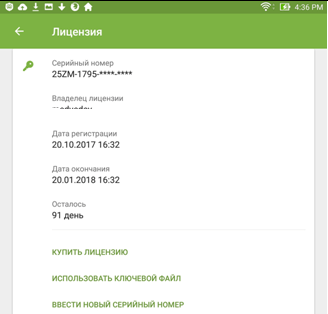
On the newly appeared page, you can find out who owns the license and when the license expires.
The validity period of your Dr.Web license can also be viewed in the License Manager on Doctor Web’s site..
My anti-virus detected threats and removed them, but they’ve reappeared. What should I?
The main signs that malicious behaviour is occurring in the system area are as follows:
- The multiple appearance of the same threats in the same areas, even after the anti-virus has removed them. Threats usually reappear after a device reset.
- Notifications in Dr.Web Security Auditor.
Due to the specific features of the Android OS, it's impossible to employ the standard features of ANY anti-virus to neutralise trojans in the system memory because, just like any other application, an anti-virus installed on a non-root device does not have administrative privileges: Dr.Web can detect malicious programs that get into the Android system directory, but it is not authorised to remove them. In addition, the quarantine option is not available for them (or for any other installed application).
To close firmware vulnerabilities and neutralise threats in /system, you can stop or disable some system applications. This will not eliminate a threat completely, but it will neutralise it until you can remove it permanently.
To stop an application: in the list of installed applications on the screen Settings → Applications, select the application that has been determined to be a threat and then on the screen containing the information about it, click on the Stop button.
This action will need to be repeated every time you restart the device.
Disable the application via the device settings: in the list of installed applications on the screen Settings→ Applications, select the application that has been determined to be a threat and then on the screen containing the information about it, click on the Disable button.
If your device is rooted (with superuser privileges that allow you to make any type of change you want, including to the firmware) and an application can be removed without disrupting device operation or cured, you will see the corresponding option in the anti-virus's interface.
With root access enabled, you can also try to remove malicious applications with the help of special third-party utilities.
In some cases, configuring root access may lead to the device manufacturer denying to provide you with warrantied maintenance.
If your device has custom firmware, you can restore the device manufacturer’s official software on your own or contact the service center. If you are using the device manufacturer’s official software, try to contact the manufacturer to get more information about this application.
If the manufacturer recommended that you update the firmware, before doing this, make a backup of all your user data and then do a reset to the factory settings.
To disable information about threats in system applications that cannot be removed without disrupting device operation, tick the System Applications box in the Settings section → General settings → Additional options.
We also recommend that you read the Anti-virus Times issue dedicated to this topic — System business. Please refer to the issue Firmly rooted to know how trojans can find their way into firmware.
How can I check whether the anti-virus is running?
Start Dr.Web for Android. In the subsequent window go to the SpIDer Guard section and check if the Monitor is enabled and protects the system message is displayed. If it is, the anti-virus protects your device. If the message is Monitor disabled, the monitor is not running. Tap the monitor indicator button.
How can I scan my device for viruses?
To scan your mobile device for viruses, launch Dr.Web for Android, and tap Scanner. In the next window, specify the scan mode.
- Quick scan. The anti-virus scans only files of installed applications. The fewer there are applications, the sooner the express scan will be completed.
- Full scan. All files on your mobile device are scanned.
- Custom scan. Scan only certain files or folders for viruses. To run a custom scan, select objects you want to scan and tap the Scan button.
Abort scan at any time by tapping Abort.
How can I view anti-virus statistics?
Launch Dr.Web for Android and select Statistics. The statistics window displays the number of processed files and information about all actions performed by the anti-virus components. It is possible to reset the statistics (Menu→Clear statistics), or save the log to a file (Menu→Save log).
A virus warning has appeared. What should I do?
Tap on the Dr.Web icon on the notification panel. In the succeeding window you will see all the available information about the threat. Tap on this message, then select the desired action: delete the file, place it into the quarantine, or ignore the warning.
Warning! It is not recommended to choose the Ignore option! If you believe that the anti-virus has made a mistake, select Quarantine and after that send the file to Doctor Web for a detailed analysis.
What do I do if Dr.Web can’t remove a malicious program?
Dr.Web cannot remove malware if the device firmware is infected. Contact the device manufacturer’s authorised service center to get your device’s firmware replaced.
What does SpIDer Guard do?
SpIDer Guard is designed to constantly protect mobile devices against viruses and other threats. It loads into the memory upon Android start-up and scans all files accessed by a user or the system in real time.
Installation/Removal/Activation
How to cancel the Dr.Web administrator role in order to uninstall an application
-
Select Settings — Security — Device Admin Apps or Device Admins — For Dr.Web Security Space, toggle the switch to the Off position (or clear the box) — enter your Dr.Web account password and click on the Deactivate device admin button.
If you have forgotten your Dr.Web account password, you can reset it:
- click on the Forgot your password? button;
- click on the Via email button;
- go to https://acs.drweb.com and enter the 20-bit character code specified on the device screen, and your email address;
- you will receive an email containing a verification code consisting of a series of digits;
- in the Verification code field, enter the code you received;
- click on Continue;
- create a new password and enter it in the fields for entering a password; click on the Save button;
- use the new password to deactivate the device administrator.
-
Remove Dr.Web the way you would an ordinary application: open the Applications menu and move the Dr.Web icon to the Trash. Confirm that you want to remove the application.
How can I install the anti-virus?
There are three ways to install the anti-virus:
- Use HTC Sync. To install Dr.Web, you need to connect your device to your computer and sync them with HTC Sync. Use HTC Sync to run the Application Installation wizard, specify the path to the file drweb-600-android.apk and follow the wizard instructions.
- Manually. Copy drweb-600-android.apk (download link) to the mobile device (from a computer, with a memory card or download OTA from our web-site). To run the file you will need a file manager.
- Via Android Market. Go to the Android Market, find Dr.Web on the application list and select Install. In the subsequent window displaying information about the privileges required for the program, click OK, the application will be installed automatically.
Activating a license with a serial number
Open the Dr.Web application; click on Menu  → License → Enter a new serial number. Enter your serial number and click on Activate.
No additional actions, including reinstallation, are required. This same method can be used to activate a serial number for a purchase/renewal of Dr.Web Security Space.
Activation error
If any error messages appear, try to activate your license using a different network connection.
If you continue to encounter problems, a detailed diagnostic is required. Submit a written request to our technical support service. Please attach the error screenshot to your request, and enter your serial number.
Activating a license with a key file for PCs
Activation via a key file only works for an application that has been downloaded directly from Doctor Web's site (this method is not suitable for an application installed via Play Market!).
-
Copy the key file to any folder in the device's memory or to its memory card.
You can extract the archive's contents and copy just the file with the *.key extension or transfer the entire ZIP archive to your device;
- Click on Menu , select the License section, and then select I already have a license and the Use a key file option;
- Open the folder that the key file or ZIP archive was saved to and select it.
The key file will be installed in the system, and a message notifying you about this will appear on the screen.
Activation error
If any error messages appear, try to activate your license using a different network connection.
If you continue to encounter problems, a detailed diagnostic is required. Submit a written request to our technical support service. Please attach the error screenshot to your request, and enter your serial number.
Activating a license via Google Play
Select Menu → License → I already have a license:
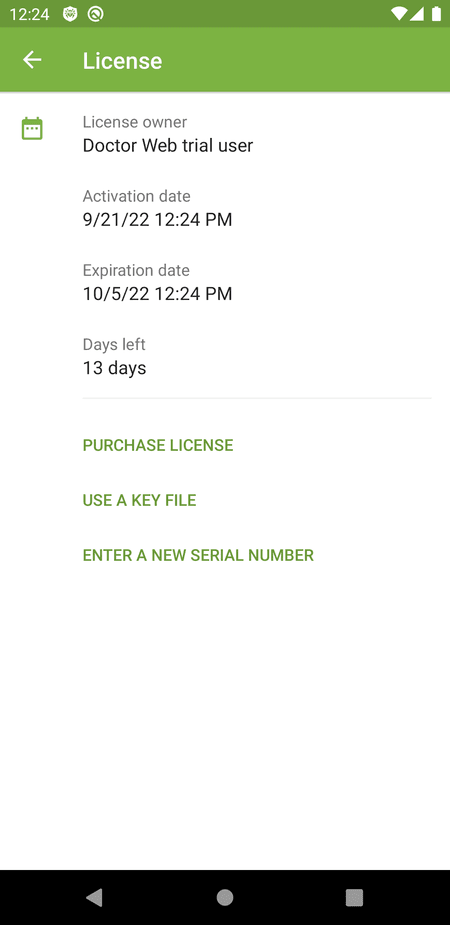
Then click on Recover purchase from Google Play.
Enter the email address you used when purchasing this license, and your personal data
Activation error
If any error messages appear, try to activate your license using a different network connection.
If you continue to encounter problems, a detailed diagnostic is required. Submit a written request to our technical support service. Please attach the error screenshot to your request; indicate your Google Play order number (GPA-...) and the Google account address (your_email@gmail.com) you used to make the purchase.
How can I temporarily disable the anti-virus?
Start Dr.Web for Android. The list of application components opens — the icons that are enabled will be highlighted in green and accompanied by the text enabled. Select each item you want to disable — the disable button is at the top.
With the anti-virus disabled, your mobile device becomes vulnerable. Be sure to reactivate Dr.Web as soon as you can.
How do I uninstall the anti-virus?
You can use whichever standard method is convenient for you to uninstall the application, either by going to Settings → Applications on your device or by clicking on the anti-virus icon in the context menu.
All the available ways to uninstall the application are listed in the documentation.
After installing Dr.Web, I saw a message saying that my license wasn’t found.
After its initial launch, Dr.Web establishes a network connection with the server from which it is receiving a license. Depending on the quality of the Internet connection and the performance of your device, this process may take about one minute. Just connect your device to the Internet and wait until the message saying that your license was not found disappears.
Why is an apk file downloaded instead of a zip archive?
Update your browser and try to download the file again, or rename the file, replacing the zip extension with the apk extension.
I entered an incorrect email address when registering my serial number. What should I do?
Start the registration procedure from the beginning.
I have problems installing Dr.Web — error 110 occurs. What do I do?
Follow the recommendations from this article.
What do I do if errors 608, 404, 401, or 616 occur when I activate my license?
You installed the Dr.Web Security Space version for Android that is not designed to work on a subscription basis — Dr.Web Mobile Life. Remove the product and install the appropriate version.
Renewal
To renew a license on the website
- If you need a license to protect only your mobile: select licenses here.
- If you need a license to protect your PC or Mac and your handheld: select licenses here.
How to renew a license via Google Play
Open the Dr.Web for Android application, and tap Menu (the three dots in the upper-right corner of the screen) → License → Renew license via Google Play. Open the link and pay for the license. When an attempt is made to renew a license that was not purchased on Google Play, the application will display an error message and another renewal method can then be selected.
Possible renewal issues
You don’t have your serial number, but you do have your registration email: :
You can restore your serial number using the web form at https://support.drweb.com/restore.
You don’t have the email address you used to register your Dr.Web license, but you do have your serial number:
If you know your previous email address, you can replace it with your new one using the web form at https://products.drweb.com/register/change_email/.
No serial number, no email access:
Please contact our technical support service at https://support.drweb.com/support. You will need to attach copies of the following documents to your request.
Updates
How to update the virus databases manually?
By default, virus database updates are downloaded automatically in the background. To update the databases manually, on the main application screen, tap “Menu” (the three dots in the upper-right corner of the screen), and select Virus databases and then Update.
How can I update the databases after downloading them from your website?
Presently you can't update the anti-virus by copying virus databases onto a mobile device. To update the databases, use the built-in update module.
Note: an Internet connection is required for updating.
Where is the update log stored?
Information about the number of virus definitions in the databases and date of the last update is contained in the anti-virus statistics.
How to allow or block the use of mobile networks (LTE, 3G, EDGE, GPRS) when updates are being downloaded
- On the main application screen, tap “Menu” (the three dots in the upper-right corner of the screen), and select Settings and then the section Virus database update;
- Select the Update over Wi-Fi checkbox, and by default, mobile networks will not be used to download updates. If no Wi-Fi networks are available, you will be prompted to use the mobile Internet.
Why does the error Files cannot be updated occur when the databases are being updated?
Your device doesn’t have enough free space or your network connection is not stable. Remove unneeded applications from your device to free up space.
Why is it taking so long to update the virus databases?
Most likely, you are using the mobile Internet and, at the moment, the quality of the network connection is low.
Settings
How can I access the Dr.Web for Android settings menu?
Start Dr.Web for Android and tap the Menu button on your mobile device. In the pop-up window select Settings.
How can I enable the English interface language?
Dr.Web for Android interface language corresponds to the current language of the operating system. Select English as the Android interface language and the anti-virus will switch to English automatically.
Note: to change the OS language tap Menu and point to Settings in the subsequent pop-up window. Go to Language & Keyboard, Select Language and choose the language you need in the succeeding window.
How can I reset the program settings to their default state?
For version 11.5:
- Click on the Doctor Web icon in the system tray (in the bottom right of the screen).
- Click on the padlock icon (Administrative mode), and allow the application to be launched.
- Click on the gear icon (Settings) and then on Change, and select Reset settings. Click on OK to confirm the reset.
- After the reset, the interface language will change to Russian, so you will need to change it back to English. To return to the English language interface, select Main→ Advanced. In the Language list, select Russian, click on English, and close the window.
For version 12:
- Click the Doctor Web icon in the system tray (in the bottom right of the screen).
- Select the Control Center, click on the padlock icon (Administrative mode), and allow the application to be launched.
- Click on the gear icon (Settings), and in the Manage settings section, click on Change and then on Restore defaults. Click on OK to confirm the reset.
Can I disable notifications that tell users they need to restart their systems after an update?
It is impossible to launch received updates without a system restart, so don't disable such notifications, and it's impossible to do this via the anti-virus interface.
If a system restart does not make such notifications go away, it may be due to certain features of your operating system. In this case, you should submit a written request to our technical support service and follow the instructions received from our support engineers.
How can I configure notification parameters in the program?
For version 11.5:
- Click on the Doctor Web icon in the system tray (in the bottom right of the screen).
- Click on the padlock icon (Administrative mode), and allow the application to be launched.
- Click on the gear icon (Settings) and then on Main → Notifications → Notification parameters. Select the type of notification you need (Threat detected, Critical, Major, Minor) as well as the notification method (email, screen).
It is strongly recommended that you do not disable notifications for these levels: Threat detected, Critical, Major.
For version 12
- Click on the Doctor Web icon in the system tray (in the bottom right of the screen).
- Select the Control Center, click on the padlock icon (Administrative mode), and allow the application to be launched.
- Click the gear icon (Settings) and then on Main → Notifications → Notification parameters. Select the type of notification you need (Threat detected, Critical, Major, Minor) as well as the notification method (email, screen).
It is strongly recommended that you do not disable notifications for these levels: Threat detected, Critical, Major.
Account
How can I create a Dr.Web account on my Android device?
Dr.Web Security Space for Android version 12 has a new feature that lets you password-protect your Dr.Web account and the configuration of Anti-theft and Parental Control. Setting a password for your Dr.Web account ensures that outsiders can’t tamper with important anti-virus and system settings.
If you’re a Dr.Web user, when you upgrade to version 12, an account will automatically be created for you provided you enabled the Anti-theft component before the upgrade.
If you’ve downloaded Dr.Web version 12 for the first time, create an account so that you can set a password for accessing Dr.Web’s settings.
In the top-right corner of the main application window, click on the Menu icon.
Select Account.

Specify a valid email address. Click on Continue.
Specify an account password. It must consist of at least 4 characters.
Cybercriminals almost instantly hack passwords containing fewer than 8 characters.
Re-enter the password, and click on Continue.
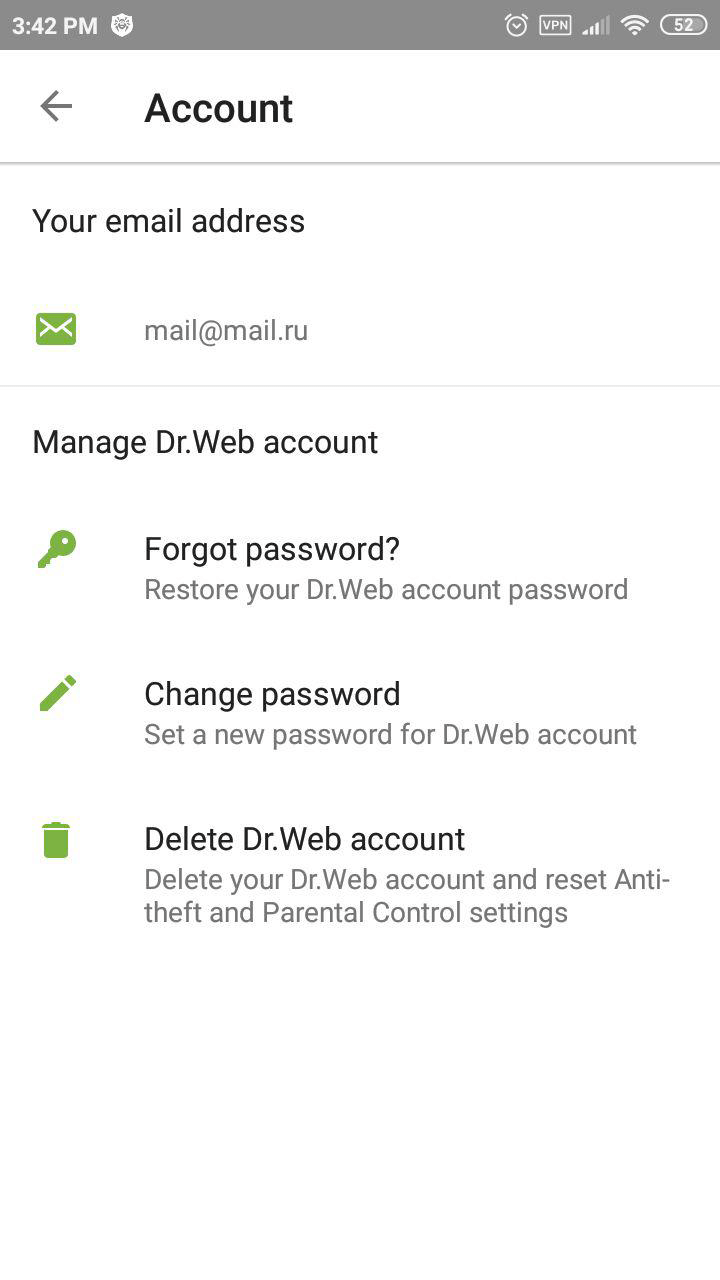
You will see confirmation that you have created an account. Click on Continue.
This same password will work both to protect the settings of certain Dr.Web components and to permit access to other applications installed on the device if the Parental Control blocks access to them.
What is the online anti-theft unlock service for Android devices?
The service is available at https://acs.drweb.com.
-
In the appropriate fields, enter the code displayed on the screen of your locked device and the email address you used to register Dr.Web Anti-theft on www.drweb.com.
-
Press the Get password button. A special code that you can use to unlock the device and disable Dr.Web Anti-theft will be sent to the email address you specified.
Enter the code you receive in the Enter password field on the screen of your locked device. The device will be unlocked and Dr.Web Anti-theft will be disabled. To resume using Dr.Web Anti-theft, you need to enable and configure it again.
How can I recover my Dr.Web account password via SMS?
Ask your friend from the Buddies list you created when you configured Dr.Web Anti-theft to send your mobile phone an SMS message containing the text #RESETPASSWORD#.

When you receive the SMS with the command, the password reset will occur automatically. If your mobile phone is not blocked, you will see the Change password screen, where you can set a new password.
If your device was blocked, it will be unblocked.
All SMS commands for remotely controlling Dr.Web Anti-theft
How can I recover my Dr.Web account password via email?
Click on Forgot your password? on any screen that prompts you to enter your password. Read the instructions.
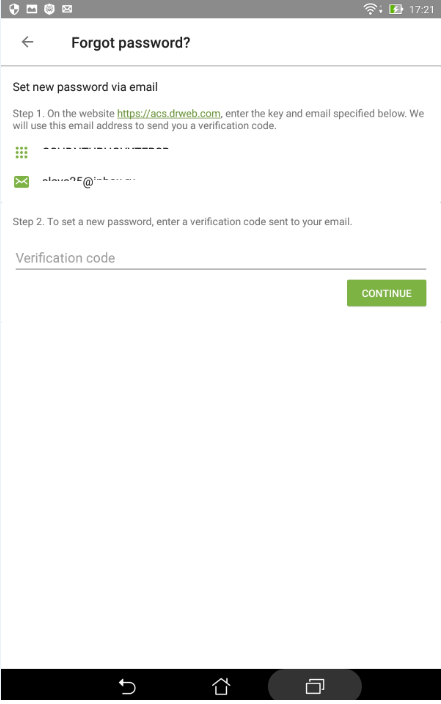
Open the Dr.Web account page https://acs.drweb.com and enter the key and email address you specified in the Forgot your password? window.
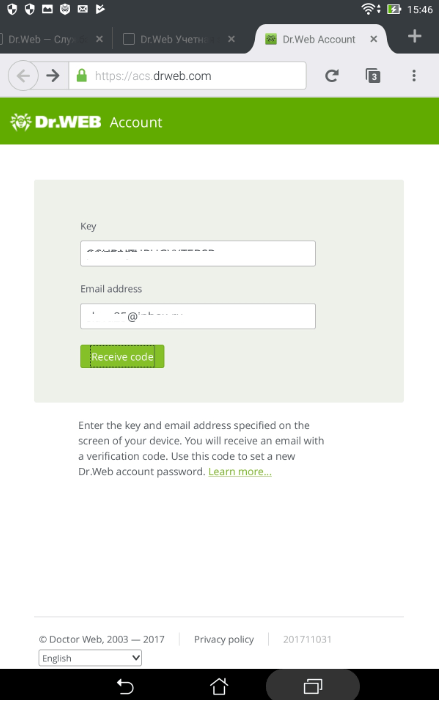
If the code is entered correctly, you will see this window.
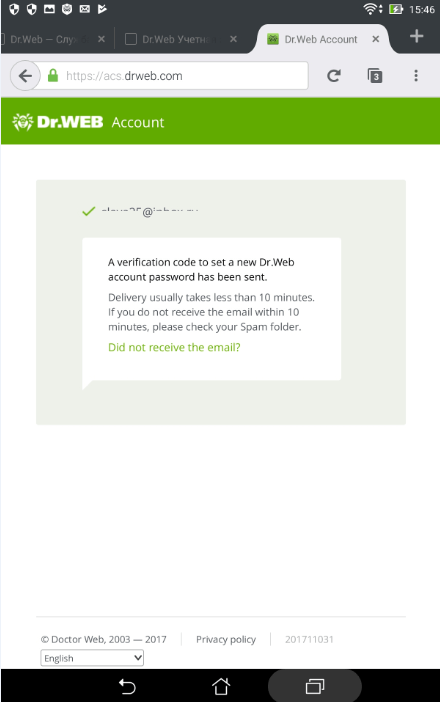
Check your incoming messages—you will receive an email containing a confirmation code.
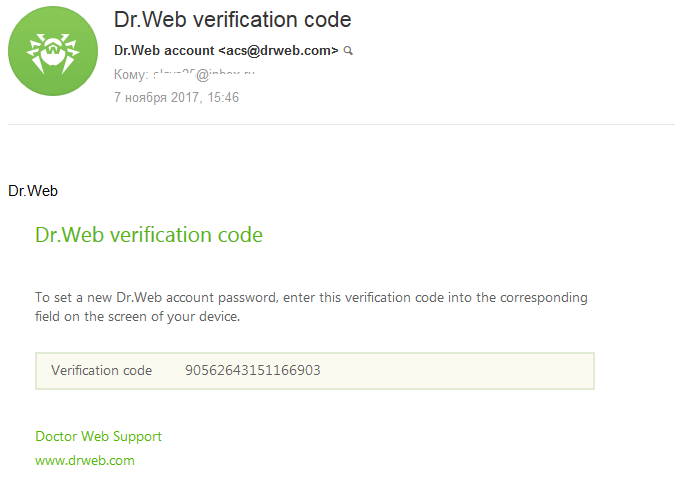
Enter this code in the Forgot your password? window, and click on Next.
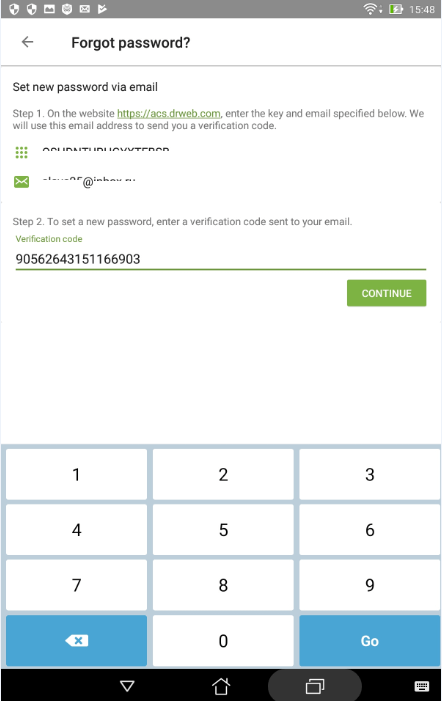
Create a new password and remember it.
If you did not receive the email, click on the line Did not receive the email?, and you will automatically be redirected to the Doctor Web technical support page.
How can I recover my Dr.Web account password via the technical support service?
If you failed to unlock the Anti-theft via the anti-theft unlock service or using SMS commands, submit a written request to the technical support service.
The technical support specialists DO NOT provide the anti-theft unlock service by phone.
Due to the features of anti-theft, which task is to prevent unauthorised access of other persons to the device management, the unlock service is provided only to device owners. When requesting, you will need to verify that you are the owner of the device.
In the support request:
- Specify the device IMEI (the unique identifier for your device; typically, this is 15-digit number written in decimal digits. To see it, type in the phone * # 06 #).
-
Attach to your request:
- the corresponding receipt and a photo of the filled out warranty certificate (if you have your device's box/packaging and it features a readable IMEI, attach a photo of the box to your request);
- proof of purchase of your Dr.Web license (an email from the eStore, a scanned copy of the payment document, or other). If you won your license during a Dr.Web auction—specify your Doctor Web account login. If you are using a trial version, please ignore this subitem.
- a screenshot of the lock screen (specifying the email address or Google account that has been used to register the anti-theft) displaying the code while tapping "Forgot your password?"
How can I delete my Dr.Web account on my Android device?
If you no longer have access to the email you used to register your account, you will need to remove your old account and create a new one.
If you no longer have access to the email you used to register your account, you will need to remove your old account and create a new one.
Select Account.
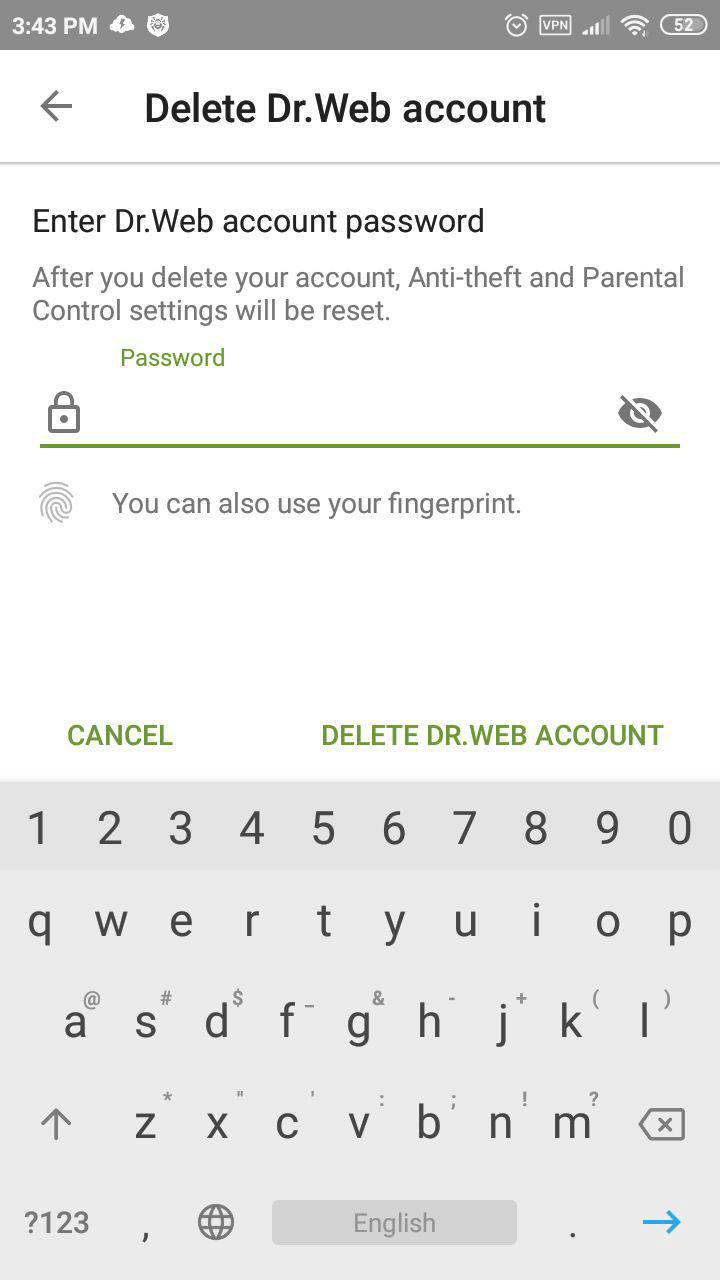
Click on Delete account.
Delete account Delete account.
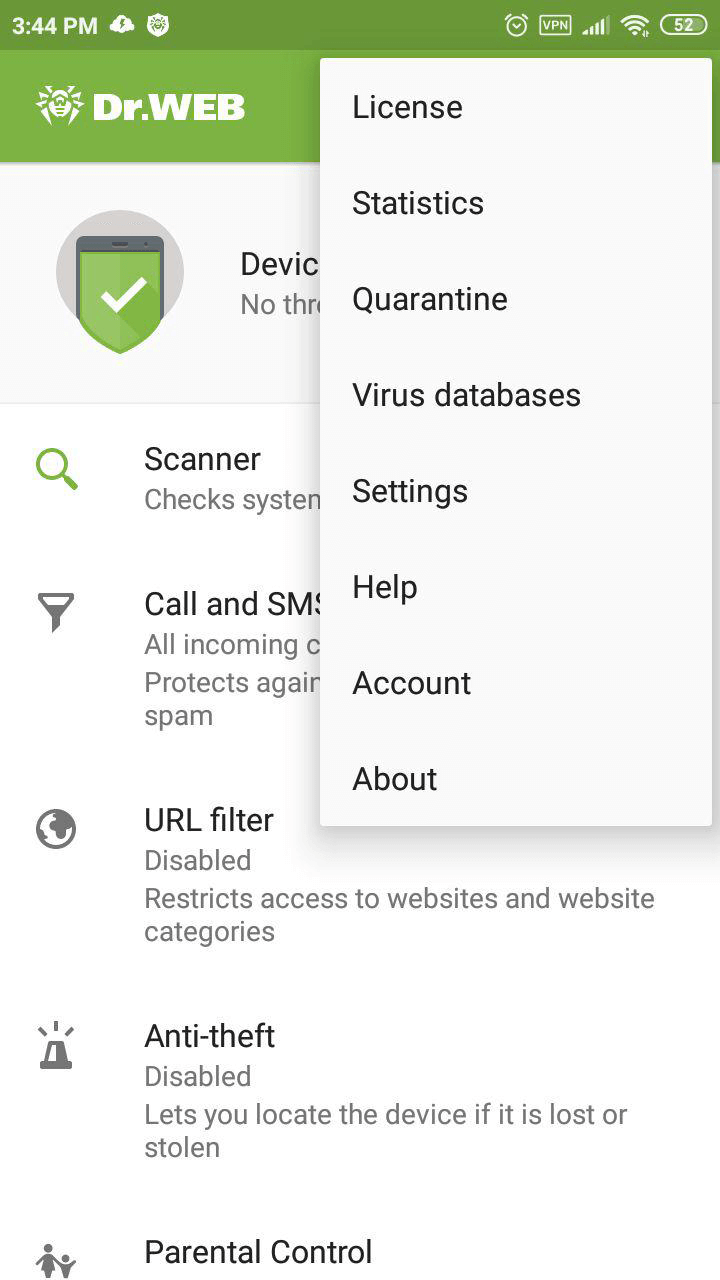
When an account is deleted, the Anti-theft and Parental Control settings will reset—you will need to reconfigure them.
Parental Control
How can I enable Parental Control on my Android device?
Dr.Web for Android Parental Control will protect applications from unauthorised access and anti-virus settings from tampering by outsiders or children. But first Dr.Web Parental Control must be enabled.
Select Parental Control in the Dr.Web menu.
Click on the Enable button or on the switch in the upper-right corner of the window.
Grant Parental Control access to Android’s special features by clicking on Grant access.
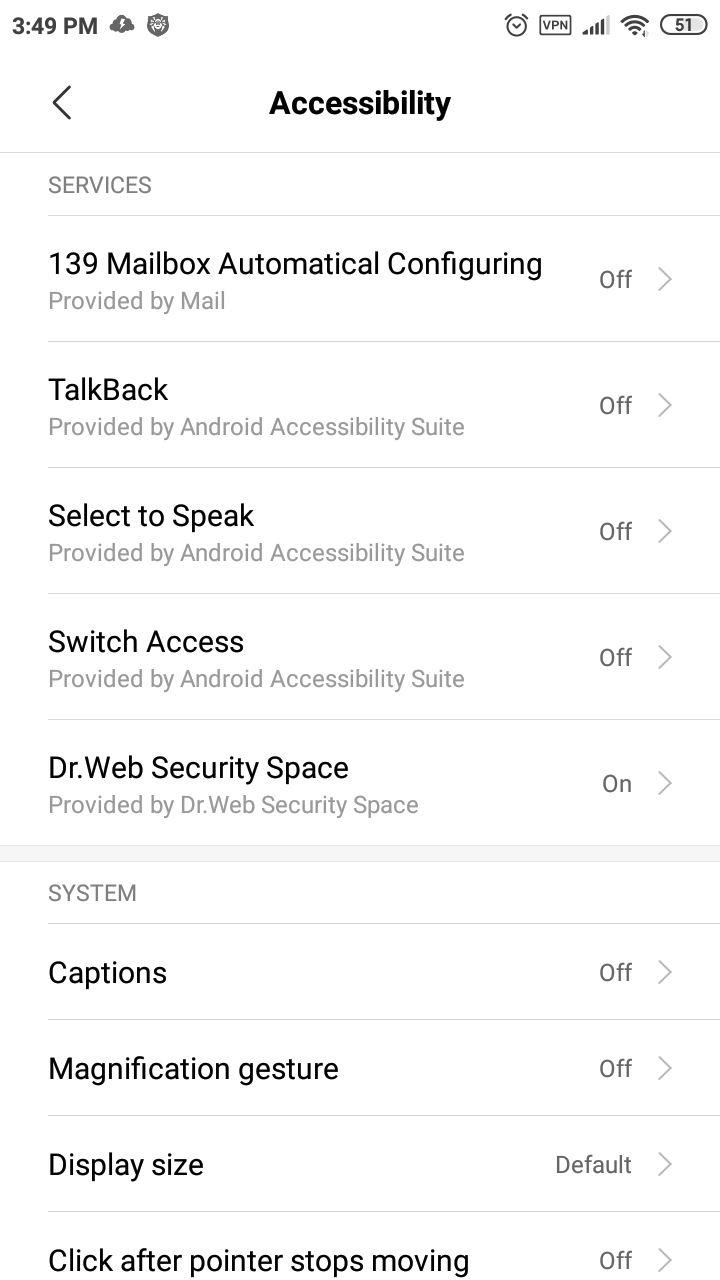
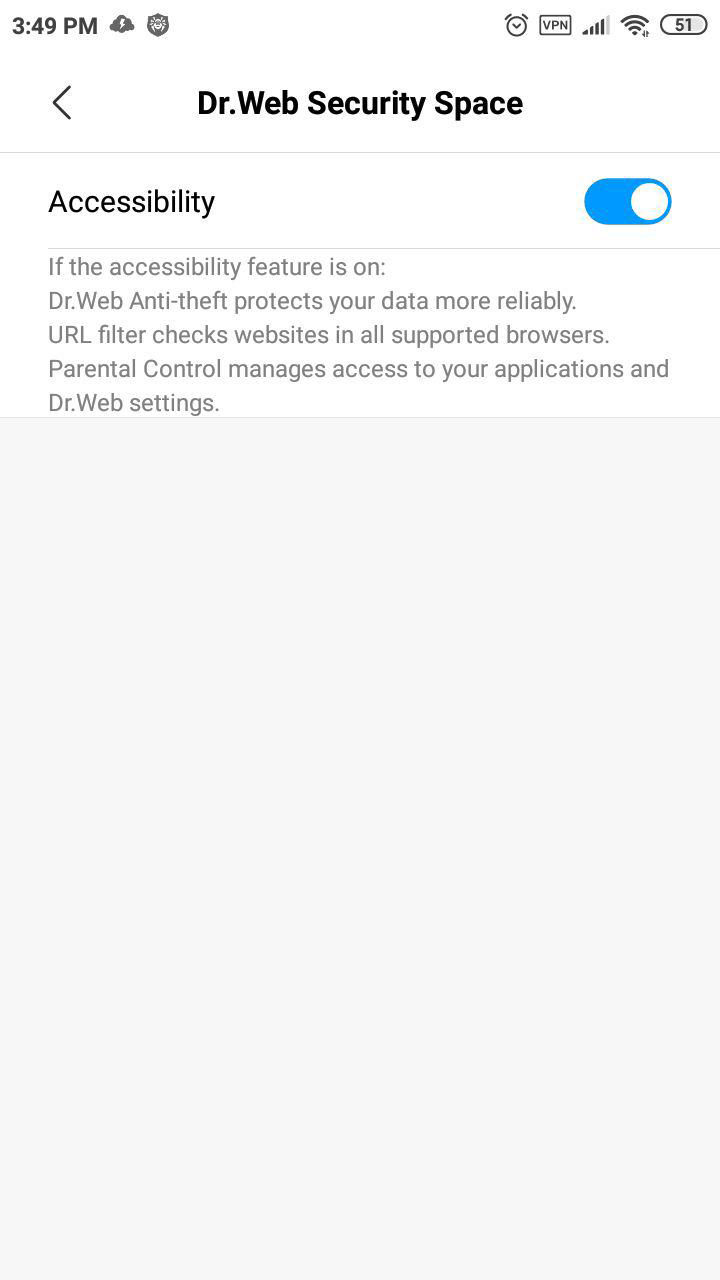
In the Special features settings window, click on the Dr.Web Security Space button.
Use the switch to enable Android’s special features.
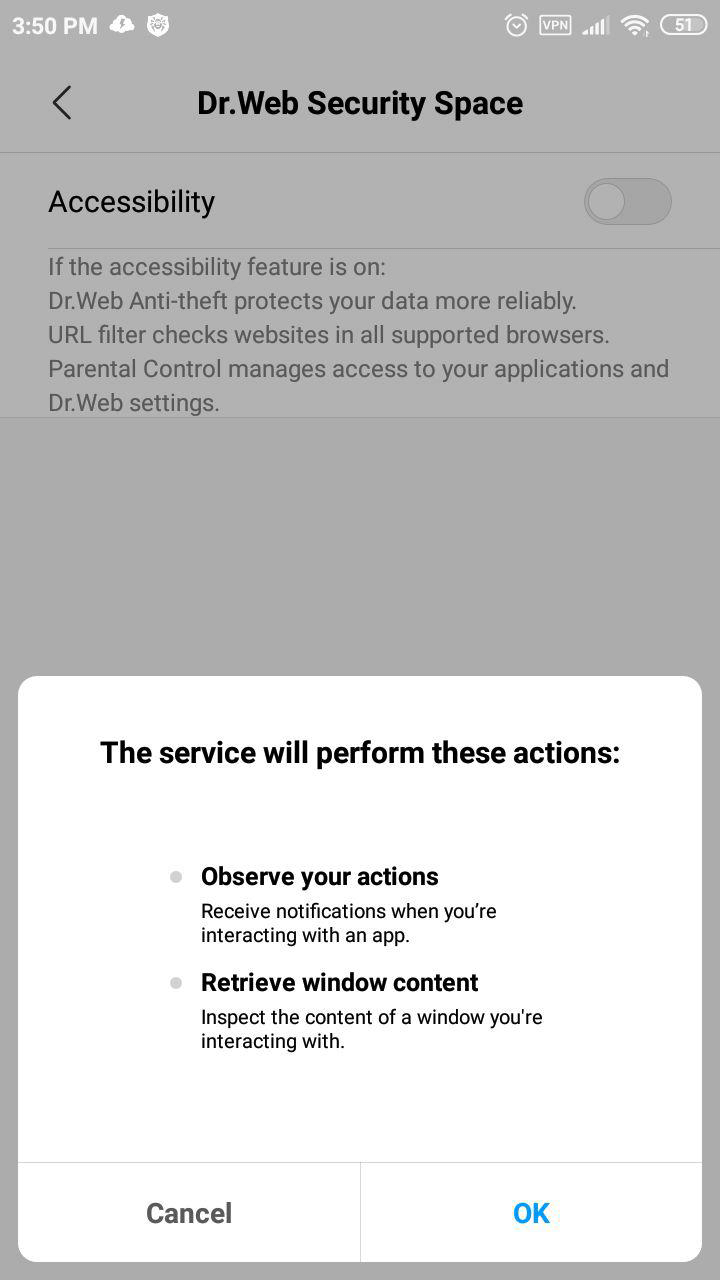
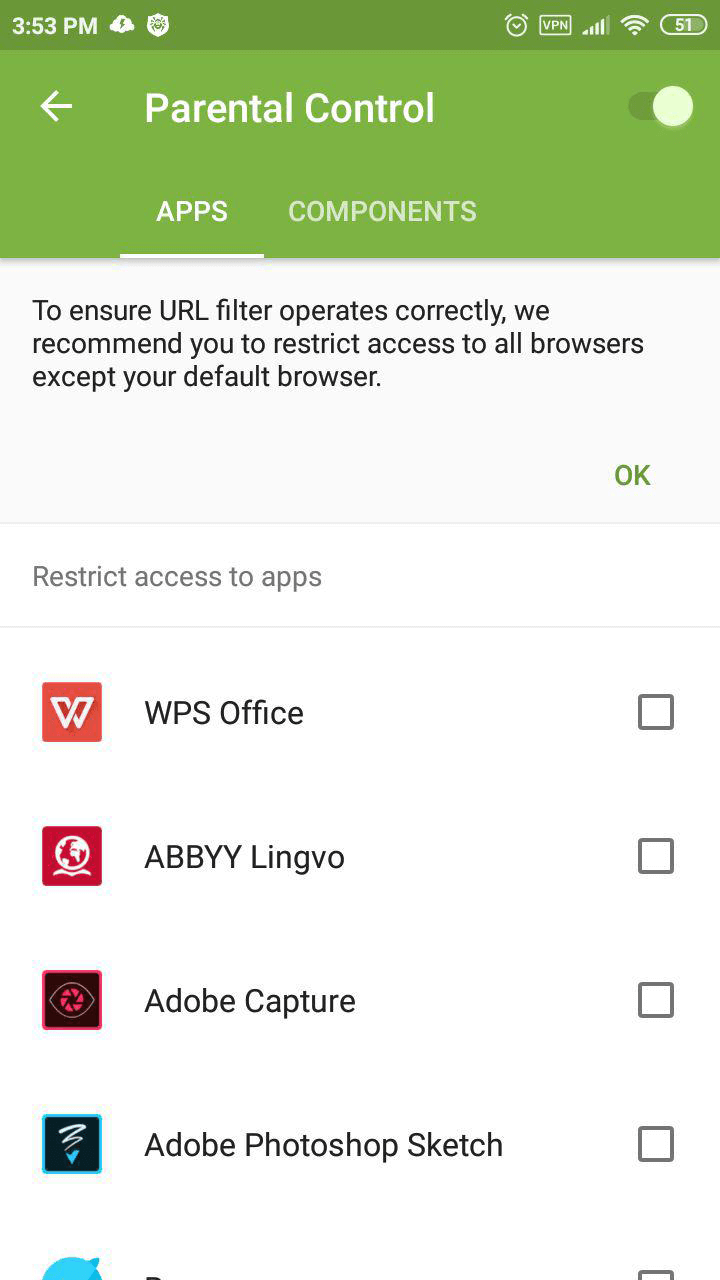
Close the configuration window for special features.
Go to the Applications tab, and select Settings — this will block unauthorised access to the system’s settings.
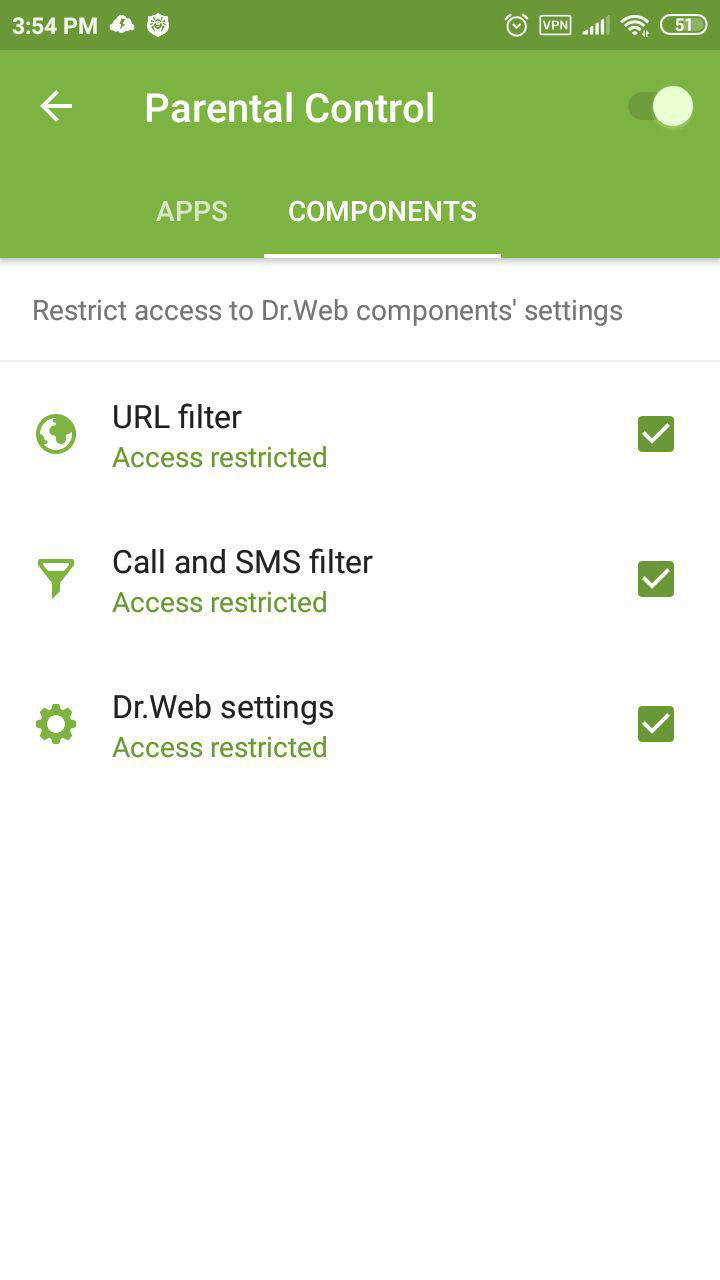
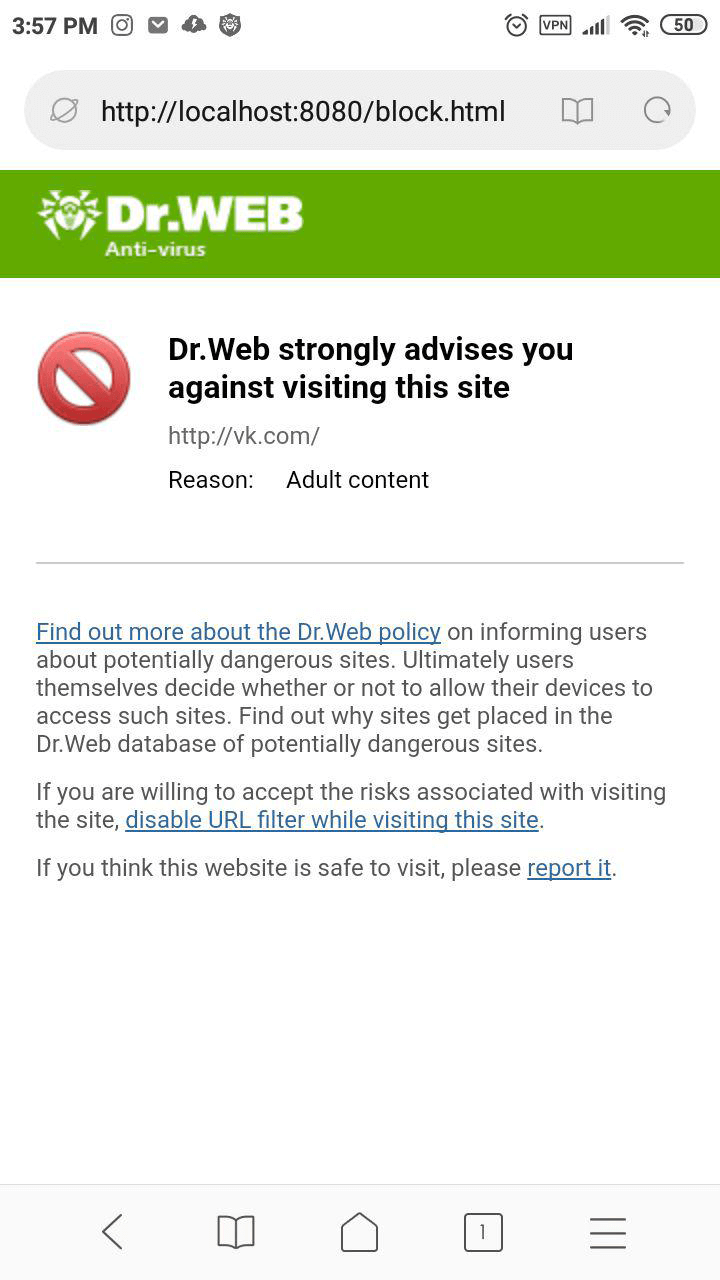
In the Components tab, select all the items—after this, a password will have to be entered to access the selected Dr.Web protection components.
How can I protect my Android device against unauthorised downloading and the use of other programs?
Dr.Web Security Space for Android can protect against both the downloading of new applications and the use of applications that have already been downloaded.
To prevent other users—your children, another family member, or outsiders—from downloading programs or using programs that have already been downloaded but have been determined by you to be harmful for them, use the special Parental Control feature to block those options.
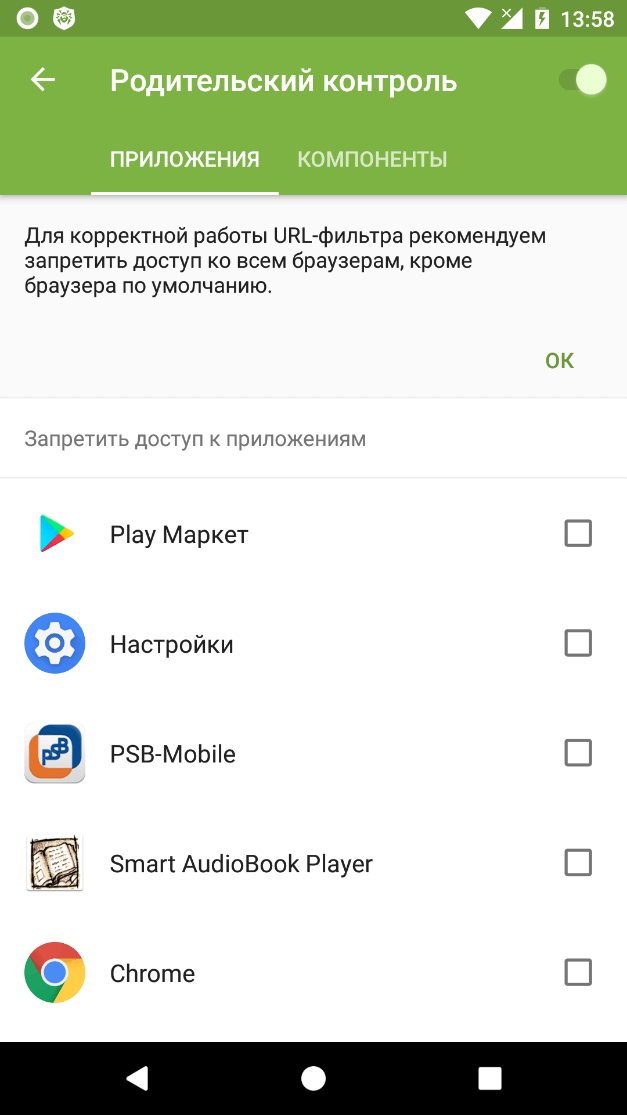
Open the Applications tab in Dr.Web Parental Control. You will see a list of all the applications installed on your device. Select the applications you want to block access to.
This is only sufficient to prevent anyone who does not know the Dr.Web account password from using already installed applications. You must also prohibit anyone from downloading new applications to your device.
Go to the Components tab of the Parental Control. Check the box next to Dr.Web settings.
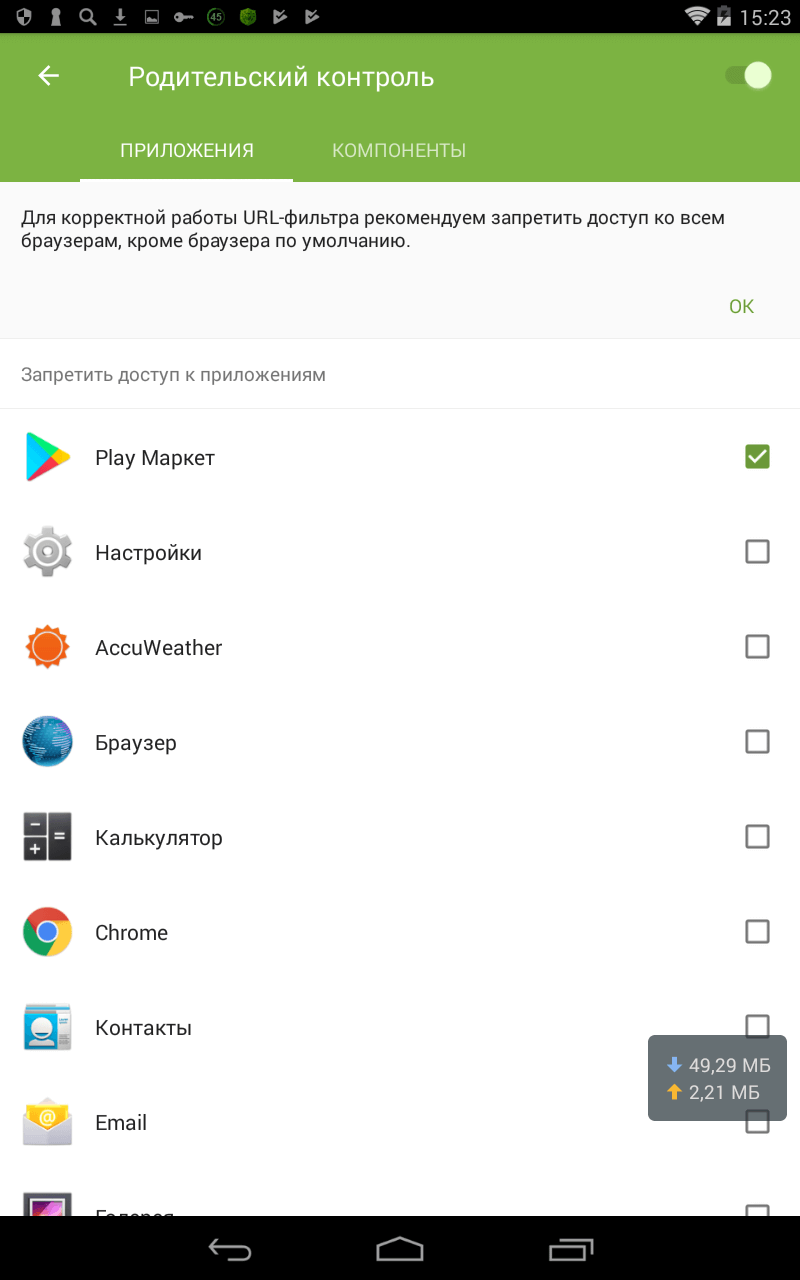
In the Components tab of the Parental Control, select Play Market.
And then if anyone attempts to download a new application, this window will appear:
Why doesn’t Parental Control ask for a password before running blocked applications?
Dr.Web doesn’t block the launch of an application. It only blocks the user from accessing the application window.
URL filter
How can I configure Dr.Web URL filter on my Android device?
The URL filter in Dr.Web Security Space for Android 12 is disabled by default. We recommend that you configure it right after you install Dr.Web and that you password-protect access to it using Dr.Web Parental Control—this will prevent those close to you from visiting malicious and fraudulent websites.
In addition, you can configure website blacklists and whitelists or block access according to thematic groups of sites.
Only then will you be able to keep your children (or anyone else who has access to your device) from disabling the blocking options in the URL filter and visiting webpages you deem to be undesirable; they will be protected from fraudsters’ attempts to lure them to dangerous sites.
To prevent anybody from tampering with the settings you established for the URL filter.
In the Parental Control's Components tab, check the box next to URL filter.
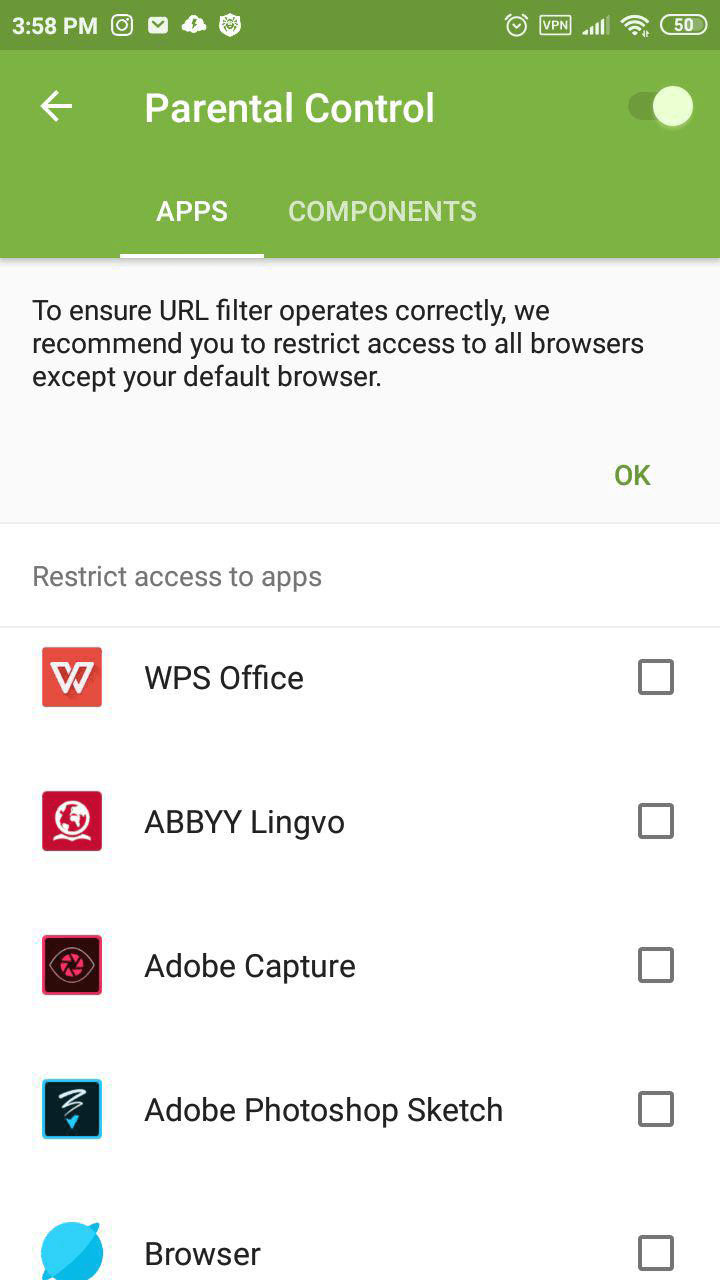
When trying to open a website from the banned websites list, the user will see this window.
Learn more about the URL filter settings from our video tutorial.
How to add a site to Dr.Web Security Space for Android’s white list
Open Dr.Web Security Space and click on the URL filter.
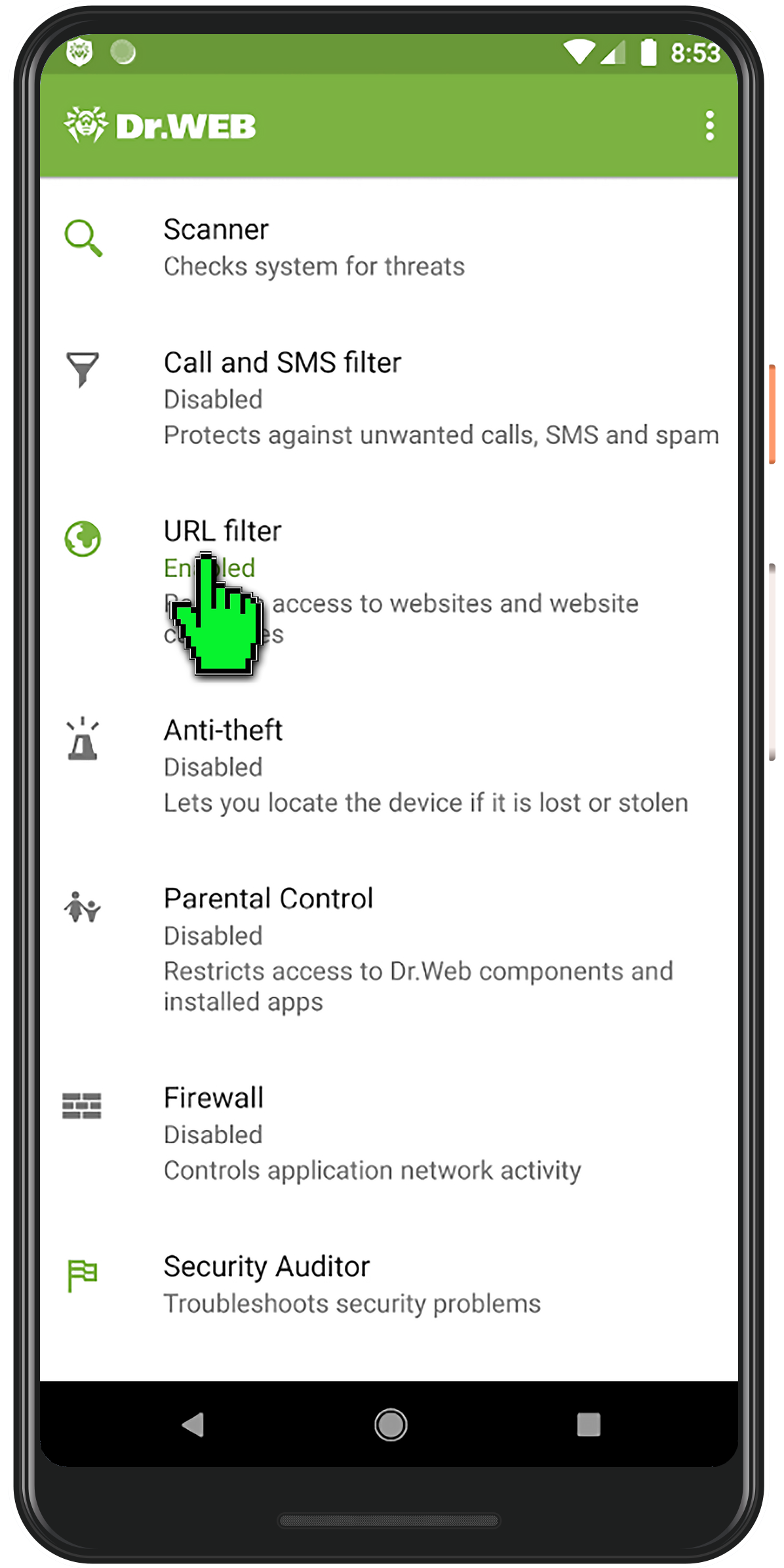
Click on the "Black and white lists" button.
Then, click on "White list".
Click on the "+" button.
Enter the site address to which you want to allow access and click on "Add URL".
This site will not be blocked by the URL filter provided that its address is not contained in the thematic group "Known infection sources".
Dr.Web Anti-theft
Why do I need the Anti-theft?
Dr.Web Ant-theft performs three principle tasks. It:
- Helps honest people return your smart phone or tablet to you if you ever lose it.
- Prevents your data from being stolen if a thief gets hold of your device.
- Helps you find your device on your own.
What is the online anti-theft unlock service for Android devices?
The service is available at https://acs.drweb.com.
-
In the appropriate fields, enter the code displayed on the screen of your locked device and the email address you used to register Dr.Web Anti-theft on www.drweb.com.
-
Press the Get password button. A special code that you can use to unlock the device and disable Dr.Web Anti-theft will be sent to the email address you specified.
Enter the code you receive in the Enter password field on the screen of your locked device. The device will be unlocked and Dr.Web Anti-theft will be disabled. To resume using Dr.Web Anti-theft, you need to enable and configure it again.
SMS commands for Dr.Web Anti-theft
Send the trusted friends on your Dr.Web Anti-theft contact list a memo containing the SMS commands used to remotely control the Anti-theft in emergency situations—that way they’ll know how to help you when needed.
What devices can Dr.Web Anti-theft be used on?
Your device must be running Android 4.0 or a later version; and for the Anti-theft to work properly, it must also have a SIM card.
How is the Anti-theft connected with the other anti-virus components?
The Anti-theft uses Dr.Web account information—a password is required to unlock the device. If a password hasn't been specified (or if a Dr.Web account hasn't been created), the feature won't work.
Meanwhile, if the Anti-theft is enabled, some Dr.Web and device settings become password-protected automatically—some key parameters (such as the device administrator list, Dr.Web Account, etc.) can't be changed without entering the password.
The only Dr.Web component that interferes with the Anti-theft's operation directly is the Parental Control. Both components use the same password, and if Parental Control is enabled, the fingerprint reader (if available on the device) can't be used to unlock a device that has been locked with the Anti-theft. The password will need to be entered.
If Parental Control is disabled, the fingerprint reader can be used to unlock the Anti-theft.
How can I activate and configure the anti-theft in Dr.Web for Android?
In the application's main menu, select Anti-theft. In the Configuration Wizard window, enter and confirm a password. If necessary, create a friends list (a list of trusted numbers).
More detailed information about configuring the anti-theft can be found in the corresponding section of the documentation.
Then you can adjust anti-theft security parameters: set blocking conditions and the actions that the program will perform if those conditions are met. More information about this can be found here.
To activate the anti-theft, use the previously specified password.
Can Dr.Web Anti-theft be used without a password?
No, a password is required. Efficient blocking can only be accomplished by setting a strong password or enabling the fingerprint reader (if this feature is available on your device).
How can I find out the phone numbers of trusted SIM cards?
Trusted SIM cards — this is the list of SIM cards you use on your device. By default, if Dr.Web Anti-theft detects a SIM card that is not on its trusted list, it will block access to the device. In this case, if your device gets stolen and your SIM card is replaced, no one will be able to use the device. If one trusted SIM card gets replaced with another one on the list, the Anti-theft won't lock your device.
The card is identified by its unique ICCID identification number (this is the SIM card number in international format). You can see it on your SIM card or on the card on which it was delivered. You can also find out the SIM ID using special programs available on Google Play.
Each SIM card's ID is unique—unlike a phone number, which can be changed. There is no universal way to find out the ID that corresponds to a cardholder's phone number.
You can edit the trusted list at any moment by entering a name for each SIM card on the list.
Dr.Web Anti-theft is enabled on my device. How can I add a new SIM card onto the trusted list?
To add a SIM card onto the trusted list, do the following:
- Once you’ve inserted the SIM card you want to add onto the trusted list, the smart phone will be locked. Enter the Anti-theft password to unlock it.
- A notification prompting you to add the new SIM card onto the list will appear in the top menu. Tap on the notification.
- Select Confirm to add the SIM card onto the trusted list.
- Enter the Anti-theft password for confirmation.
You can edit the trusted list whenever you like by entering a name for each SIM card or deleting a SIM card from the trusted list.
You can find out more about the Anti-theft and SIM cards here.
When can a SIM card be added onto the trusted list?
Once all the Dr.Web components are downloaded, the Anti-theft verifies whether the inserted SIM cards are on its trusted list. If they are not, the device is locked until a password is entered.
After you've entered the password and unlocked your device, you will be able to use a notification dialogue to add a new SIM card onto the trusted list.
Upon the Anti-theft’s initial launch, the SIM card currently in use on a device is regarded as trusted by default. This may come in handy if you’ve installed Dr.Web for Android but haven’t been using the Anti-theft and now want to enhance your device's security.
Important! If your device is running Android 5.1 or later and two SIM cards are installed on it, both SIM cards will be added onto the trusted list automatically when the Anti-theft is run for the first time. For earlier Android versions, only the active SIM card appears on the list automatically. The second one must be added onto the list manually.
How can an Anti-theft password be restored?
- Try to recall the password by picking several of the most likely possibilities. Take note of each attempt you make, and don't try more than 5-7 times. You only get 10 attempts to restore your password.
- Contact some of your friends whose numbers are on your "buddies" list, and ask them to send the SMS command #RESETPASSWORD# to your number. Once the password is reset, enter a new one, and make sure that you will remember it.
- If you are unable to contact any of your friends or your Anti-theft buddies list is empty, use the password-recovery service on Doctor Web's site.
- If you can't recover the password on your own, contact Doctor Web's technical support service. You will need to provide our support engineers with your license's serial number as well as documentation confirming that the locked device really belongs to you.
I forgot the anti-theft password. How can I unlock my phone?
There are three ways to choose from to unlock the device depending on the version of Dr.Web for Android you use and availability of the friends list.
- If you are using Dr.Web for Android 7.0 and higher, use the special service at.
- If, when configuring the anti-theft (any version), you created a list of friends, you can disable the anti-theft by sending a corresponding SMS command from a trusted number. For more information about SMS commands, please follow this link.
- If you use Dr.Web for Android 6.0 and didn't create a list of friends, you need to send a request to Doctor Web's Technical Support Service. In your request, you will need to provide the following information:
- Your Dr.Web serial number
- a photo of the box, warranty card, or other document that concerns the blocked device and contains a readable IMEI.
What will happen if an incorrect Anti-theft password is entered multiple times?
The password dialogue is temporarily locked, and there is no way to unlock the device during this period.
To make sure that your information never gets stolen, you can configure the Anti-theft to wipe all of your user data from the device after the tenth failed attempt and reset the device to its default settings.
Can Dr.Web Anti-theft turn a stolen device into a “useless brick”?
Dr.Web Anti-theft is not equipped with a kill switch that would render the device non-operational. It can only wipe all the user information (after receiving the corresponding SMS command, or automatically, after 10 failed password-entry attempts if the Remove data option was on). At the same time, if Dr.Web does not have administrator rights on the device, it will not be able to reset all the settings and delete the installed applications, so the smartphone will remain locked. But, overall the device will remain operational.
What contact information can be added onto the Anti-theft's buddies list?
You can add numbers from your phone book and call and SMS history or enter them manually.
You can find out more about how numbers can be added onto the buddies list here.
Can the Anti-theft be used if the SIM card is unavailable, has been removed, or has become unusable?
Some Anti-theft features are only available if an active SIM card is being used on the device. Those features include the buddies list, location services, and remote SMS commands. All other key Anti-theft features—locking the device, wiping user data after ten failed password-entry attempts (if that option had been enabled), showing a message on the lock screen—will be available.
More information about the "no SIM card" mode can be found in the documentation.
Can the Dr.Web Anti-theft operate in centralised protection mode?
Yes. In this case, the anti-virus security is managed by the Dr.Web Server administrator who oversees the security of their company’s entire information infrastructure, including employee handhelds.
To learn how you can get your personal Dr.Web-protected device connected to your company's anti-virus protection system, read here.
How can I remove Dr.Web from my device if Anti-theft is enabled?
- Start the Dr.Web anti-virus.
- On the main screen, select Anti-theft.
- Enter your Dr.Web account password.
- In the Anti-theft window, in the top-right corner of the screen, disable the component.
- In the newly opened window, click on OK.
- In the device settings, select Applications or Application Manager.
- In the list of installed applications, select Dr.Web and click on Remove.
How can I unlock the Anti-theft if I did not receive the email containing the password reset code?
Start the Dr.Web Anti-virus application, and click on Anti-theft — Forgot password. At the bottom of the application screen, you’ll see the list of contacts who can help you change your Anti-theft password. Ask any person whose phone number appears on this list to send you an SMS message with the text #RESETPASSWORD#. Create a new password.
Scanner
How can I view a scanning report?
Launch Dr.Web for Android and select Statistics. The statistics window displays the number of processed files and information about all actions performed by the anti-virus components. It is possible to reset the statistics (Menu→Clear statistics), or save the log to a file (Menu→Save log).
How can I send a scanning report to Doctor Web?
Launch Dr.Web for Android and select Statistics. Tap Menu and choose Save log on SD card. The DrWeb_Log.txt file will be saved into the /Andoroid/data/com.drweb/files/ directory and a corresponding notification will be displayed. If you want to send a support request, use the web-form at https://support.drweb.com/support_wizard/. To attach a file to your request, tap Browse, select the file you need and press Open. To send the request, tap the Send button.
Firewall
How can I avoid downloading a huge amount of data to my Android device via the mobile Internet?
To avoid downloading a huge amount of data via the mobile Internet, temporarily disable it for an application. To do this:
- run Dr.Web;
- open the Firewall component;
- click on the “Applications” tab;
- select the application you need;
- in the “Access to data transfer” section, click on "Mobile Internet" so that it becomes inactive.
When you need to download a major update, for example, via free or home Wi-Fi, you can use this same method to allow the application to use mobile traffic to connect to the Internet.
How can I view the applications whose network access parameters were specified in the Firewall?
To view applications whose network access parameters were specified in the Firewall:
- run Dr.Web;
- open the Firewall component;
- click on the “Applications” tab;
- take note of the applications marked with the red gear icon.
If present, this icon indicates that the application settings in the Firewall were changed or that an active rule was set for it.
How can I get the floating window to be displayed in Dr.Web for Android?
The floating window containing traffic-usage information is disabled by default because it takes up screen space, which may not always be convenient when working with a mobile device. When no acute need to control traffic exists, the window can be disabled, but when the amount of traffic and where it is coming from is important to know, it is better to have this data on view.
To enable the display of the floating window:
- run Dr.Web;
- open the Firewall component;
- click on the “Limit” tab;
- select "Current traffic information";
- place the floating window on the screen so that it does not bother you while you are working with your mobile device.

Immediately after this option is selected, the floating traffic-information window will appear; in the future, it will appear on top of other windows.
How can I obtain full information on application network activity while the Dr.Web Firewall is in operation?
For user convenience, network traffic-usage information is displayed in two ways.
To obtain full information on application network activity while the Firewall is in operation:
- run Dr.Web;
- open the Firewall component;
- click on the "Applications" tab.
To view data pertaining to an application you are interested in, select the application from the list—the settings window, containing complete information, will open.
The user can also control this information via the floating window—we've described how to enable it here.
How can I use Dr.Web Firewall to prevent my Android device from accessing a specific website?
If you need to prevent an application from accessing a website, you can do this on the Dr.Web Firewall’s "Traffic" tab:
- run Dr.Web;
- open the Firewall component;
- click on the "Traffic" tab;
- select the application you want to prevent from accessing the website;
- from the drop-down list containing connections used by applications, select the connection that needs to be blocked;
- you will see a pop-up menu that lets you add an “allow” or “block” rule. Select "Add blocking rule".
The firewall will now automatically block access to this resource.
If you want to restore access to a previously blocked resource, you can do this by removing the corresponding blocking rule.
You can also explicitly specify an address that you don’t want any programs connecting to. To do this:
- run Dr.Web;
- open the Firewall component;
- click on the "Applications" tab;
- select the program you want to keep from accessing the website;
- in the newly appeared window, in the "Rules for IP addresses and ports" section, select "Block connections from list";
- click on "Add rule", and in the "New rule" window, specify the server address and the connection port you need to block access to;
- click OK to finish creating the rule.
How can I use Dr.Web to limit the amount of traffic consumed on my Android device?
The firewall can restrict the use of mobile traffic and, if necessary, block an application's access to the Internet via a selected connection type: Wi-Fi, mobile Internet, and in roaming.
To configure the connection types that applications can use to connect to the Internet:
- run Dr.Web;
- open the Firewall component;
- click on the "Applications" tab;
- select the application you need;
- in the "Access to data transmission" section, specify the connection types that the application can use to connect to the Internet.
To limit the use of mobile traffic:
- run Dr.Web;
- open the Firewall component;
- click on the "Limit" tab;
- select "Limit mobile Internet";
- in the newly appeared window, indicate how much mobile traffic (in megabytes or gigabytes) you can use for a specific period (day, week, or month), and click “OK”.
- you will see a window where you can specify the amount of traffic you’ve already used prior to the current moment—if you’ve already used some traffic from the current period (for example, you installed Dr.Web in the middle of the month). Specify the amount that you have used, and click “OK”.
With this option, you’ll find it very convenient to receive notifications informing you that you are reaching your limit. To enable these notifications, select the “Notifications” checkbox in the “Limit” tab.
I’m on a limited plan; how can I limit traffic consumption?
Since limited Internet plans are usually offered for a specific amount over a specific period (for example, 100 MB per 24 hours or 5 GB per month), the traffic limitation option can be configured to prevent users from suddenly and significantly exceeding their usage limits.
To configure a limit for the mobile traffic you use
- run Dr.Web;
- open the Firewall component;
- click on the "Limit" tab;
- select "Limit mobile Internet";
- in the newly appeared window, indicate how much mobile traffic (in megabytes or gigabytes) you can use for a specific period (day, week or month), and click “OK”.
- you will see a window where you can specify the amount of traffic you’ve already used prior to the current moment—if you’ve already used some traffic from the current period (for example, Dr.Web was installed in the middle of the month). Specify the amount that you have used, and click “OK”.
With this option, you’ll find it very convenient to receive notifications informing you that you are reaching your limit. To enable these notifications, select the “Notifications” checkbox in the “Limit” tab.
How can I track an application’s current network activity on my Android device?
Two of the tools incorporated into the Firewall can be used to view current network activity.
The first one is the floating window, which, in minimised format, displays the total amount of traffic used and, in expanded format, displays the list of applications currently using an Internet connection.
If the floating window is disabled, do the following to get the latest network activity information:
- run Dr.Web;
- open the Firewall component;
- click on the Firewall's "Traffic" tab.
Here, the user can find information about the applications and services currently using an Internet connection and the amount of traffic they are using.
How can I limit network activity for an application on my Android device?
If, for some reason, you have to completely block an application’s access to the Internet, the best solution will be to prevent the application from being able to transfer data.
To limit any kind of network activity for an application, do the following:
- run Dr.Web;
- open the Firewall;
- click on the "Applications" tab,
- select the program whose Internet access you want to limit;
- in the newly appeared window, in the "Access to data transmission" section, disable the use of Wi-Fi, mobile Internet, and roaming for each application in the list.
How can I create a rule for an application?
To create a rule that restricts or allows an application to engage in any kind of network activity, do the following:
- run Dr.Web;
- open the Firewall component;
- click on the "Applications" tab,
- select the program for which you want to create the rule;
- in the newly appeared window, go to the "Rules for IP addresses and ports";
- create an “allow” or “block” rule, as described below.
To create a blocking rule:
- select "Block connections from the list" from the drop-down list;
- click on "Add rule";
- in the newly appeared window, enter the IP address (in the ххх.ххх.ххх.ххх format) and the number of the port (e.g., 225) to which you need to block access;
- click "OK".
If necessary, you can repeat this operation for all the addresses you want to block access to. All other connections will be enabled by default. This operation mode can conveniently be called "Using the blacklist".

To create an allowing rule:
- select "Allow only the connections from the list " from the drop-down list;
- click on "Add rule";
- in the newly appeared window, enter the IP address (in the ххх.ххх.ххх.ххх format) and the number of the port (e.g., 225) to which you need to allow access;
- click "OK".
If necessary, you can repeat this operation for all the addresses you want to have access to. Please note that all other connections will be disabled by default. This operation mode can conveniently be called "Using the whitelist".
What kind of statistics does the Firewall collect for each application?
For each application that uses Internet access, the Firewall collects statistics related to incoming and outgoing traffic.
To view statistics:
- run Dr.Web;
- open the Firewall component;
- click on the "Applications" tab;
- select an application you are interested in, and in the newly opened window, go to the "Statistics" section.
Here, users can find complete traffic information (incoming and outgoing) for the application and a network-usage diagram. Users can see how much data the application received during a defined period.
How can I delete an application rule?
If you need to delete an existing rule:
- run Dr.Web;
- open the Firewall component;
- click on the "Applications" tab;
- select the application for which you want to change the rule;
- in the list of rules visible in the newly appeared window of the "Rules for IP addresses and ports" section, tap the line that you want to delete, and drag it in any direction. The line will switch to the choice "Edit" or "Delete";
- click on "Delete" to remove the rule or on "Edit" to replace it with a new one.
What information is displayed in the Firewall Log?
All Firewall actions are logged and recorded in the Firewall Log. The report contains the following information about applications and actions involving them:
- Application name.
- IP address, port, and protocol via which the data was exchanged.
- Date and time of connection (for TCP) or time taken to receive data packets with the corresponding amount of traffic (for UDP). For example: 21/11/2017 22:19:39 — 21/11/2017 22:19:42.
- Local address and local port. For example: src: 192.168.0.102:55512.
- Incoming and outgoing traffic (bytes) or the number of blocked packets. For example: in:124 out:79 or blocked packets:1.
- The identifier of the application on the device associated with this traffic (User ID). For example: uid=10011.
- Number of network congestion incidents (for TCP only). For example: traffic jam=0. Traffic congestion is a special situation when a client program fails to offload a TCP buffer, and that can be the cause of data transfer slowdowns over the network.
To open the Firewall Log, run Dr.Web, open the firewall, and then click on the icon in the form of the vertical ellipsis. Select "Log".

Note that data related to application network activity is stored in a separate Application log that is created separately for each application.
After this, the Firewall starts operating. By default, all network activity is allowed except the use of the Internet in roaming. To manage traffic at your own discretion, you will need to configure the Firewall.
What does the Application Log contain?
Since monitoring and recording all network application activity is one of the main tasks of the Firewall, the Application Log stores all the information about application-specific network activity:
- Time an event occurred
- Resource name
- Resource IP address
- Protocol via which the connection was established
- Connection status
- Amount of incoming traffic
- Amount of outgoing traffic
To access the Application log, do the following:
- run Dr.Web;
- open the Firewall;
- click on the "Applications" tab;
- select the application you need, and in the newly appeared window, click on the icon that looks like a vertical ellipsis. Select "Application Log".
Call and SMS Filter
How can I protect my Android device from phishers and vishers?
The Call and SMS Filter protects against phishers and vishers. But fraudsters can ask children to disable the restrictions their parents have established in this component.
Dr.Web Parental Control will reliably protect your children provided you ensure that they cannot tamper with the Call and SMS Filter settings.
In the Parental Control's Components tab, check the box next to Call and SMS Filter.
This setting won't allow the user to bypass Call and SMS Filter restrictions, and the user will receive calls and SMS according to the settings established for this component. For example, if the Filter is configured to allow calls and messages from the whitelist only, the user will only receive calls from numbers on that list.
When trying to sign in to the Filter settings, the user will see this window:
Learn more about the Call and SMS Filter settings from our video tutorial.
Can I use the anti-virus to bar calls to certain numbers from my mobile device?
Dr.Web for Android doesn't block outgoing calls.
Quarantine
What is the quarantine for?
The anti-virus places suspicious and infected files into the quarantine folder. Suspicious files are quarantined to be sent to Doctor Web's virus laboratory for analysis, infected ones are isolated if curing is not possible for some reason.
How can I send a quarantined suspicious file to Doctor Web?
To send a suspect file, use the form on our website: https://vms.drweb.com/sendvirus/. To attach a file to your request, tap Browse, select the file you need and press Open. To send the request, tap the Send button.
How can I restore a file to its original location after it has been quarantined by the anti-virus?
Launch Dr.Web for Android and select Quarantine. Tap the file you want to restore. In the succeeding window you will see all the information about this file and malicious code contained in tt. Tap the Restore button - the file will be moved to the original folder.
Errors
The error "server internal error" occurs when the anti-theft/account/Parental Control unlock service in Dr.Web for Android is accessed at acs.drweb.com
This error can occur due to server overload. Please visit this page later. Or send a written unlock request to our technical support service. Please attach and specify the following data and documents.
Error 2
Possible reasons:
- problems with the Internet connection;
- no settings were specified for the proxy server, if one is used.
Solution:
- connect to the network in another way (via another Wi-Fi point, via a mobile operator). Or submit your request to our technical support service.
Dr.Web for macOS
Dr.Web has become unstable (it is freezing/slowing down)
This can be caused by the increased activity of system processes requiring large amounts of RAM. We recommend that you close any applications that you are not using to free some memory. You can view information about running processes and manage them using the standard macOS System Watcher utility.
If the problem persists, try to reinstall the app.
If the problem persists after reinstallation, contact our technical support. To help our specialists assist you quickly, please provide as much information about the problem as possible.
How can I add a site to SpIDer Gate for macOS’s exclusions list?
To allow access to a specific site:
- In the main window click on
 .
. - In the Settings window, select the Exclusions section.
- Go to the Websites tab.
- If the settings are unavailable, disable the protection. To do this, click on
 at the bottom of the window and enter your username and password;
 - Click on
 at the bottom of the table and enter the site address.
- To remove an object from the list of exclusions, select it in the list and click on
 or drag it outside the application window.
 - To clear the list of exceptions, select all items in the list (COMMAND-A) and click on .
For more information about the settings of the SpIDer Gate component, refer to the Documentation.
How can I change the application language?
Users of macOS 10.15 and later can change the application language.
To change the language:
- Go to the Apple menu
 .
. - Click on System settings.
- Click on Language & Region.
- Click on Applications.
- Select Dr.Web for macOS and select the language of the application.
How can I extend the validity of a trial license
You cannot renew a 30-day trial license. You will need to purchase a commercial license.
How can I get a trial license?
On the page zhttps://download.drweb.com/security_space, click on Free download.
Start the Dr.Web for macOS installation process. Click on the Activate a 30-day trial period link at the license-activation stage.
How do I install Dr.Web for macOS?
Download the installation file using the Download Wizard or click on the "Free Download" link on the trial request page.
- Click on the installation file.
- Read the License Agreement and accept its terms. The installation will begin.
- Move Dr.Web for macOS to the Applications folder.
- Go to the Applications folder and launch Dr.Web for macOS.
- Enter the administrator password, and then click on "Install Helper".
How do I remove Dr.Web for macOS?
- Find Dr.Web in the Finder. It is usually located in the Applications folder, which can be found on the sidebar of any Finder window. To find the application, you can also use Spotlight (the service icon looks like this:
 ). Then double-click on this application in the Spotlight window while holding down the Command button (⌘).
 - Drag the application to the Trash or select it and choose File > Move to Trash.
- When prompted for a username and password, enter the administrator login and password on the Mac.
- To remove the application, choose Finder > Move to Trash.
How do I update Dr.Web for macOS manually?
To start the manual updating process, in the main Dr.Web window, select Update is required/No update is required:

If you encounter problems updating your application, contact our technical support. To help our specialists assist you quickly, please provide as much information about the problem as possible.
How is Dr.Web for macOS updated?
Automatically, manually on demand, or according to a specified update frequency. By default, Dr.Web updates the virus databases every 30 minutes. For more information about the Module Updating settings, refer to the product Documentation.
How is another manufacturer’s anti-virus removed in macOS?
To remove that application in macOS:
- Find the application you want to remove in the Finder. It is usually located in the Applications folder. To find the application, you can also use Spotlight (the service icon looks like this: ). Then double-click on this application in the Spotlight window while holding down the Command button (⌘).
- Drag the application to the Trash or select it and choose File > Move to Trash.
- When prompted for a username and password, enter the administrator login and password on the Mac.
- To remove the application, choose Finder > Move to Trash.
If removal using standard OS tools fails, contact that anti-virus’s technical support. Doctor Web's technical support service does not provide assistance with the removal of third-party software.
License
The trial period has not expired, but the license has become invalid
- The trial license is linked to the operating system checksum. You may have updated your operating system or other software, or you may have replaced your computer components, and the checksum changed.
- The trial license is linked to the device's MAC address. You may have changed the MAC address and the license became invalid.
Contact Doctor Web's technical support or activate a new trial version using a different email address.
Unable to activate the license
- Make sure your Mac is connected to the Internet.
- If you use a proxy server, try to disable it and launch the update again. To start the update manually, select Update is required in the main Dr.Web window
 .
. - If the router is operating in “On-demand connection” mode, make sure that the connection is continuously active (maximum idle time is 0 minutes).
If you experience problems using Dr.Web that are not covered above, please contact Doctor Web's technical support. To help our specialists assist you quickly, please provide as much information about the problem as possible.
Scanning problems
File system scanning is not working (the Scanner and/or SpIDer Guard failed to launch)
Perhaps, the license has expired. To find out the license's validity period and purchase a new one, go to the License section of the main Dr.Web window .
The virus databases are taking a significantly longer time to load or the scanning process is slow
- Dr.Web downloads virus databases at the start of the scanning process and before each attempt to cure an object. So, this may take some time.
- Unstable operation can also be caused by the increased activity of system processes requiring large amounts of RAM. We recommend that you close any applications that you are not using to free some memory. You can view information about running processes and manage them using the standard macOS System Watcher utility.
Some files are skipped during scanning (they are not being scanned)
- Files (or the folders that contain them) may be excluded from scanning.
- Some files can be skipped during scanning because they are corrupted or password-protected, and also when administrator privileges are required to access them. If the list of excluded objects contains archives, try to unpack them before launching the scan.
The scanner is frozen
If the Scanner freezes, close it and launch it again. If the problem persists, try to reinstall the app.
Reading error
This error can occur if Dr.Web for macOS is not provided with full access to the drive.
To grant Dr.Web full access to the drive:
- Go to the Apple menu .
- Click on System settings.
- If the settings are unavailable, disable the protection. To do this, click at the bottom of the window and enter your username and password.
- Go to the Privacy section.
- Click on Disk access.
- Add the Dr.Web modules to the allowed list.
- Click on Restart.
Sound notifications are configured but do not work
Check the volume level in the System Settings section and in the speakers.
SpIDer Gate issues
SpIDer Gate is not blocking sites that fall into certain categories
- Make sure the SpIDer Gate tab's check box is selected next to the appropriate site category.
- If the connection to the site was established before SpIDer Gate was launched, disable and enable SpIDer Gate and restart the browser.
- Check whether the site uses a secure connection (in the case of a secure connection, a padlock is usually displayed in the browser address bar). If a secure connection is being used, in the Network tab, enable the Scan encrypted traffic option and restart the browser.
- SpIDer Gate is not blocking sites that use an FTP/SPDY or HTTP/2.0 connection.
A certificate error message appears when the site is opened
- An error may occur because some browsers and email clients do not access the system certificate store when receiving and transmitting encrypted traffic. In this case, install a Doctor Web certificate, which can be obtained by clicking on the Export button in the Network tab.
- If the browser or email client was started immediately after installation, it may not have received a system security certificate. In this case, you need to restart the browser or email client.
- The original server certificate may be unreliable. To verify this, disable SpIDer Gate and restart your browser or email client. If the error persists, it means that the certificate is unreliable. In this case, visiting this site is not recommended.
SpIDer Gate has blocked a needed site
The site may belong to a category of sites to which access is blocked. To access the site, add it to the exclusions list.
SpIDer Gate, SpIDer Guard, and Firewall cannot be enabled
MacOS 10.13 and later blocks the downloading of system extensions (kernel modules). At the same time, the message about a system extension being blocked appears on the screen. For SpIDer Gate and SpIDer Guard to operate correctly, allow the download of system software from Doctor Web in the Protection and Security panel of the System Settings section.
- Go to the Apple menu .
- Click on System settings.
- Open the Protection and security section.
- If the settings are unavailable, disable the protection. To do this, click on at the bottom of the window and enter your username and password.
- Click on the Allow button next to the message from Doctor Web about the system software being blocked.
The VPN tunnel doesn't work in the AdGuard app
If you’ve experienced problems with the AdGuard VPN tunnel, follow these steps:
- Open AdGuard.
- Click on Network.
- Make sure that the Filter application traffic automatically check box is selected.
- Click on Applications.
- Add Dr.Web for macOS to the list of filtered applications.

If you cannot find Dr.Web for macOS when adding it to the list of filtered applications, restart your Mac and try again.
The firewall has blocked Internet access
Create an allow rule in the Firewall settings for the application that cannot access the Internet.
The license was activated, but Dr.Web isn’t working
- Perhaps, the license has expired. To find out the license's validity period and purchase a new one, go to the License section of the main Dr.Web window .
- You may have updated your operating system and your installed Dr.Web version does not support the new macOS version. Remove the current version of Dr.Web and install the program again.
The settings are blocked
The settings of some components are protected. If the settings are unavailable, disable the protection. To do this, click on at the bottom of the window and enter your username and password.
Updating
Updates are not downloading
- Make sure your Mac is connected to the Internet.
- If you use a proxy server, try to disable it and launch the update again. To start the update manually, select Update is required in the main Dr.Web window
- If the router is operating in “On-demand connection” mode, make sure that the connection is continuously active (maximum idle time is 0 minutes).
- Perhaps, the license has expired. To find out the license's validity period and purchase a new one, go to the License section of the main Dr.Web window .
What does Dr.Web anti-virus for macOS protect against?
Dr.Web for macOS reliably protects Macs from all types of threats—viruses, rootkits, trojans, spyware and adware, hacker utilities and various malicious objects—using the latest technologies for detecting and neutralising viruses.
Dr.Web components are constantly updated, and the virus databases and databases of web resources categories are regularly expanded to include new threat signatures. Updates provide an up-to-date level of device protection. Heuristic analysis methods are used to neutralise unknown threats.
The main features of Dr.Web anti-virus:
- regular scanning of all files on Macs;
- on-demand scans;
- scanning of data that is transmitted over the unprotected HTTP protocol;
- control over connections that applications make to the network and the blocking of suspicious connections;
- protection against unauthorised access.
What versions of MacOS are supported by Dr.Web for macOS?
The current list of supported versions can be found in the Documentation for Dr.Web Home Security Suite / Dr.Web Security Space (for macOS).
How does malware penetrate macОS?
Malware programs for macOS exist, but compared with Windows, their number is relatively small. For more information about macOS threats, follow this link.
Are there viruses for macOS?
Yes. The first virus for an Apple computer was created in 1982. The first virus for macOS (Mac.Leap) appeared in 2006. In early 2009, the Trojan Mac.Iservice infected machines that comprised the iBot zombie network. In 2012, half a million of computers were connected to the botnet created by the Trojan BackDoor.Flashback. It was Doctor Web who first discovered this zombie network.
I see the message "Permission to check the entire file system is required. How do I get permission?
Once the anti-virus is installed, a notification will appear, saying "Your permission is required to scan the file system":
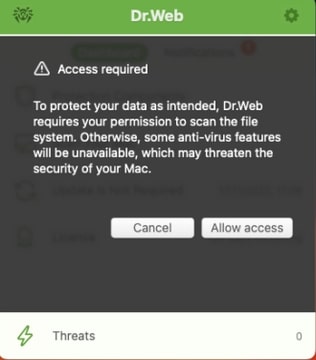
The notification will appear after each device restart, and hourly thereafter, if ignored.
To grant permission for the scan, you should:
- Click on the Allow access button.
- In the Drive Access Permission Wizard, select “Open System Settings”:
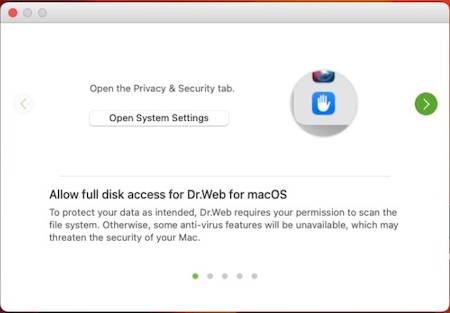
- Drag the Dr.Web icon from the Drive Access Permission Wizard to the settings window:
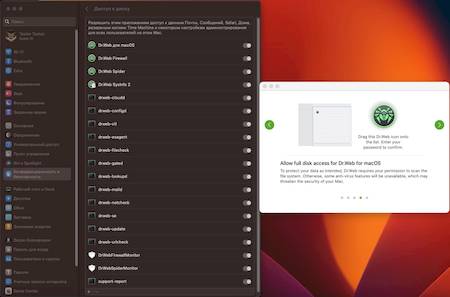
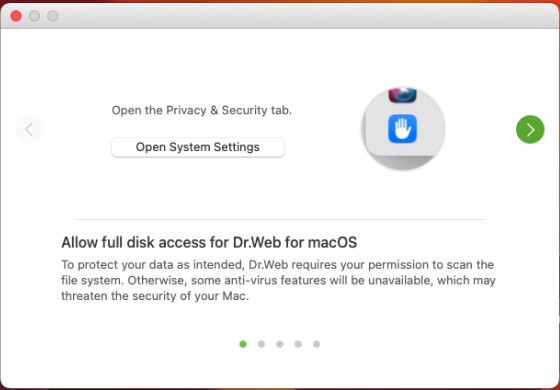
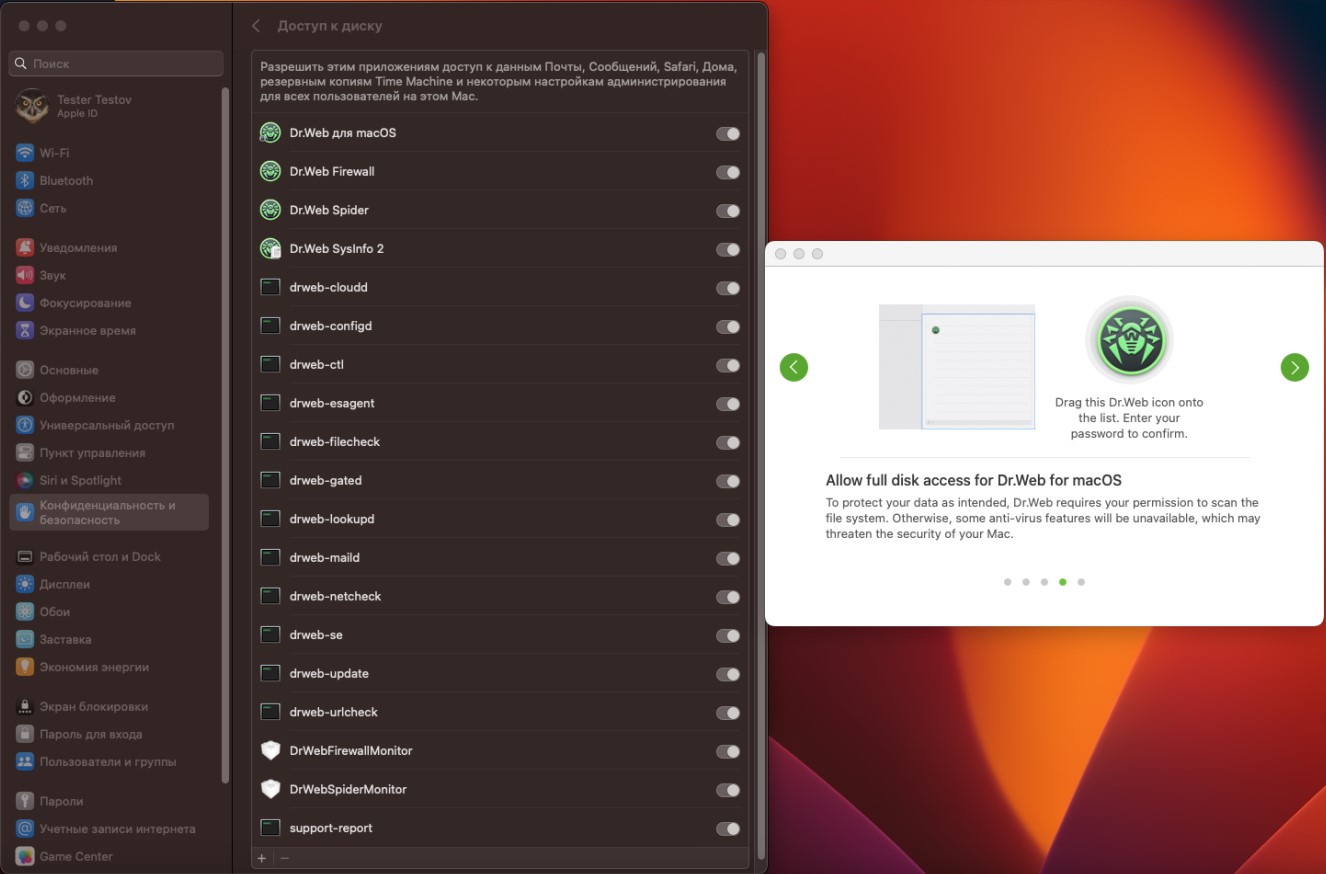
In case the notifications were ignored, the Allow access button is added to the "General" settings section:
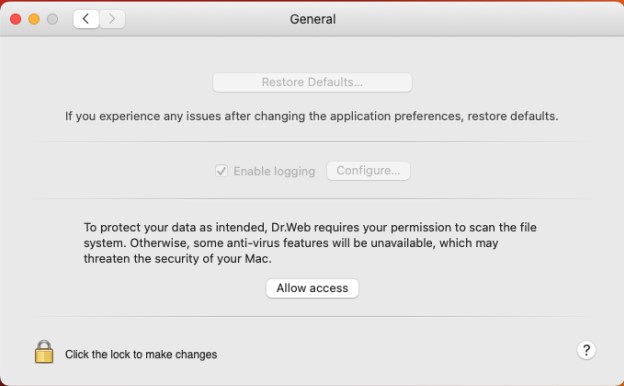
After clicking on this button, proceed as described above.
A special case when there is a drive access permission issue — the SpIDer Guard component is not activated on macOS Ventura. In this case:
- Remove the installed version of Dr.Web anti-virus.
- Install the latest version (for example, from the official website: https://download.drweb.com/?lng=en).
- Grant the necessary permissions according to the above instructions.
How does malware penetrate macOS?
An attacker does not necessary need to hack into your computer to install malicious software. In most cases, unwanted programs get onto Macs due to careless of users when they visit legitimate sites, such as news portals. They can be compromised, so that infection gets onto computers of visitors regardless of their OS—in most cases, the target platform is detected and selected automatically.
Two simple conditions must be met for a system to get infected with BackDoor.Flashback.39: Java Virtual Machine must be installed in the system, and a user must load a compromised webpage in the browser.
Trojan.SMSSend family programs can be easily downloaded from various websites under the guise of a useful application. Today, adware for macOS is also rather common. For instance, Trojan.Yontoo.1 gets onto a Mac, if the user agrees to download and install a browser plug-in from certain sites, or downloads it under the guise of a media player, a program to improve video playback quality, a "download accelerator", etc.
There are also e-mail and removable data storage devices—the traditional media that spread malware with no regard to the operating system.
What is iBot?
It is a botnet of infected Macs which took shape with emergence of the Trojan Mac.Iservice in January 2009. To date, it has several thousand computers and has managed to manifest itself in a number of DDoS-attacks.
How can I test the product before I buy it?
For evaluation purposes, you can use the trial version. Download the distribution from Doctor Web's site at download.drweb.com/demoreq. The period of a demo license is 30 days.
You can also use the free scanner Dr.Web Light for macOS. The scanner incorporates state-of-the-art technologies to detect and eliminate viruses. You can use it to check your system, whenever you need to. However, Dr.Web for macOS is a more feature-packed product as compared with Dr.Web Light for macOS. It includes Dr.Web SpIDer Guard file monitor to scan files in real time.
What versions of OS are supported by Dr.Web for macOS?
According to the documentation, OS X 10.7 and above are supported.
What viruses and malware does Dr.Web for macOS protect against?
Dr.Web for for macOS protects against viruses whose definitions are present in the Dr.Web virus database. They can be written to infect macOS as well as other platforms.
The non-signature detection technology Origins Tracing and heuristic analyser help neutralise threats yet unknown.
How can I get a demo key?
Download the program's distribution at download.drweb.com/mac. Install Dr.Web for macOS. In the License Manager, select Demo license.
How can I increase validity of a demo key file?
There is no way to prolong a demo key—you need to purchase a commercial license.
How do I install Dr.Web for macOS?
Administrator privileges are required to install Dr.Web. After mounting the drive you will see the following window:

Select Dr.Web anti-virus for macOS. Read the Installation Wizard's welcome and click Continue. To continue the installation, read the License Agreement and accept its terms. After that select the disk onto which Dr.Web for macOS will be installed. Enter the administrator password. Then Dr.Web for macOS will be installed automatically. When finished, click Finish. You don’t need to restart your system after installation.
How do I register my serial number of Dr.Web for macOS?
If you purchased a license for Dr.Web for OS X and the program is already installed on your Mac
- In the main menu of Dr.Web for macOS, select License Manager. In the subsequent window select Get New License. Follow the registration steps and enter the serial number in the appropriate fields of the registration form. Your key file will be downloaded and placed in the required directory automatically.
If you purchased a license for Dr.Web for macOS and the program is not installed on your Mac
- Download the installation package at download.drweb.com/mac. During installation, in the License Manager, select Get New License.
- Enter the serial number in the appropriate fields in the registration form. Your key file will be downloaded and placed in the required directory automatically.
You can also register your serial number at Doctor Web's server at products.drweb.com/register.
How do I update Dr.Web for macOS?
You can choose to update the anti-virus automatically and manually on demand or according to the schedule.
How can I update Dr.Web for macOS manually?
Select Update in the program's main window.
How can I protect settings of Dr.Web for macOS against unauthorised modification?
By default, only anti-virus file monitor settings are protected. To change them, click on the lock icon in the bottom left corner of the SpIDer Guard window, enter the administrator password and make the necessary adjustments.
Can I cure quarantined files?
Yes, you can. Once a subsequent update is downloaded, you can try to cure a quarantined file.
How do I uninstall Dr.Web for macOS?
- Find Dr.Web in the Finder. It is usually located in the Applications folder, which can be found on the sidebar of any Finder window. To find the application, you can also use Spotlight (the service icon looks like this:
 ). Then double-click on this application in the Spotlight window while holding down the Command button (⌘).
 - Drag the application to the Trash or select it and choose File > Move to Trash.
- When prompted for a user name and password, enter the administrator login and password on the Mac.
- To remove the application, choose Finder > Empty Trash.
How to add a site to SpIDer Gate's exclusions list for macOS
Click on the spider icon on the menu bar. In the newly appeared Dr.Web window, click on the gear icon.

The "Settings" menu will open. Click on "Exclusions".

Open the "Websites" tab. Click on the padlock icon to make changes to the Exclusions settings.
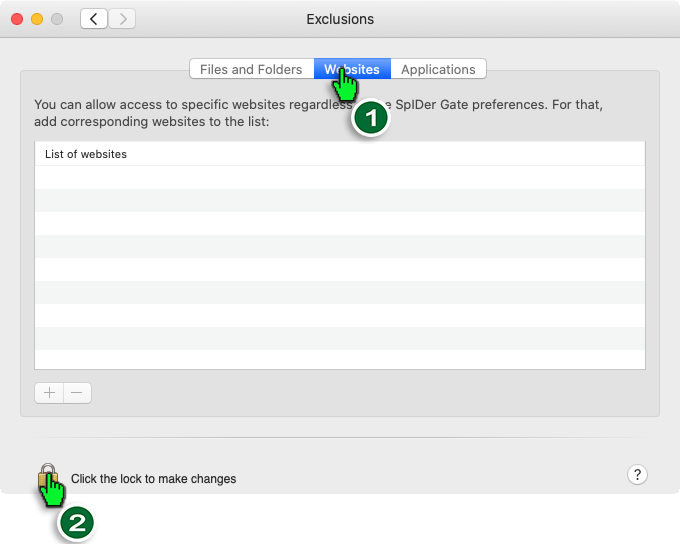
Enter the administrator login and password. Click on "Unlock".
Enter into the list the URLs to which you want to allow access. After entering each URL, you need to click on "Enter".
Dr.Web Security Space for Windows supports the use of masks when URLs are specified, but in this case, that capability is absent. Therefore, you should enter site addresses and not segments of their names to the exception list.
How to generate a report on anti-virus technical issues
- Download the utility https://cdn-download.drweb.com/pub/drweb/tools/drweb-sysinfo-macos.zip (the utility is intended for macOS 10.15) and save it to your desktop.
- Unpack the application file and run Dr.Web SysInfo.
- You will also need to grant the utility full disk-access permissions. When the corresponding alert is displayed, press Grant access. In the Security & Privacy window, click on the padlock icon to make changes to the settings and then tick the box next to Dr.Web SysInfo. In the subsequent prompt select Quit & Restart.
- Switch back to the Dr.Web SysInfo window and click Generate report.
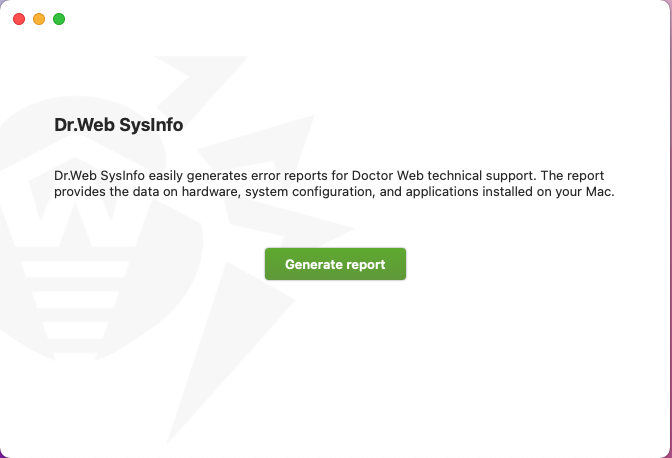
- Once you see the message informing you that an archive was created successfully, click on the Show in folder button. The folder containing the report will open. The report file's name will be generated according to this template: id.dwsysinfo.tar.gz.
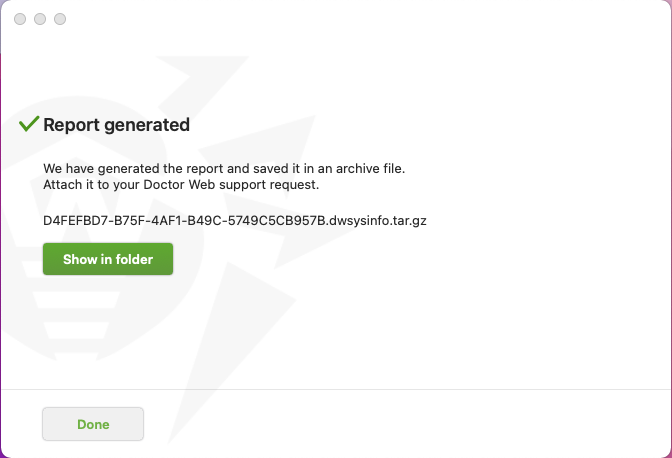
- Upload the file to your respective support ticket (Browse → Choose file).
What’s included in the Dr.Web system information utility's report?
Operating system information:
- Detailed system information;
- The complete list of running processes;
- Information about applications with elevated privileges;
- The list of applications having full disk-access permissions;
- All available system logs;
- Daemon and system process start-up logs;
- System.log;
- Updating and software installation logs;
- System boot/restart time;
- System component settings.
Information about the installed Dr.Web anti-virus:
- Dr.Web software component configuration;
- The Dr.Web anti-virus's logs;
- Information about the running SysInfo utility.
Dr.Web for Linux
How to add a site to SpIDer Gate's exclusions list for Linux
Open the Dr.Web settings.

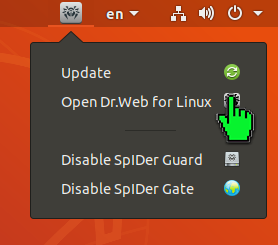
Click on the gear icon.

Open the "Exclusions" section and click on the padlock icon.

Enter the administrator login and password, and then click on "OK".
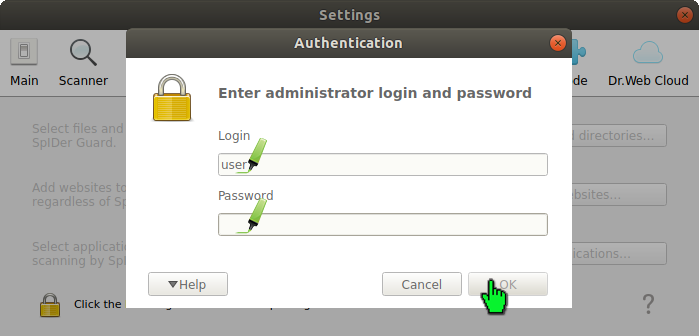
Click on "Websites".
Enter the URL to which you want to allow access and then click on the "Allow" button. The URL will be added to the white list.

Click on "OK" once all the addresses you need have been added to the white list.

Dr.Web Security Space for Windows supports the use of masks when URLs are specified, but in this case, that capability is absent. Therefore, site addresses and not segments of their names should be added to the white list.
Updating Dr.Web on computers without Internet access
What is the update mirror?
The update mirror is the folder to which virus database and anti-virus component update files are copied. The update mirror can be used as the Dr.Web update source for other local network computers that are not connected to the Internet.
The utility that creates the update mirror can be used on computers that do not have the Dr.Web anti-virus installed on them or on computers that have Dr.Web products of a different type and/or version installed on them.
Users do not need to create a mirror in order to update Dr.Web on a computer that has the ability to download the required updates from an external network. In this case, it is recommended to carry out the standard updating routine:
Getting started
Getting started
The process of creating a mirror with the utility begins with finding and copying the files necessary for this procedure. To do this, the below files must first be copied from a PC whose standalone antivirus needs updating to a target PC that has access to the external network.
- The Dr.Web license key file.
- For users of commercial licenses for business products: agent.key
- For users of home versions: drweb32.key
The key file can be downloaded from the email received after the serial number’s initial registration.
- The file with the zone.ini or update.drl update zones for the group of resources that you need to download. Unlike .drl files, .ini files contain multiple mirror URLs, which allows a backup mirror to be used when the main one is unavailable.
Typical paths for the required resources:
| Resources | Linux-like operating systems | FreeBSD |
|---|---|---|
| Key file | /etc/opt/drweb.com/drweb32.key | /usr/local/libexec/drweb.com/bin/drweb32.key |
| The directory containing the virus databases | /var/opt/drweb.com/drl/b ases | /var/drweb.com/drl/bases |
| The directory containing the anti-spam databases | /var/opt/drweb.com/drl/a ntispam | /var/drweb.com/drl/antis pam |
| The directory containing the databases of unwanted sites | /var/opt/drweb.com/drl/d ws | /var/drweb.com/drl/dws |
Each of the files specified in the directory table contains zone.ini and update.drl, one of which should be copied (together with the key file) to the PC where the utility is going to be used to download the databases.
To determine the current paths to the directories containing databases, execute the following commands.
For the virus databases:
$ drweb-ctl cfshow Update.BaseDrlDir
For the anti-spam databases:
$ drweb-ctl cfshow Update.AntispamDrlDir
For the databases of unwanted sites:
$ drweb-ctl cfshow Update.DwsDrlDir
Downloading databases
Download the Dr.Web utility fromDoctor Web's official site to create a local update mirror and go to the directory containing the utility in the console or terminal emulator.
Examples of commands from the text below will differ from each other depending on the OS and configuration used.
In the examples below, the utility is run on Linux; the required resources (key file and .ini files) are located in the same directory as the utility; and the updates are saved in the /tmp/updates directory. You can specify any other directory for saving updates if you have the rights to write into it. If the specified folder does not exist, it will be created during the resource download process. For clarity, let's rename the zone.ini files for the different groups of resources used in the example, in bases.ini, antispam.ini, and dws.ini.
Allow the launch of the utility:
$ chmod +x drweb-mirror-11.1-linux-amd64
Required parameters: --path, --key, any of the keys --bases-drl, --bases-ini, --antispam-drl, --antispam-ini, --dws-drl, --dws-ini and the path to the corresponding .drl or .ini file.
The optional --arch parameter specifies the target architecture for which updates are downloaded. By default, it matches the architecture of the computer that executes the command with this parameter. If updates are intended for a computer with a different architecture, specify it after this parameter.
Download the virus databases:
$ ./drweb-mirror-11.1-linux-amd64 --path /tmp/updates --key drweb32.key -bases-ini bases.ini
Download the anti-spam databases:
$ ./drweb-mirror-11.1-linux-amd64 --path /tmp/updates --key drweb32.key -antispam-ini antispam.ini
Download the databases of unwanted sites:
$ ./drweb-mirror-11.1-linux-amd64 --path /tmp/updates --key drweb32.key -dws-ini dws.ini
Updating Dr.Web on computers without Internet access
Copy the update directory to the computer whose anti-virus needs updating and then execute the following command:
# drweb-ctl update --from /tmp/updates
Command line parameters
A complete list of command line parameters can be found in the official documentation。
My Dr.Web Portal for business (Portal)
How do I get access to the Portal (the administrator password)?
Portal access credentials are granted to a single authorized employee of the customer. To gain access to the Portal (login and password), follow these steps: 1) Activate your Dr.Web serial number (the license must be active) and 2) request access to the Portal by creating a support ticket containing your serial number.
How can I access the Portal from any page on Doctor Web site?
You don't need to memorise the Portal address. Just don't forget the Doctor Web site URL: https://drweb.com. You can use the Profile widget to sign in to the Portal on any page on Doctor Web's site.

Open the widget, and in the list, select My Dr.Web for Businessand enter your login and password.
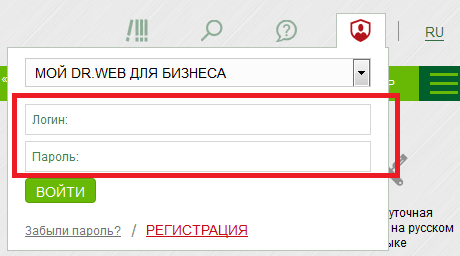
If you link your Doctor Web and social media accounts, you will be able to sign in using your social networking credentials.
How can I restore a Portal administrator password?
If you forgot/lost the password, you can reset it as follows: go to the Portal's sign-in page and open the Forgot your password link. Fill in the form and follow the instructions in the email you receive. The message will be sent to the address specified in your administrator account profile.
If the email address is no longer being used, submit a support request to regain access to the Portal. In the request, specify the information about the license (serial number) owned by your company. The license can be inactive (expired and yet to be renewed). You will be able to regain access to the Portal anyway.
How can an administrator issue Portal access credentials to other company employees?
If you requested access to the option to create employee accounts and now have that ability, the New account option will be available to you.
To create an account for an employee, in the widget, select Profile, go to My employees and open the New account link.
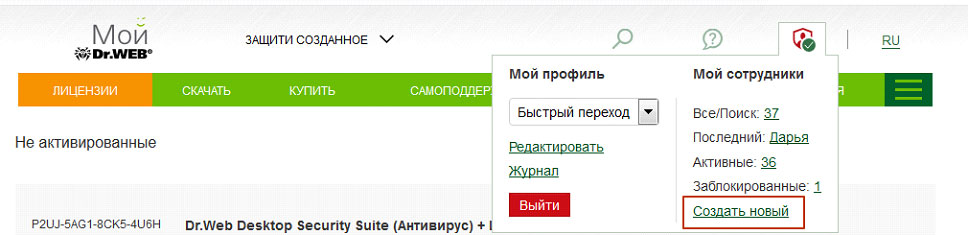
In the New account tab, fill out the employee information form.
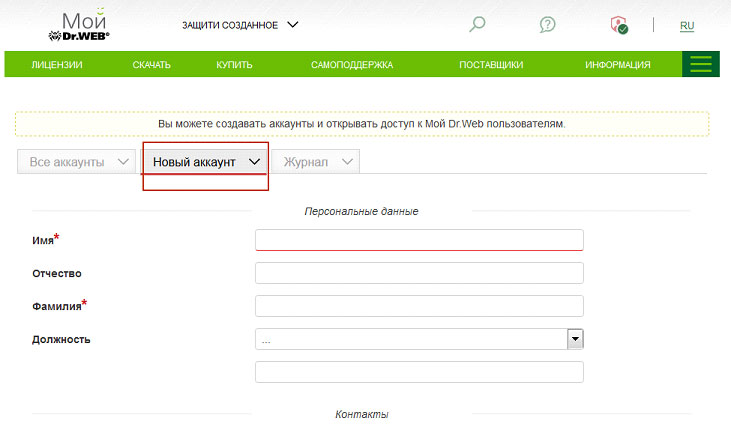
The Portal login and password (generated automatically) will be sent to the specified email address.
The administrator can create any number of employee accounts. Accounts created by the administrator are assigned the User role. Users are unable to edit administrator account information. The administrator can edit user account information.
How can the administrator edit user account information?
Open the Profile widget and go to All/Search to view the account list.
Locate the account whose information you need to change and click on the edit icon (the pencil).
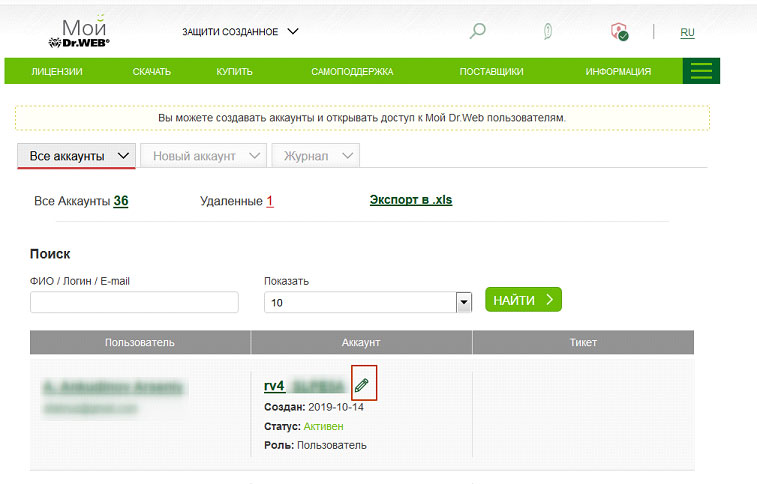
The account card will appear. Edit the fields as you see fit.
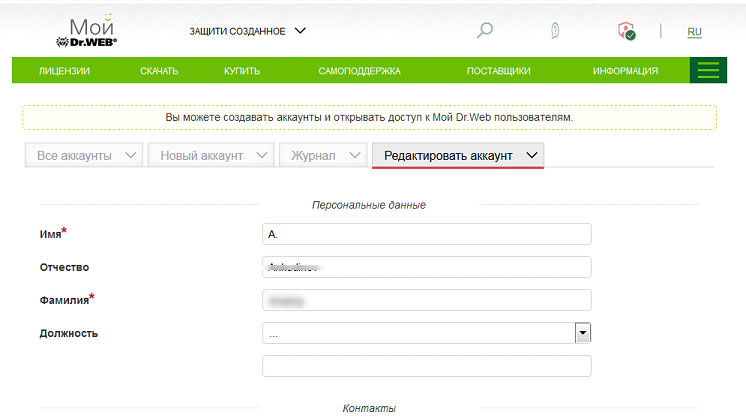
How do I sign in to My Dr.Web Portal?
Do one of the following:
-
Open this link: https://my.drweb.com/biz
-
Or go to https://drweb.com and open the Profile widget in the upper-right corner of the page. In the drop-down list, select My Dr.Web for Business.
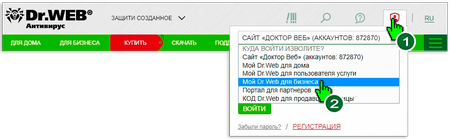
In the sign-in dialogue box, enter your Portal login and password.
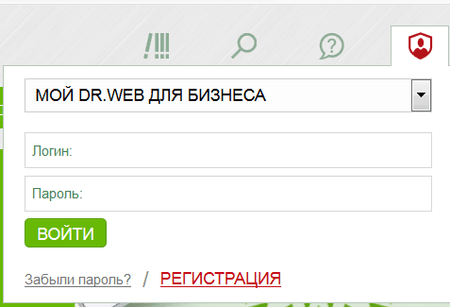
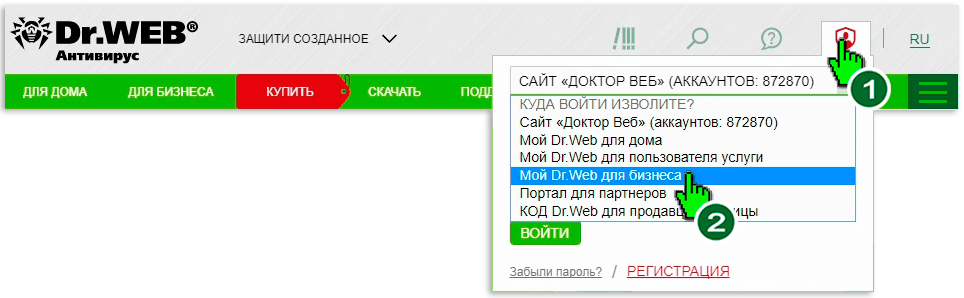
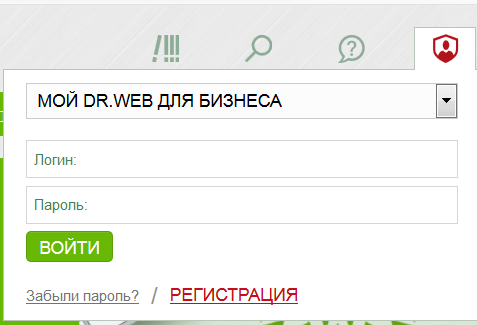
To access the Portal as an administrator, submit a request.
A Portal administrator issues User role access credentials.
How can I submit a support request via the Portal?
Use the Contact Us widget in the top-right corner of the Portal page to contact our support service.
Click on the New ticket button to create a new ticket or open links to quickly access your previous requests:
- Total [number] is the number of tickets that have ever been created in the Portal (associated with your company and created by its employees via the Portal). Tickets submitted by corporate customers are stored on the Portal indefinitely.
- Active [number] indicates the number of tickets that Doctor Web’s support staff are currently working with as well as the tickets that haven't yet been closed by their respective initiators.
- Latest [date] points to the most recently created ticket.
! Do not provide information about multiple unrelated issues in one request. Different issues may require the attention of different Doctor Web divisions, and each request can only have a single operator. If necessary, create multiple tickets. That way Doctor Web’s staff will help you solve your problems more quickly.
Does a request that is not sent from my Portal end up in my company’s request history?
How can I get the list of all the tickets submitted by a specific employee?
In the All accounts section, locate the employee's account. In the Ticket column, open this link All.

Contact Us widget
Use the widget to quickly access your company's tickets and the support request form. It can be found at the top of the page, above the main menu. It looks like an icon with a question mark on it.
Contact Us widget features
The New ticket button is used to access the support request form.
Your tickets links. Requests are grouped according to their status.
- Total [number] shows your company’s total number of tickets.! Employees who are assigned the Administrator role can see the tickets associated with all your company's accounts. Employees whose accounts are assigned the User role can only see their own tickets. An Administratormay grant Users permission to view all the tickets.
- Active [number] shows the number of tickets that are currently being processed (have active statuses).
- Latest [date] points to the last created ticket.
Product features
About Dr.Web software possibly conflicting with other applications
Dr.Web products are developed for the purpose of maximising anti-malware protection. Before being released, all of our programs are tested in the Doctor Web test laboratory. Many Dr.Web products are certified at the highest state level (by the Federal Service for Technical and Export Control of Russia, the Russian Federal Security Service, and other organisations)— this also confirms that our products are compatible with the supported operating systems. In addition, we have compatibility certificates from many Russian developers of operating systems, platforms and cloud services: the complete list.
However, any software can conflict with other software, and, with hundreds of thousands of customers, we cannot possibly reproduce a unique software environment in our test laboratory for each one of them. Moreover, other software vendors do not pay enough attention to verifying that their software is compatible with anti-virus software, and they do not notify us about their upcoming new versions. As a result, we learn about their release after receiving messages from users about problems they are having.
That is why we strongly advise you to test Dr.Web anti-virus software before purchasing it (for example, by using the trial version) And in case it conflicts with the software your company uses, contact Doctor Web's technical support service for free consultations. Your request will help us improve Dr.Web, and it will also help other users to work comfortably with Dr.Web.
Is a separate server required for the Dr.Web Control Center?
Using a dedicated server is recommended. If the internal database that is shipped with the Dr.Web server and the dedicated hardware for Dr.Web server are used, up to 1,000 protected objects can be simultaneously connected. The minimum server hardware requirements (excluding the system requirements of the OS itself) must be no less then:
- a CPU of 1.3 GHz or higher that supports SSE2 instructions.
- RAM: at least 2 GB.
- Free disk space: at least 80 GB.
A complete list of all the OSs supported by the server is indicated in the article.
How can I periodically scan the network folders on our server for the appearance of any new files and neutralise any malicious files that are detected?
Use Dr.Web for file servers. It needs to be installed on the server where the folders are located. You can also scan these folders remotely over the network. This feature is included in the Dr.Web for workstations Anti-virus scanner, for example.
If you want to scan files remotely so that the anti-virus scanning does not affect the performance of the server on which the files are located, you can use Dr.Web for Unix file servers version 11.1. This product can send files to a remote server for testing and organize a scan cluster.
To remotely scan the server on which the controlled network folders are located, you must install the Dr.Web Spider Guard component. It will send all the files you select to the remote server for scanning. You do not need to install the anti-virus scanning module on this server, but it must be installed on the remote server.
The settings for scanning different folders may also vary.
Dr.Web UNIX file servers documentation. You can select which components you want to install during the installation process.
Dr.Web Enterprise Security Suite
When does a license need to be split according to the number of subnets?
If your company's local network is divided into multiple isolated, independent networks and if the previously installed anti-virus server cannot be accessed from each new subnet, and you’ve decided to install independent anti-virus servers, your license needs to be split according to how many subnets you have. You can do this by contacting your supplier. After splitting your license, your old license will be blocked.
The anti-virus server is provided free of charge.
When does a license not need to be split according to the number of subnets?
If your company's local network is divided into multiple isolated, independent networks and you have a hierarchical system of servers, you can distribute to each network server the number of licenses needed to protect your network’s workstations without splitting your license. You can install and use as many servers as you need. The anti-virus server is provided free of charge.
Corporate products for GNU/Linux or FreeBSD
Getting distributions and installing them
Obtaining a distribution
Distributions can be obtained:
- Using the Control Center (see the documentation). Starting with Dr.Web Enterprise Security Suite version 13.0, remote installation is available via ssh (for more information refer to the section "Remote Installation of Dr.Web Agent on UNIX system-based OS").
- Using the official Dr.Web repository.
- Using the Download Wizard on the official website (a serial number is required).
How to obtain a distribution via the Control Center
- Create a station according to the instructions in the official documentation.
- To create a station, save:
- The install.cfg configuration file containing the target station’s connection details to Dr.Web Server (login/password of the target station, key (certificate), and server address).
- If necessary, a personal distribution of the product to be installed (in this case, the .run archive will already include the install.cfg file and the .sh script for automatically connecting to the server).
Installing and connecting end stations to Dr.Web Server
The standard installation method — via the command line using the drweb-ctl utility.
Note: Dr.Web anti-virus for Linux can be installed and connected to Dr.Web Server via the graphical interface (if available). The parameters for connection and authorisation on the Server are entered in the “Mode” tab, which is on the Dr.Web Anti-virus for Linux window's settings page.
For more information about connecting in the graphical interface, refer to the official documentation.
If necessary, you can connect the installed product to Dr.Web Server as soon as the installation is complete. A previously installed anti-virus can also be connected to Dr.Web Server.
The utility "help" feature:
drweb-ctl esconnect -h
Options for connecting an existing station:
- Connect the station as a new one. In this case, the settings of the group to which it is assigned will be applied to it:
- Connect the station as an already existing one and get the existing settings:
drweb-ctl esconnect 192.168.1.1 --Certificate /path/to/certificate/drwcsd-certificate.pem --newbie
192.168.1.1 should be replaced with the actual Server address.
Drwcsd-certificate.pem — Server certificate.
drweb-ctl esconnect --CfgFile /path/to/configuration/file/install.cfg
If there is no CfgFile key, the option exists to load the certificate of the Server drwcsd-certificate.pem and execute drweb-ctl esconnect with the full set of parameters for this station:
drweb-ctl esconnect 192.168.1.1 --Certificate /path/to/certificate/drwcsd-certificate.pem --Login 52068a12-e1f2-413a-060a-000000000000 --Password password
192.168.1.1 should be replaced with the actual Server address.
Drwcsd-certificate.pem — Server certificate.
52068a12-e1f2-413a-060a-000000000000 should be replaced with the actual Station ID.
Working with universal .run packages
The entire text of this section refers to the following Dr.Web products:
- Dr.Web Anti-virus for Linux
- Dr.Web for UNIX Internet Gateways
- Dr.Web for UNIX Mail Servers
- Dr.Web for UNIX File Servers
- If your version of the OS distribution supports neither .deb nor .rpm.
- If the mandatory use of certified assemblies is required.
- If a user wants to perform an installation on a station with no external network access.
In all other cases, the easiest way to install a product is from the repository.
Remote installation of .run packages is available via ssh for the following products (for more information refer to the documentation):
- Dr.Web Anti-virus for Linux
- Dr.Web for UNIX File Servers
For Dr.Web Enterprise Security Suite Server (hereinafter, "Dr.Web Server") version 12.0 and later, select the appropriate check boxes in the repository settings. To enable this feature, an extra package (also known as an extra distribution kit) must be installed on Dr.Web Server version 11.0. Find out more about the extra package in the documentation.
Installation of the extra Dr.Web Server distribution kit is carried out according to the instructions and does not require the Server to be stopped.
To perform the installation in this way, you must be able to:
- Connect to a remote station via ssh.
- Elevate privileges on the remote station.
This installation method has two important restrictions:
- Remote installation of the Agent is not available on a computer running the Server from which the installation process is started.
- The installation time may exceed the duration of the session due to the large amount of data. If the session expires before the installation is complete, the process will be terminated automatically and the packages will not be installed.
Dr.Web Server's pre-configuration to receive .run packages:
The path to the required settings is shown in the example of Dr.Web Enterprise Security Suite 13.0.
- In the settings Administration → General repository configuration → Dr.Web installation packages → Dr.Web corporate products, find the desired product on the list:
- Dr.Web Anti-virus for Linux
- Dr.Web for UNIX File Servers.
Next to the found product, select the appropriate check box (you are thus allowing it to be uploaded to the repository).
Next, you need to expand its content and make sure that the check boxes for the required OSs (Linux, FreeBSD) and assemblies for the required platforms are selected.
After that, .run packages can be distributed via http(s). Section address (https://*:9081/install/unix/workstation), where * is the address of Dr.Web Server.

For more information about installing the universal package, refer to the official documentation..
Remote installation of .run packages is available via ssh for the following products (for more information refer to documentation):
- Dr.Web anti-virus for Linux
- Dr.Web anti-virus for UNIX file servers
For Dr.Web Server version 12.0 and later, select the appropriate check boxes in the repository settings (for more information refer to the instructions). To enable this feature, an extra package (also known as an additional distribution package) must be installed on Dr.Web Server version 11.0. Find out more about the extra package in the documentation.
Installation of the additional Dr.Web Server distribution package is carried out according to the instructions and does not require the Server to be stopped.
The selected method of initial installation affects how further updates are obtained. After installing Dr.Web anti-virus for Linux using any of the possible ways, the package manager automatically connects to the Dr.Web package repository. This can cause problems when installing the universal .run package on a station that lacks access to an external network. In this case, the solution is to temporarily disconnect from the repositories during the installation process.
If you encounter any difficulties with the repositories after installing the .run package, please contact our technical support.
By default, the virus databases are updated automatically if you have Internet access.
During the initial installation from the repository, the components will be automatically updated from it (provided that automatic updating is allowed and the station has access to it).
If the installation was performed from the universal .run package, the ability to get automatic updates from the repository depends on the specifics of the user's operating system. In this case, updating from Dr.Web Server actually means installing a new .run package over the existing one. The Dr.Web Enterprise Security Suite repository and the repository https://repo.drweb.com, to which the package manager is connected, are different objects with different content.
If a product installed using the .run package is not updated automatically
In this case, the zypper package manager (included in the installed Dr.Web anti-virus for Linux package) should be used to perform a manual update. If this method is not suitable for some reason, you should apply the update commands of the package manager used in your OS.
Updating using zypper, included in the product in Linux distributions, is performed by the following commands:
# /opt/drweb.com/bin/zypper refresh
# /opt/drweb.com/bin/zypper update
For FreeBSD:
# /usr/local/libexec/drweb.com/bin/zypper refresh
# /usr/local/libexec/drweb.com/bin/zypper update
At the same time, repo.drweb.com should be available from the station where the updating process is launched.
Details and examples of commands can be found in the official documentation.
If a new version of Dr.Web anti-virus for Linux is released, packages containing its components are placed in the section of the Dr.Web repository that corresponds to the new version. In this case, the package manager should be switched to the new section of the Dr.Web repository (for more information refer to "Upgrading to a new version").
A utility for creating a local update mirror is available so that updates can be received on isolated stations. Instructions on its use and more information on this topic can be found here.
The updating process is performed as follows: updates are downloaded to a computer connected to the Internet, copied to a USB drive or network drive, and then installed on another computer that is not connected to the Internet.
The updating process is performed via the command line.
Instructions for receiving updates
- On a computer connected to the Internet, run the following command:
- Copy the received updates to a USB drive or a network drive.
- Mount a network drive or a USB drive on the computer on which you want to install updates. If you receive updates from a USB drive, you will need to run the following commands:
- Install updates using the following command:
$ drweb-ctl update --Path <path to the directory to which updates will be downloaded>
# mkdir /mnt/usb
# mount <path to device> /mnt/usb
$ drweb-ctl update --From /mnt/usb
You can also download new .rpm packages on any other PC with access to https://repo.drweb.com and then transfer them to the target station.
In this case, the zypper package manager (included in the installed Dr.Web anti-virus for Linux package) should be used. If this method is not suitable for some reason, you should apply the update commands of the package manager used in your OS.
Conditions for the example shown below: there is a second station with Internet access and a .run package installed on it.
- Checking the content of the repository (without updating) for Linux:
- Download everything new by listing all the packages in the command (for Linux):
- Transfer this entire directory with all the attachments to the station with the product that needs updating. The name and path to the directory on the target station are of no importance (for example /tmp/1).
Then, enter the following command (for Linux) on the isolated station:
# /opt/drweb.com/bin/zypper up
For FreeBSD:
# /usr/local/libexec/drweb.com/bin/zypper up
The answer “N” to the question "Continue? [y/n/...? display all parameters] (y):" will complete the command without installing updates.
# /opt/drweb.com/bin/zypper download …
For FreeBSD:
# /usr/local/libexec/drweb.com/bin/zypper download ...
After that, all updates for our run package are available in the catalogue /var/opt/drweb.com/cache/zypp/packages/drweb-11.1/ (for Linux) or /var/drweb.com/cache/zypp/packages/drweb-11.1/ (for FreeBSD).
# /opt/drweb.com/bin/rpm -Uhv /tmp/1/*
For FreeBSD:
# /usr/local/libexec/drweb.com/bin/rpm -Uhv /tmp/1/*
Dr.Web topics for MS Exchange
Why is an anti-virus required to protect a mail server?
Every day the Doctor Web virus monitoring service collects more than 250,000 new malicious programs, the most dangerous of which have been developed by professional virus writers who are members of criminal organizations. These programs focus on stealing money from single companies (or a series of “targeted” companies); the creators of these programs know what security systems are in use, and devise their malware accordingly.
It is commonly believed that by installing a protection system on a mail server, one can reduce the inflow of spam and the number of viruses in a company network, and speed the delivery of important emails. But apart from solving these problems, a modern mail server anti-virus also affords the opportunity to delete previously unknown malicious programs from mailboxes. Only by installing an anti-virus on a company mail server can one escape situations in which the server becomes a source of infection. An anti-virus can’t protect a server file system, because such anti-viruses can’t cure databases, including mail server databases.
How is it possible to protect a company's network against previously unknown malicious programs?
The latest malicious programs, undetected by all heuristic mechanisms, reach the virus monitoring laboratory, and thus their victims, only after criminals have begun spreading them.
It is imperative to take into account the probability of criminals being able to bypass a company’s security systems and access its network (or employees’ PCs) and also the possibility of criminals being able to impact the protection systems in use, with the goal of stopping their operation.
To minimize risks to mail servers in particular, user mailboxes should be scanned regularly with an anti-virus to check for the presence of previously unknown malicious programs.
How can I prevent criminals from bypassing the system?
No anti-virus can detect the newest malicious programs 100 percent of the time. Even tests designed to detect malicious programs created after the latest anti-virus update say nothing about an anti-virus’s capacity to reveal the ‘infection’ created by criminals familiar with the anti-virus. Such anti-virus programs will not be detected by an anti-virus right up to the moment the necessary update is received.
That’s why the choice of an anti-virus should not be based on “test” results, but on an understanding of the following features of an anti-virus system:
- An anti-virus has to have a reliable system of self-protection— criminals must not be able to disable the anti-virus (or one of its components).
- Anti-virus updating and control systems must be completely under the control of the anti-virus’s self-protection system and must not use system components that are not under its control.
Once a company’s computers fall into a botnet, they often become a source of spam, and that harms the company’s reputation among its partners. Using Dr.Web Mail Security Suite and Dr.Web Desktop Security Suite will significantly reduce a company’s risk of becoming compromised by being blacklisted and disconnected from the Internet for acting as a spam bot.
A system for scanning mail traffic must be installed on the server as well as on the work stations, because incoming and outgoing messages go not only through a company’s mail server, but also directly through employees’ PCs (via SMTP, pop3/imap4 and closed links). In addition, the mail server (or the programs installed on it) can create mailings, including unwanted messages.
How can I test Dr.Web for MS Exchange before I buy it?
For evaluation purposes, you can use the trial version. Download the distribution from Doctor Web's site at https://download.drweb.com/demoreq. The demo license period is 30 days.
Dr.Web ATM Shield
The following routes of infection are typical for embedded systems:
The following routes of infection are typical for embedded systems:
- An infected company intranet, if embedded systems can be accessed from it;
- Vulnerabilities that exist due to the absence of security updates;
- Employee removable data-storage devices (including those that have been used for purposes other than embedded systems maintenance);
- Hacker-owned removable data-storage devices, if the hackers have unauthorized access to ATM equipment compartments;
- Internet sites visited by company personnel during maintenance periods.
Therefore, anti-virus protection that includes a traffic control module and an access restriction module for removable data-storage devices and Internet resources is essential for embedded systems to operate normally.
Can Dr.Web ATM Shield be used for Embedded OSs?
Yes. Dr.Web ATM Shield can be used not only for conventional OSs—Windows® XP Professional, Windows® Vista, Windows® 7 and Windows® 8—but also for Windows® XP Embedded, Windows® 7 Embedded, and Windows® 8 Embedded.
It must be remembered that some devices may lack various operating system components. This is a feature of Embedded OSs.
Can Dr.Web ATM Shield run on weak and obsolete configurations of embedded systems?
Dr.Web ATM Shield was developed with low-end platforms in mind¬¬¬. Dr.Web ATM Shield can run on an embedded device with just 512 MB of RAM.
It should be noted that Dr.Web products, including Dr.Web ATM Shield, are distinguished by compact virus databases and small size updates that make it possible to protect remote devices with ‘narrow’ Internet channel or a company network.
When do I need to use Dr.Web ATM Shield?
Dr.Web ATM Shield is required in all embedded devices that are subject to the requirements of PCI DSS and STO BR RF, and in all systems that can be infected through unknown vulnerabilities.
Is Dr.Web ATM Shield enough to protect embedded devices?
A peculiarity of the way embedded devices work (including ATMs) is that you cannot carry out updates (specifically, updates to the OS and applications launched on them) on them that may at some point require a device reboot as soon as update data is available — even if the system is busy.
Therefore, Dr.Web ATM Shield has two types of updates: virus database updates (that don’t require system restarts) and updates for Dr.Web ATM Shield’s basic components, including the drivers. Basic components updates, carried out when new types of malicious programs appear, may require a reboot of the protected device.
Because updates that potentially require a system restart can only be carried out during routine maintenance checks, it’s essential for employee home and work PCs to be protected by an anti-virus in order to prevent the newest malicious programs from penetrating removable data-storage devices used for routine maintenance.
Does Dr.Web ATM Shield comply with regulatory requirements?
Dr.Web ATM Shield conforms to the anti-virus program requirements of the Federal Law on Personal Data (No. 152-FZ), FSTEC Russia’s orders No. 17 and No. 21, and other regulatory demands in the sphere of personal data protection.
When applied, Dr.Web ATM Shield meets the anti-virus program requirements of PCI DSS v2.0 and v3.0 standards.
Does your anti-virus have a PCI DSS certificate of compliance?
PCI DSS standards require only the fact that an anti-virus is being used and don’t make any claims about the functionality and features of the solution being used. Moreover, these standards stipulate the requirements for protecting devices in general, not their separate components. Therefore, the certificate isn’t provided for anti-viruses.
‘But Symantec has a PCI DSS certificate of compliance!’
Symantec has more than just anti-viruses in its portfolio. And the certificate you mentioned doesn’t belong to anti-virus software.
Dr.Web CureNet!
Can I launch Dr.Web CureNet! from CD/DVD?
No, you cannot, because Dr.Web CureNet! requires the Wizard to be installed on a LAN PC. This is, however, a great advantage of Dr.Web CureNet! — and you can launch the utility from USB data storage
How can I update Dr.Web CureNet!?
In order to update Dr.Web CureNet!, you need to log into the Dr.Web CureNet! user personal area and download the latest version from there. Since a PC from which a LAN is scanned might not have an Internet access or its an access blocked by the provider, we strongly recommend to download an actual Dr.Web CureNet! version before scanning your network. Unique Dr.Web CureNet! distribution files are generated for each user.
How can I download Dr.Web CureNet!?
If the Dr.Web CureNet! serial number is not registered yet, please register it on this page. At the final stage of registration a link to download Dr.Web CureNet! personal distribution file will be generated.
If the Dr.Web CureNet! serial number is already registered, go to Dr.Web CureNet! personal area and download your Dr.Web CureNet! personal distribution file.
How can I register Dr.Web CureNet! serial number?
You can register it on this page. At the final stage of registration a link to download Dr.Web CureNet! personal distribution file will be generated.
I am a Dr.Web Enterprise Suite user. How can I use Dr.Web CureNet! for free?
Register the serial number for the valid Dr.Web Enterprise Suite license.
You are allowed to use Dr.Web Enterprise CureNet! free of charge as long as the Dr.Web Enterprise Suite serial number is valid. However, your Dr.Web CureNet! personal distribution file will only be valid for 1 day. Therefore, you will have to register the serial number every time you need Dr.Web CureNet!. Every time a new Dr.Web CureNet! personal distribution file will be generated for you.
What is the difference between this new product and Dr.Web CureIt! or Dr.Web Enterprise Suite?
Dr.Web CureIt! is used to scan individual PCs and can fulfil needs of small companies. However, if there are many computers in the company, scanning each of them will take a lot of system administrator time and distract employees form their work. Dr.Web CureNet! allows performing scanning remotely over a network in the background so that a user can remain unaware of it. System administrator can operate from the single computer thus minimizing anti-virus influence on the performance of computers being scanned.
Dr.Web Enterprise Suite is designed to permanently protect the network. It is a very powerful product rich of numerous features. In order to use Dr.Web Enterprise Suite one has to deploy it on all hosts while with Dr.Web CureNet! you won’t need to deploy or install anything. Moreover, scanners will remove themselves from target hosts upon completion of scanning.
How can I get a demo key?
Download the program distribution demo file to evaluate Dr.Web CureNet! Remote curing is not available in demo version so you need to purchase a license to download fully functional Dr.Web CureNet! version.
How is Dr.Web CureNet! licensed?
The product is licensed per number of workstations on which scanning followed by curing will be performed for 10, 30 or 365 days of use. Such license periods are used because Dr.Web CureNet! is designed for regular scanning but not to provide resident protection.
Can I use Dr.Web CureNet! together with anti-virus products from other vendors simultaneously?
Yes, you can. Dr.Web CureNet! is designed to operate in a network environment protected with other security products.
I already have an anti-virus installed. Why should I use Dr.Web CureNet!?
No anti-virus can detect all malicious programs currently in the wild, let alone the fact different anti-viruses vary significantly in terms of detection and curing capabilities. The number of viruses in the Internet is huge and new species appear very quickly. Regular local network “health” checks with Dr.Web CureNet! will help you verify reliability of your anti-virus software and cure computers in emergency situations when your anti-virus fails to neutralize a threat.
How can I use this product?
You can use Dr.Web CureNet! for regular scans of your local network hosts if they are not protected by any other anti-virus, or if you suspect that the installed product doesn't detect some viruses.
Caution! Dr.Web CureNet! is not designed to provide constant anti-virus protection but perform only one-time scans. It doesn’t prevent malicious programs from infiltrating into a network between scanning sessions.
Configuring security auditing
In order to timely detect attempts (including successful ones) to hack into end devices and take appropriate measures, we recommend that you take advantage of the security auditing option.
To do this:
Go to the Control Panel → Administrative Tools → Local security policy → Advanced audit policy configuration → Object access →Audit file system. Set the file system audit for success and failure.
Next, enable an audit for the folder you need:
Open the properties of the shared folder → the Security tab → Advanced → the Audit tab → Change → Add;
specify the users to be audited. Select All, application level — For this folder and its subfolders and files;
specify the actions to be audited: Create files/append data, Create folders/append data, Remove folders and files, or just Remove. For all actions, select the audit option for both success and failure.
After that, file and folder access events will appear in the security event log.
If, in a system that already has the auditing option configured, the anti-virus detects changes in the file system, make sure to note the detection time and compare it with the events in the security log.
You can familiarise yourself with security event codes on Microsoft's official website.
Performance issue caused by AMSI integration with Microsoft Exchange Server 2016/2019
By releasing cumulative updates for Exchange Server 2016/2019 (KB5003611 and KB5003612), Microsoft has introduced support for integration with AMSI (Antimalware Scan Interface) in the respective Exchange Server versions. Now AMSI-capable anti-virus software running on the same machine as the Exchange Server can scan the contents of all inbound HTTP requests before they are handled by a mail server.
As a result, running Dr.Web Anti-virus for Windows Servers and Dr.Web Agent for Windows with AMSI integration enabled may have a severe adverse impact on the overall performance of the Exchange Server and the Dr.Web software. The update that solves the mentioned issue was released on January 17, 2022. Before installing this update, Doctor Web developers recommend that you disable support for AMSI in your Exchange mail servers.
You can disable AMSI integration via Exchange Server PowerShell:
- Open Exchange Server PowerShell.
- Run the following command sequence:
[PS] C:\>New-SettingOverride -Name DisablingAMSIScan -Component Cafe -Section HttpRequestFiltering -Parameters ("Enabled=False") -Reason "Testing" [PS] C:\>Get-ExchangeDiagnosticInfo -Process Microsoft.Exchange.Directory.TopologyService -Component VariantConfiguration -Argument Refresh [PS] C:\>Restart-Service -Name W3SVC, WAS -Force
Important: Before you proceed, make sure that all your relevant data is saved. Running these commands will restart Internet Information Services (IIS) and interrupt the current connection.
It is also recommended that you re-enable AMSI integration on your mail server after the issue gets resolved with the release of an update. Re-enable AMSI integration by running these commands in Exchange Server PowerShell:
[PS] C:\>Remove-SettingOverride -Identity DisablingAMSIScan -Confirm:$false [PS] C:\>Get-ExchangeDiagnosticInfo -Process Microsoft.Exchange.Directory.TopologyService -Component VariantConfiguration -Argument Refresh [PS] C:\>Restart-Service -Name W3SVC, WAS -ForceImportant: Before you proceed, make sure that all your relevant data is saved. Running these commands will restart Internet Information Services (IIS) and interrupt the current connection.
You can also disable AMSI integration with an Exchange Server support script:
- Download the Test-AMSI.ps1 script from the Microsoft repository here.
- Copy the script to the directory C:\scripts.. If the scripts directory does not exist, create it. To avoid possible errors, ensure that the script file is unblocked.
- Run the following command sequence:
[PS] C:\scripts>.\Test-AMSI.ps1 -DisableAMSI [PS] C:\scripts>.\Test-AMSI.ps1 -RestartIIS
To re-enable AMSI integration with Microsoft Exchange Server, run the following command sequence:
[PS] C:\scripts>.\Test-AMSI.ps1 -EnableAMSI [PS] C:\scripts>.\Test-AMSI.ps1 -RestartIISDr.Web LiveDisk
How can I create Boot CD?
For more details on how to create boot CD, please refer here. You can also use our video tutorial to visually learn how boot CD is created.
What is Dr.Web LiveCD and its purpose?
Dr.Web LiveCD is an emergency system recovery disk. Using Dr.Web LiveCD to boot your PC, you can check it for viruses and cure damaged Windows even if the system can no longer be started in its normal way.
What is Dr.Web LiveUSB and its purpose?
Dr.Web LiveUSB is an emergency system recovery tool using USB data storage. Using Dr.Web LiveUSB to boot your PC, you can check it for viruses and cure damaged Windows even if the system can no longer be started in its normal way.
How can I create a boot flash drive?
Download Dr.Web LiveUSB distribution file from our website, connect your flash drive to your PC and run the file you have downloaded. In the next window, specify which of flash drives you want to use (if a number of them is available), and also if it needs formatting before use. Press Create Dr.Web LiveUSB and wait for the process to complete. After Dr.Web LiveUSB has been created, press Exit.
My PC automatically boots from the hard drive. How can I make it boot from the CD?
Most present-day desktop and notebook PCs have a key to select booting from any media type available in the PC. It is normally F11 key. When pressed, a boot device selection menu is displayed.
In previous BIOS versions, you may select boot device manually. Just enter BIOS by pressing Del or F2 key during booting, open Boot Settings (or sometimes simply Boot) section and change the boot sequence (CD-ROM should be set to the first position).
My PC automatically boots from the hard drive. How can I boot from a flash drive?
Most present-day desktop and notebook PCs have a key to select booting from any media type available in the PC. It is normally F11 key. When pressed, a boot device selection menu is displayed.
In previous BIOS versions, you may select boot device manually. Just enter BIOS by pressing Del or F2 key during booting, open Boot Settings (or sometimes simply Boot) section and change the boot sequence (USB or Removable device should be set to the first position depending on your PC BIOS version).
How can I scan my PC for viruses when booting from LiveCD or LiveUSB?
To start scanning, press Dr.Web in the bottom left-hand corner of the screen (acts like Windows Start button) and select Dr.Web Sсanner. Selecting objects to be scanned and starting/stopping the scanner is similar to those of the standard Dr.Web Anti-Virus interface.
Where can I download Dr.Web LiveCD and Dr.Web LiveUSB documentation?
Dr.Web LiveCD documentation is available for download on this page in the Documentation section, and Dr.Web LiveUSB’s is here, in the same Documentation section.
Dr.Web LinkChecker
How can Dr.Web LinkChecker help me?
Dr.Web LinkChecker is a reliable tool ensuring safety when working on the Internet.
Features:
- Scans web pages for viruses before they loaded by the browser
- Scans files before they are downloaded from the Internet
- Searches for viruses, Trojans, spyware and other malware
- Scans linked content to detect scripts and frames
- Scans links in e-mail messages processed by Mozilla Thunderbird
- Doesn't require a Dr.Web anti-virus to be installed in the system
Dr.Web LinkChecker scan takes a few seconds and does not interfere with your work.
How do I install or uninstall Dr.Web LinkChecker for Internet Explorer?
You can find instructions on how to install and remove Dr.Web LinkChecker for Internet Explorer here.
How do I install or uninstall Dr.Web LinkChecker for Mozilla Firefox / Thunderbird?
Instructions for installing and uninstalling Dr.Web LinkChecker for Mozilla Firefox / Thunderbird can be found here.
How do I install or uninstall Dr.Web LinkChecker for Opera?
You can find instructions on how to install and remove Dr.Web LinkChecker for Opera here.
What is Dr.Web LinkChecker?
Dr.Web LinkChecker is a free anti-virus plugin for your browser. Dr.Web LinkChecker checks on-demand visited pages and downloadable files, which makes web-surfing ompletely secure. Dr.Web LinkChecker can be used with Internet Explorer, Opera and Mozilla Firefox, as well as with the e-mail client Thunderbird.
How do I sign in to My Dr.Web Portal for home via my Doctor Web account?
You can do this on any page of our website https://drweb.com
Method 1
Sign in to your Doctor Web account via the Profile widget.
In the same widget, select My Dr.Web for home. If you have licenses registered in the Dr.Web+Me loyalty programme, you'll see them listed.
Select the license you need and go to your personal account area.
Method 2
On the Doctor Web site, click on the Profile widget and select My Dr.Web Portal for home.
Specify your license’s serial number and its registered email address. Go to your personal account area.
You can also go to your personal account area from the program.
How do I sign in to My Dr.Web Portal for home from the program?
To do this, Dr.Web must be installed on the device, and the license must be valid.
Click on the Dr.Web icon in the notification area (in the lower-right corner of your screen). If the icon is not displayed in the tray, click on the "up arrow" button.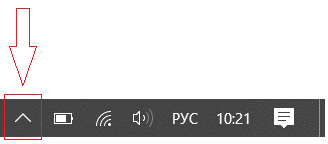
and in the newly opened panel, click on the Dr.Web icon .
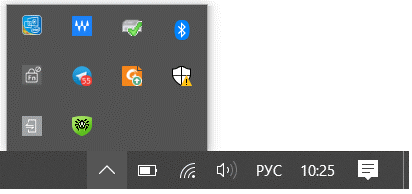
The appearance of the "up arrow" may vary depending on the OS version and its settings. For example, it may look like  or
or  .
.
Click on Security Center
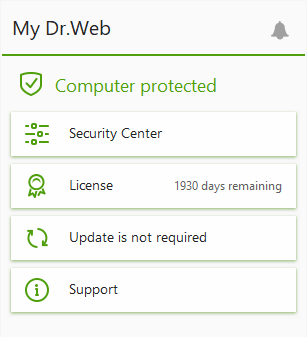
If the button is not displayed (your network administrator may have hidden it), contact your system administrator or use the Start button to launch the Security Center.
Click on My Dr.Web Portal and go to your personal account area.
Nothing found
